
How to Make Cool Graduation Tunnel Cards

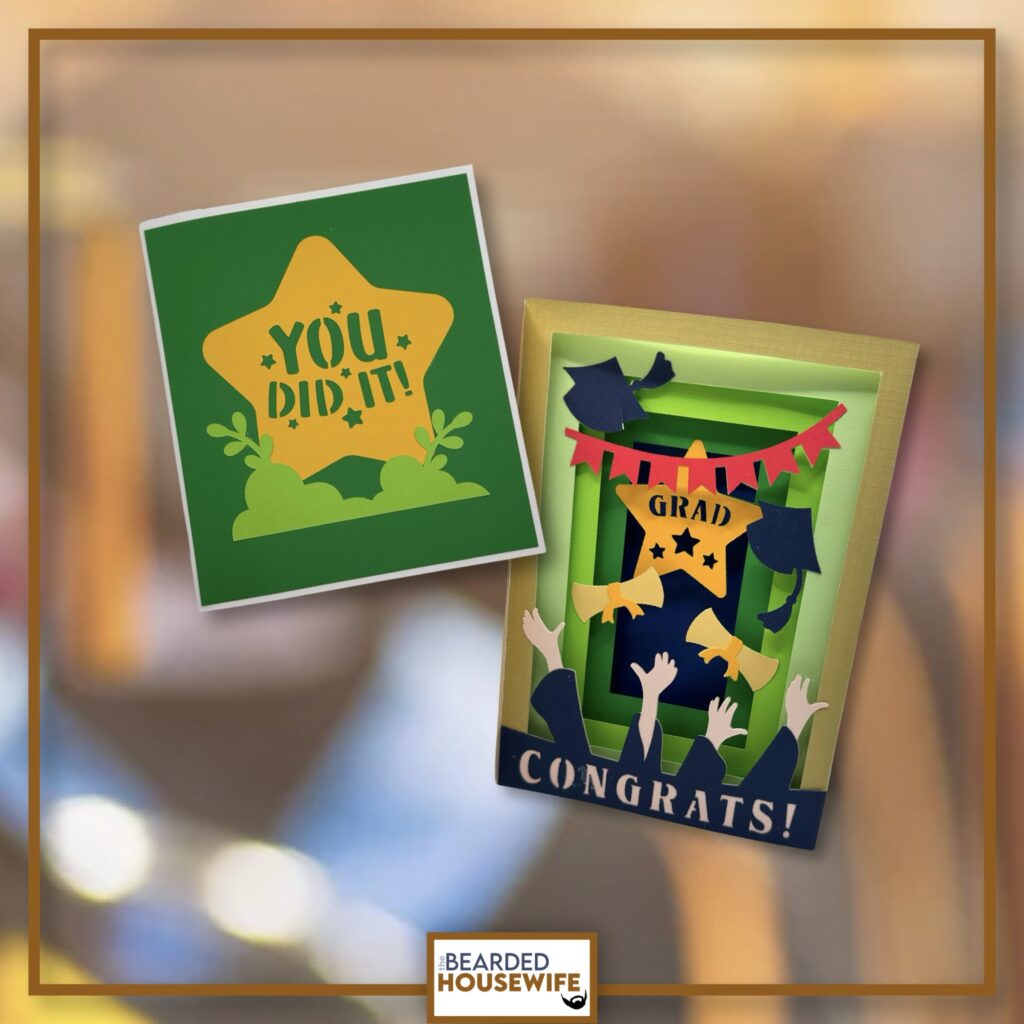
LEARN HOW TO MAKE FUN TUNNEL CARDS FOR GRADUATION ON YOUR CRICUT CUTTING MACHINE
This tunnel card has such a WOW factor. I think any Grad will love it!
In this tutorial, I’ll give you my step by step instructions and tell you what materials I think work best when making this project.
This file is part of Graduation Week 2026.
You can purchase the individual cut file in my shop here.
Want access to the entire Graduation themed event? Click here to learn more.
This post contains some affiliate links (which means if you make a purchase after clicking a link, I will earn a small commission at no additional cost to you). Read my full disclosure policy here.
CONGRATS GRAD TUNNEL CARD – MATERIALS LIST
Finished Card Size: roughly 6 x 7 inches
- I am using my Cricut Maker. You could also use your Cricut Explore Air 2, Cricut Explore 3, or Cricut Maker 3!!
- Cricut Scoring Wheel or Scoring Stylus
- Cricut StandardGrip Cutting Mat (green)
- Cardstock. I am using my standard white cardstock, brown, yellow, blue, pink and red, and green.
- Glue or adhesive
- Cricut Scraper
- Cricut Brayer

Congrats Grad Tunnel Card
This tutorial will show you how to make a fun tunnel card for graduation.
Materials
- My Congrats Grad Tunnel Card SVG Cut File
- Cardstock
- Glue
Tools
- A way to cut out your cardstock. I am using my FABULOUS Cricut Maker but you can a Cricut Explore series too!
- Cricut StandardGrip Cutting Mat (green)
- Cricut Scoring Wheel or Stylus
- Cricut Brayer
- Cricut Scraper
Instructions
STEP 1 - PURCHASE THE SVG CUT FILE
You can purchase the SVG Cut File for the Congrats Grad Tunnel Card in my shop here.
STEP 2 - UPLOAD THE SVG FILE TO CRICUT DESIGN SPACE
If you aren't familiar with uploading SVG files into Design Space, take a look at my quick and easy tutorial here. Using your smartphone? Click here for my step-by-step guide on uploading SVG files with the Cricut App.
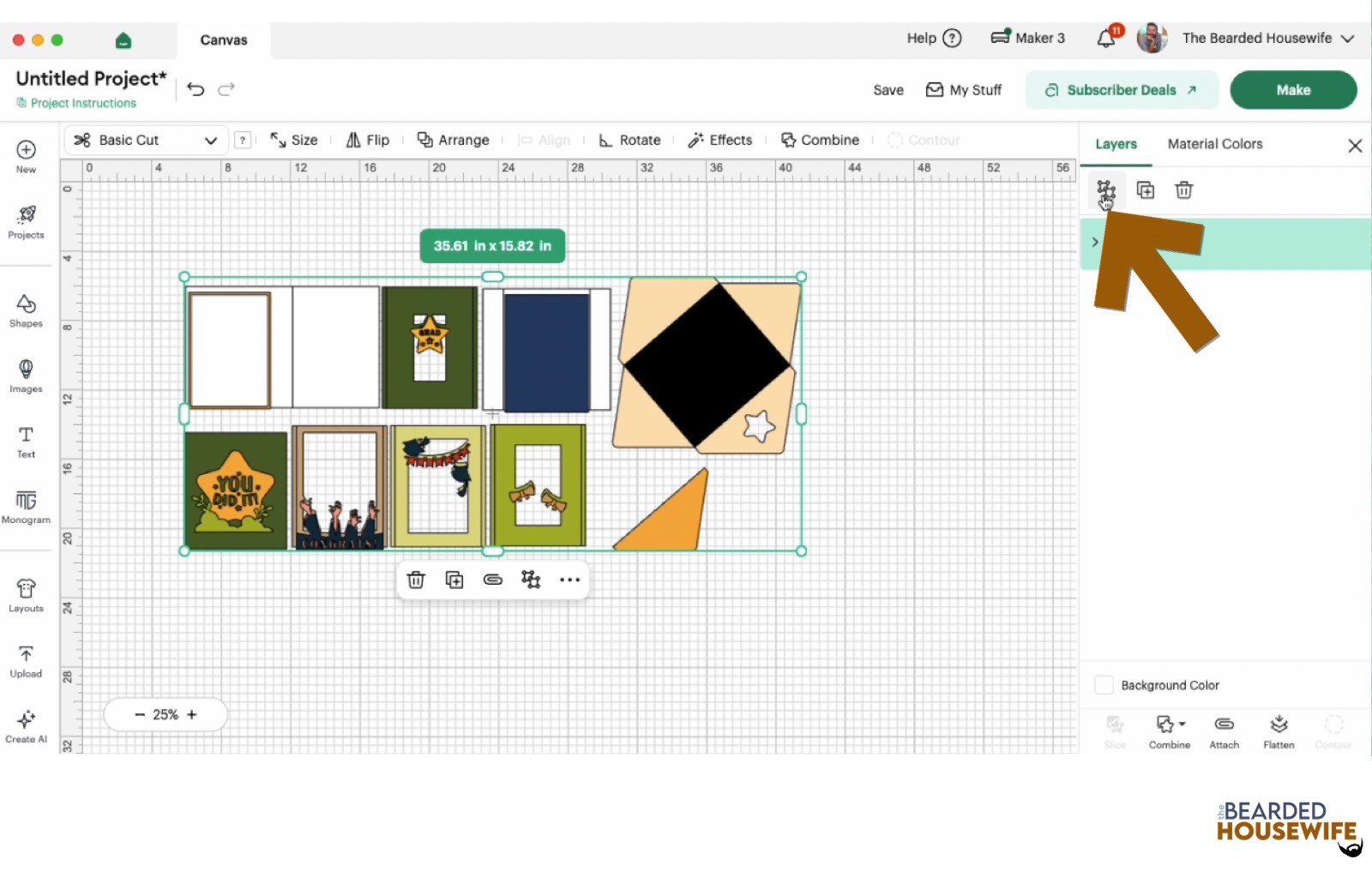
STEP 3 - UNGROUP THE DESIGN
The file will upload into Cricut Design Space grouped together.
You will want to hit the UNGROUP button to separate the layers.
STEP 4 - CONVERT FOLD LINES TO SCORE LINES
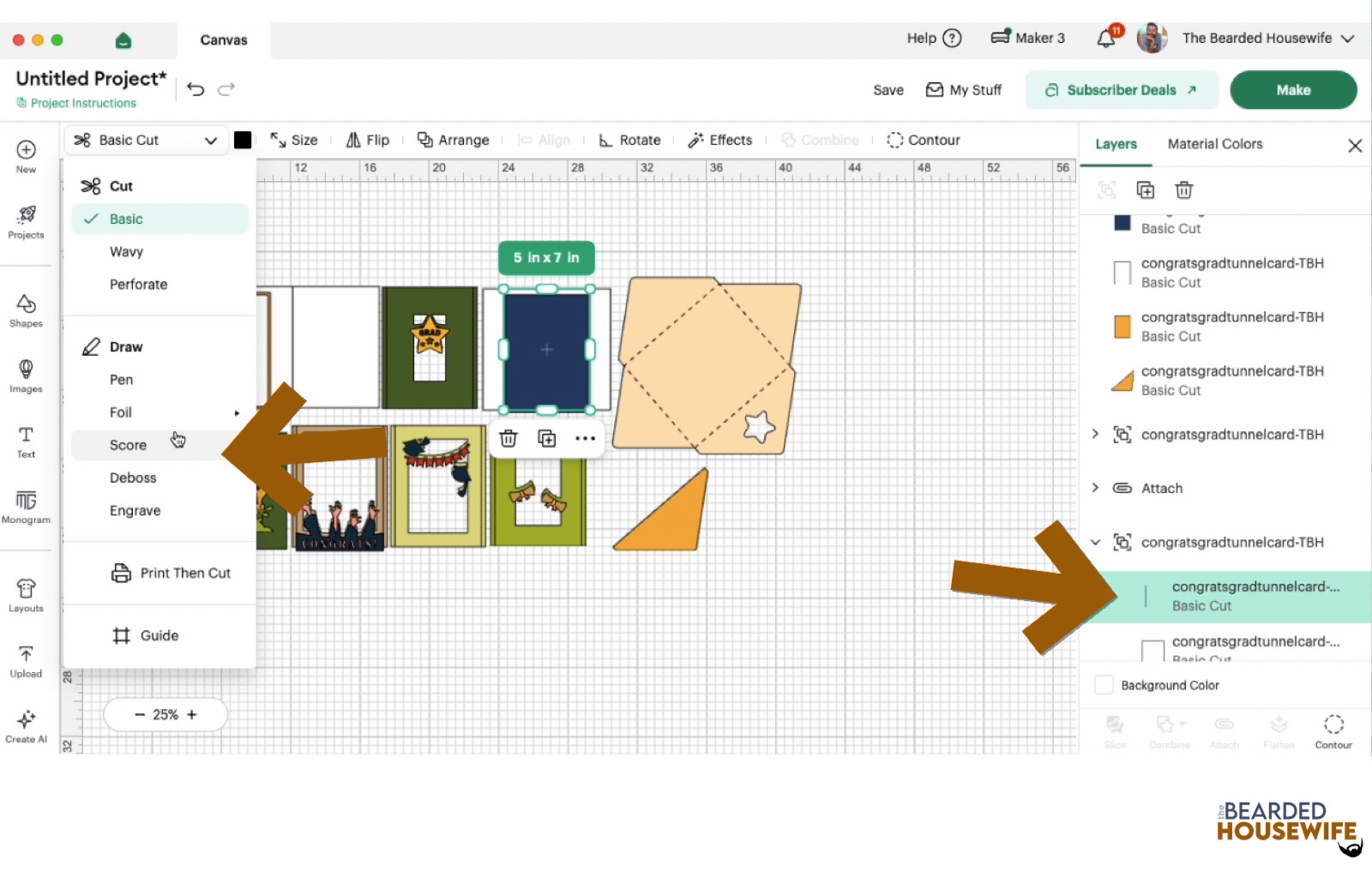
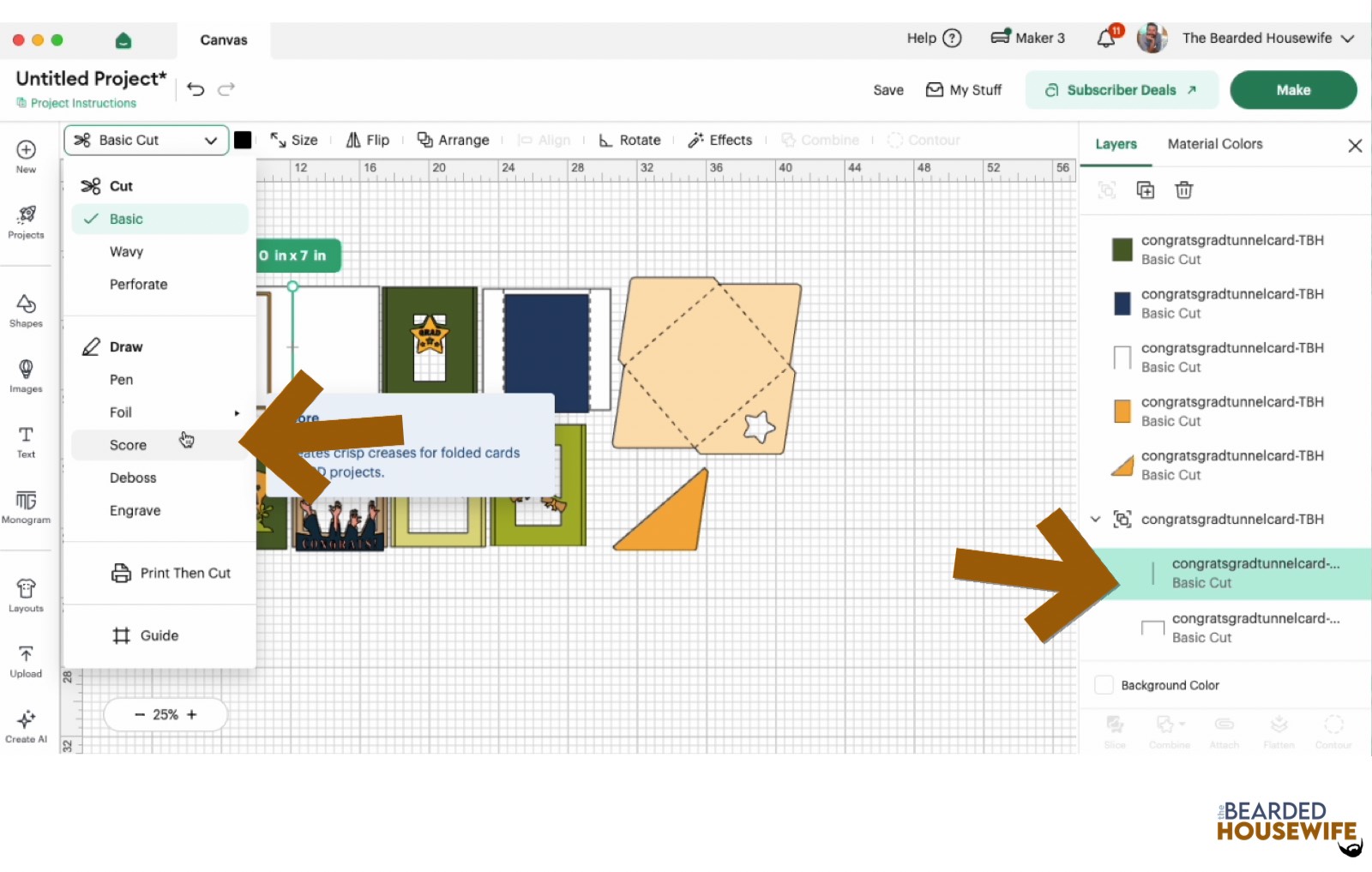
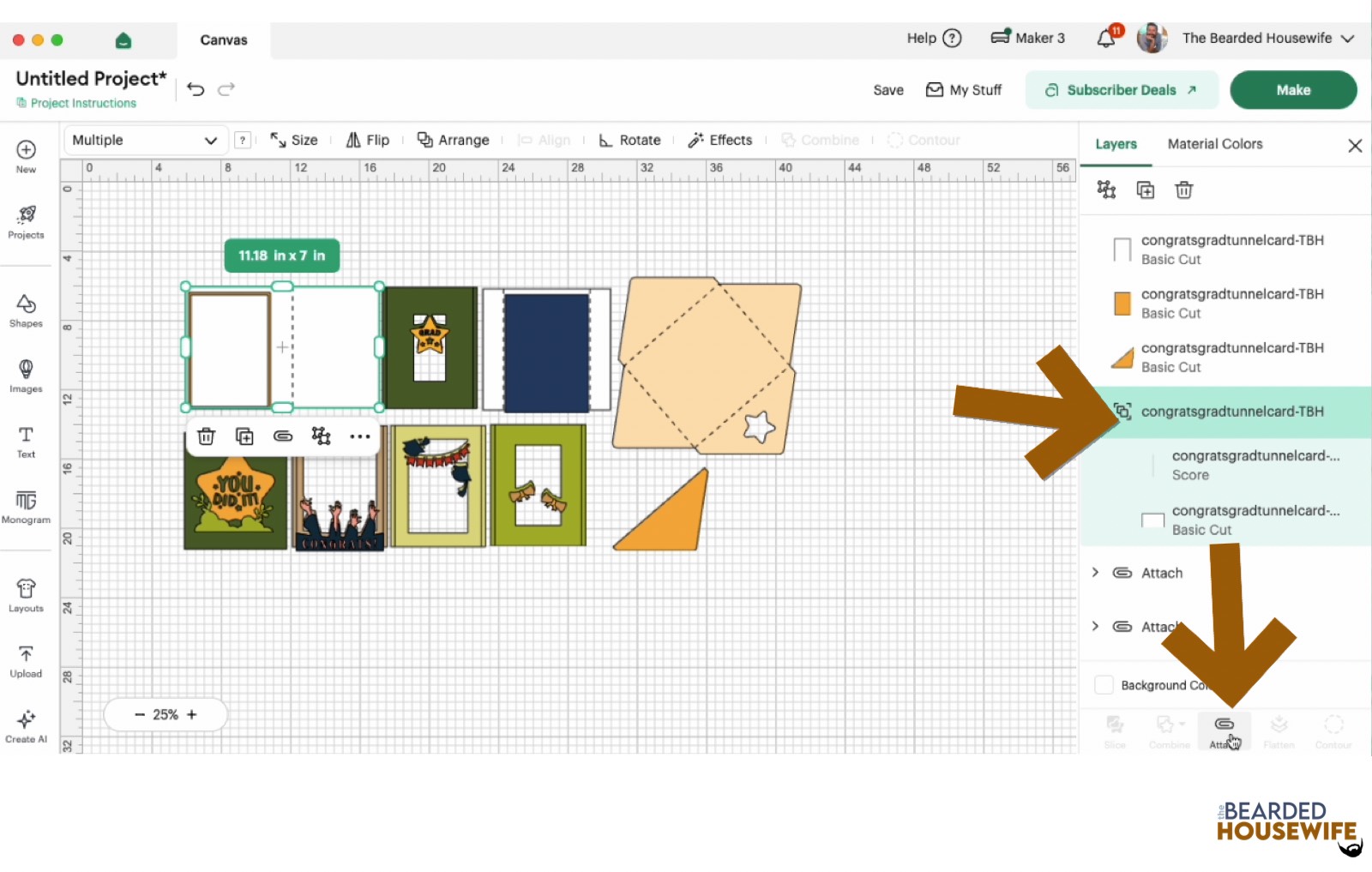
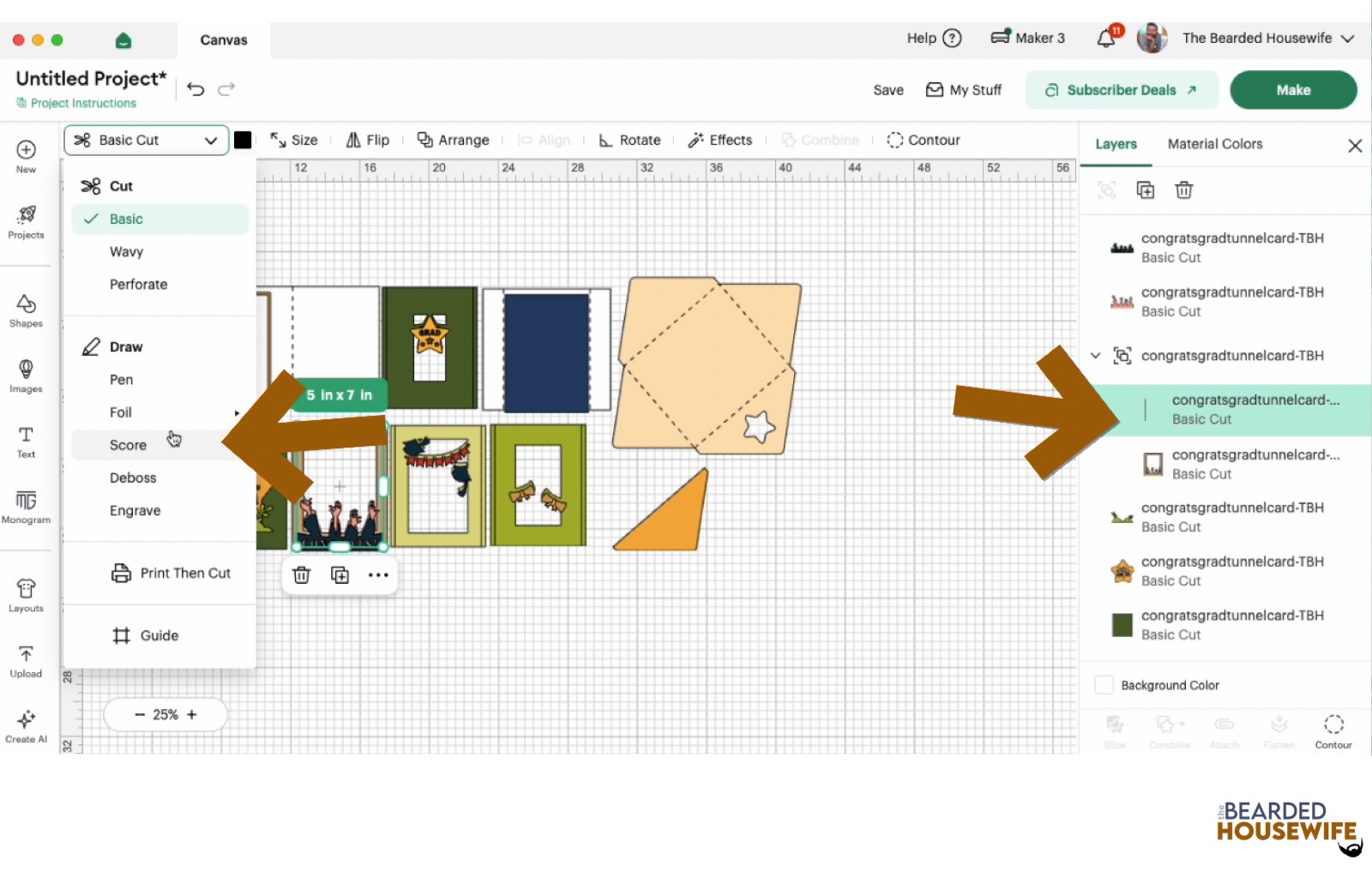
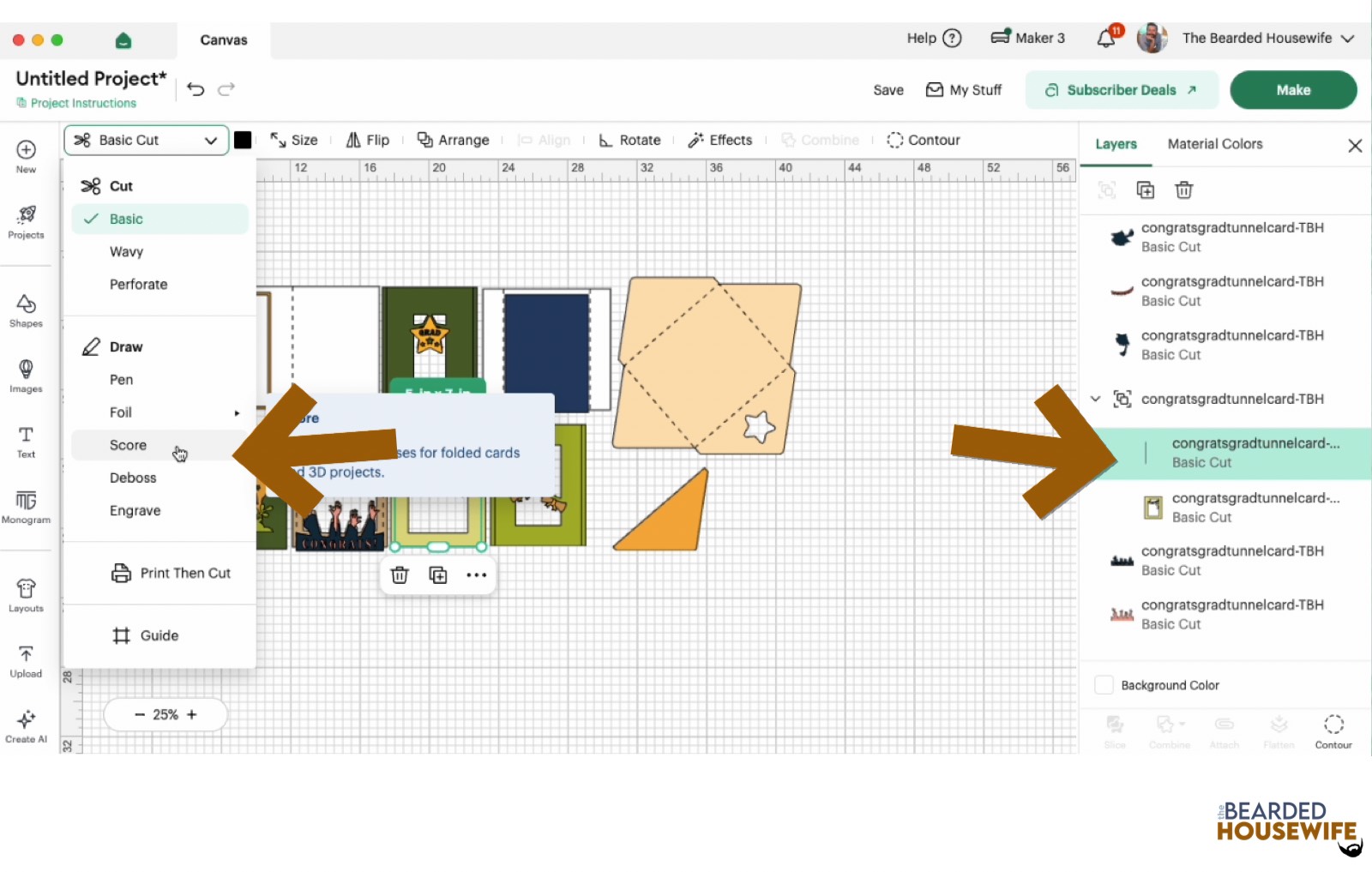
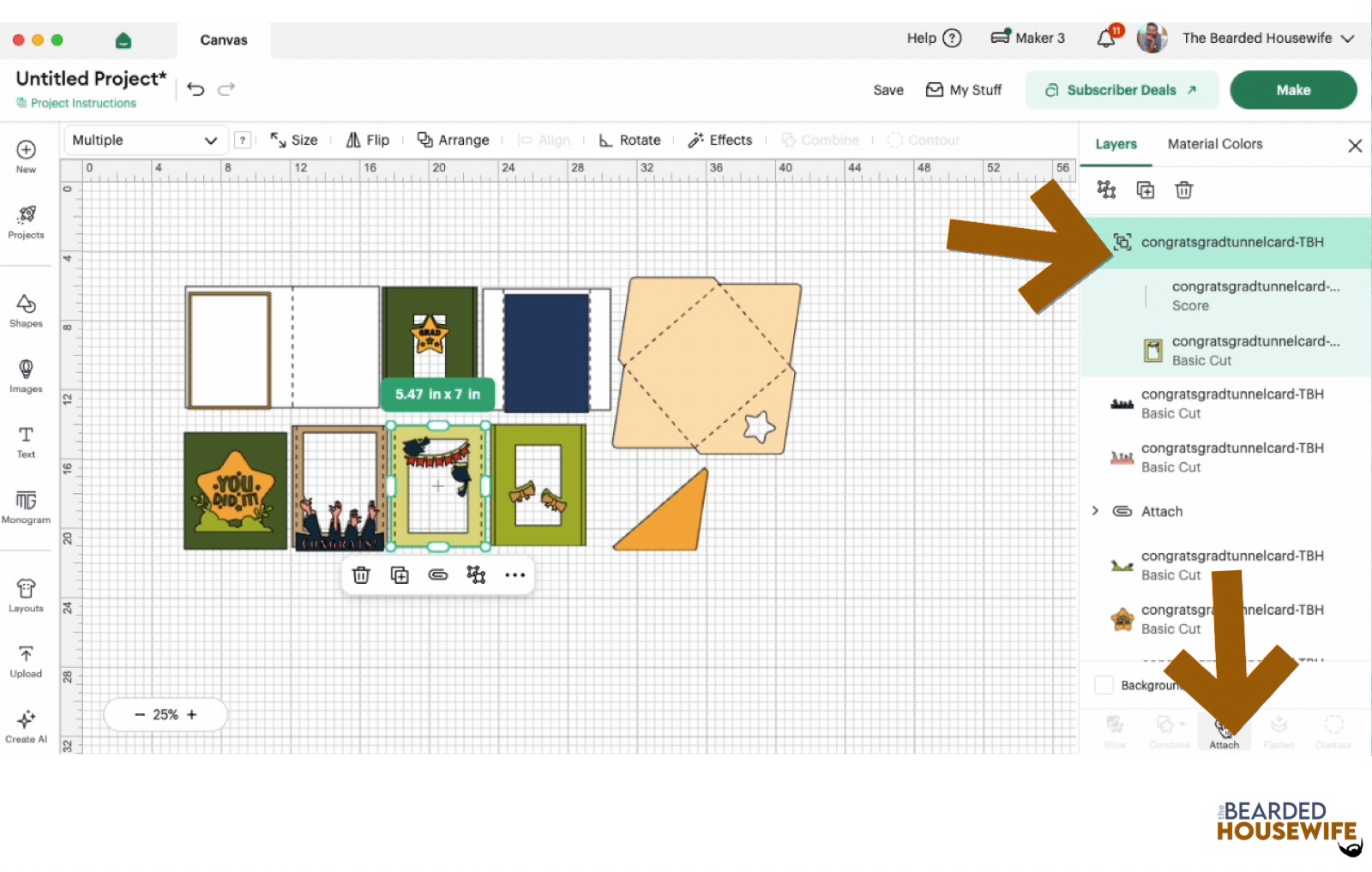
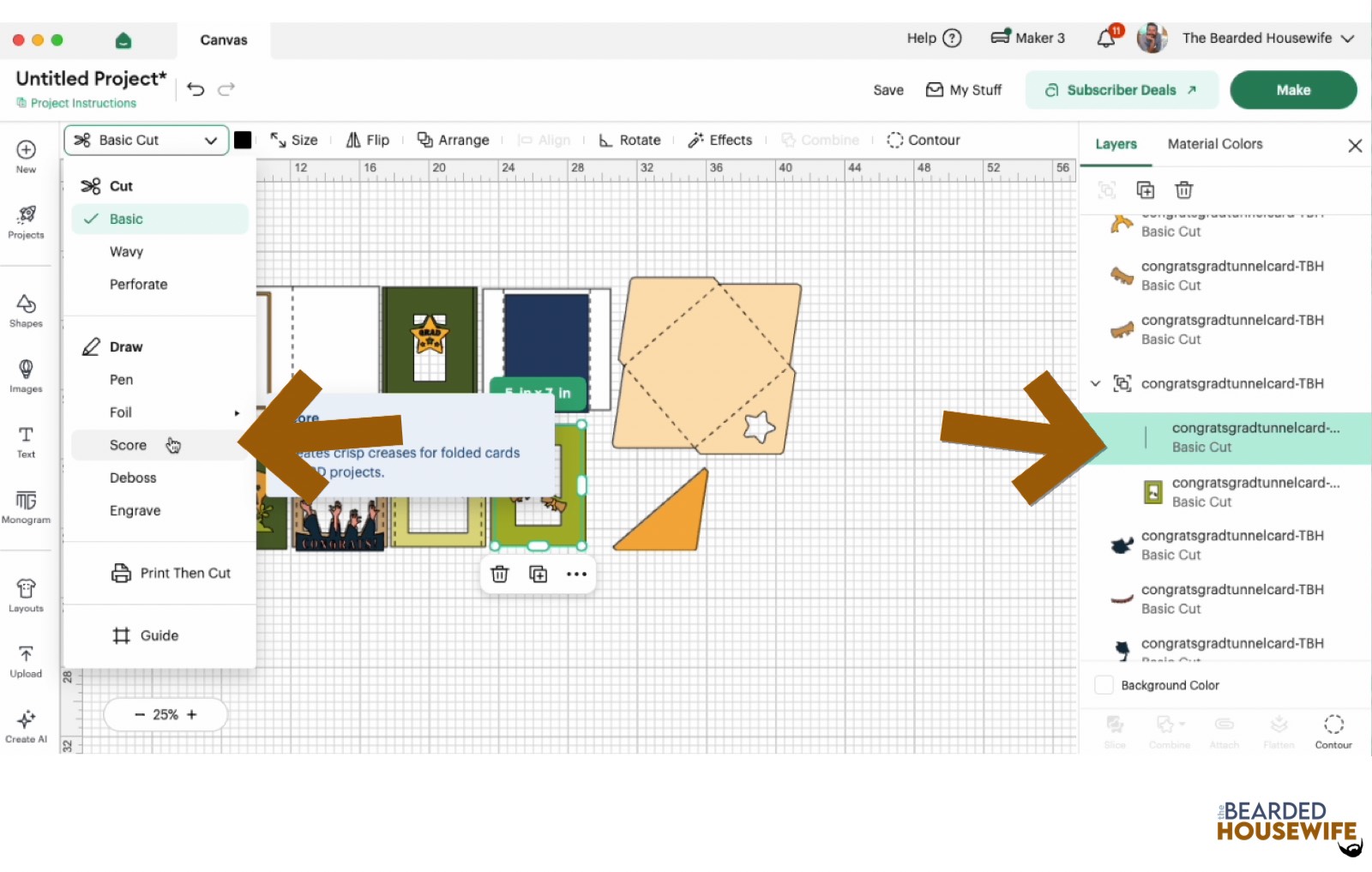
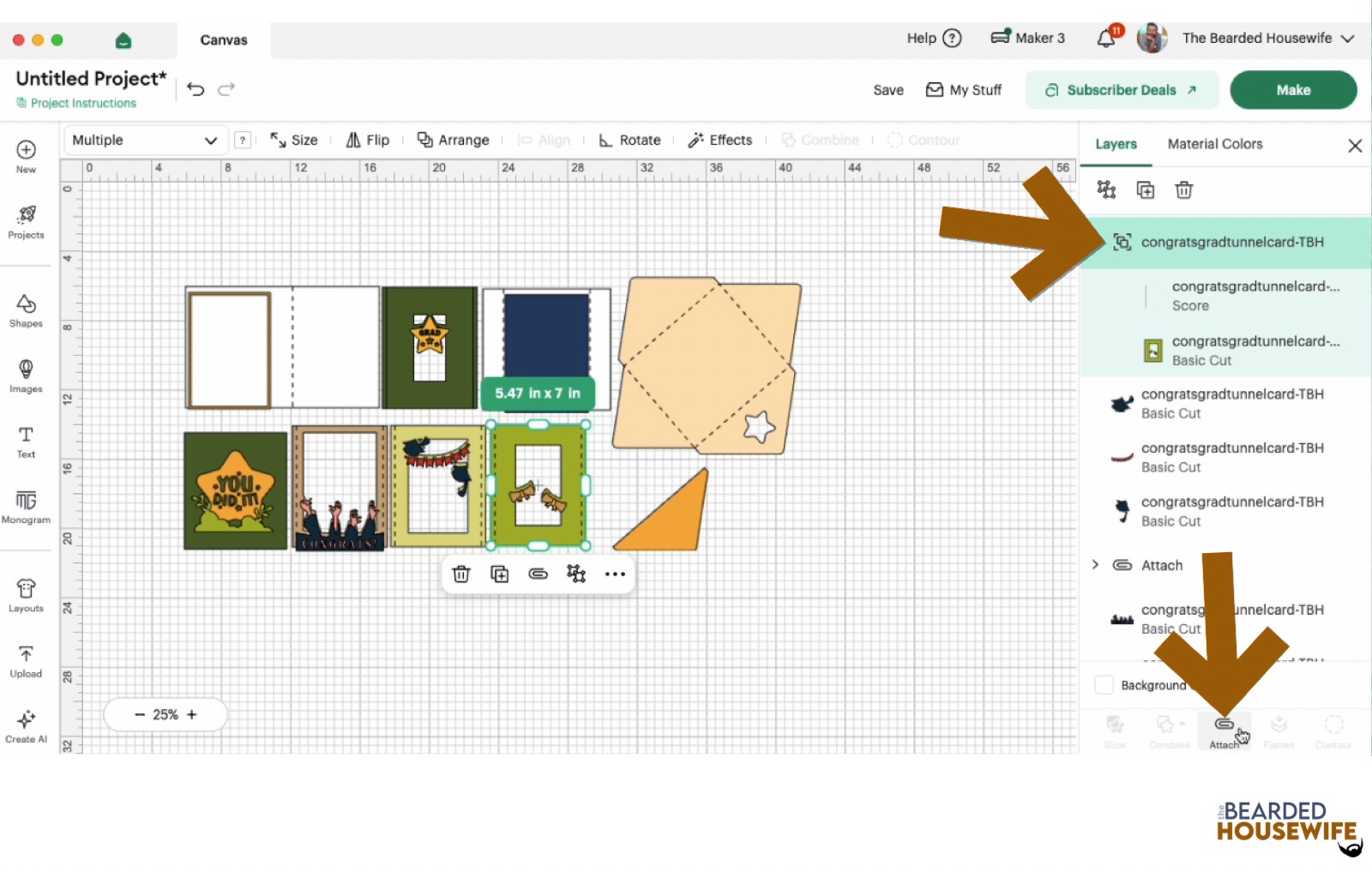
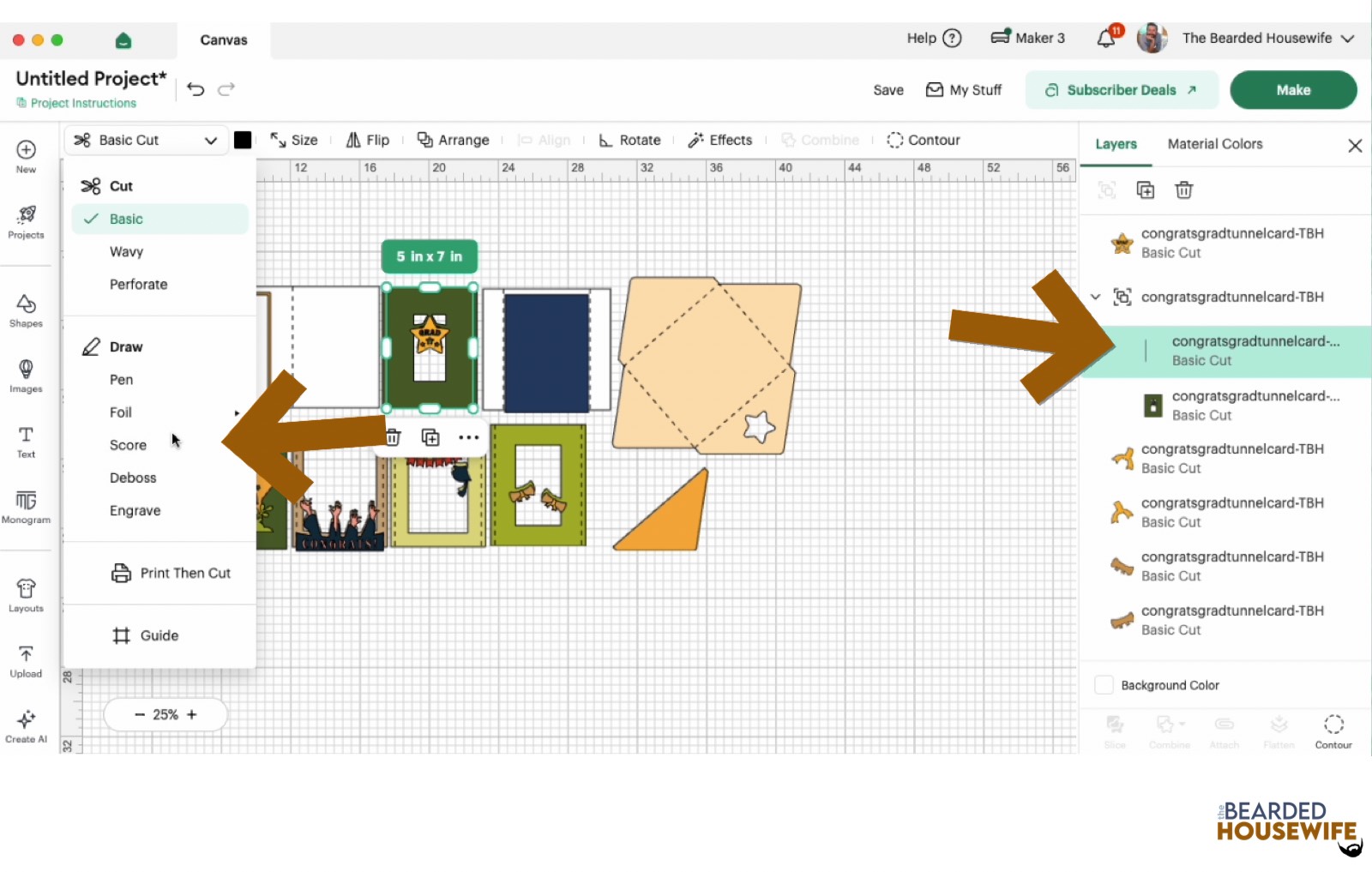
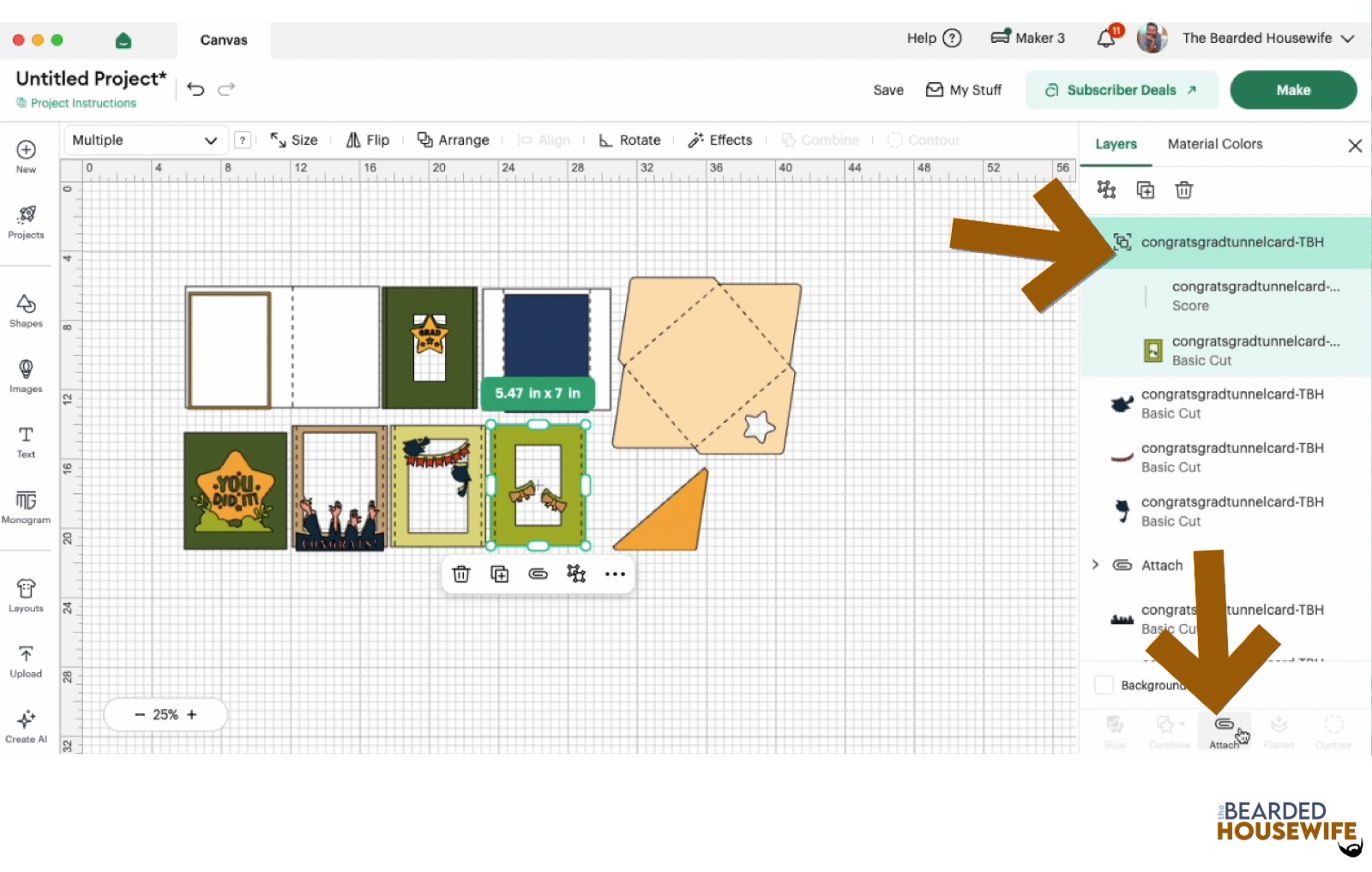
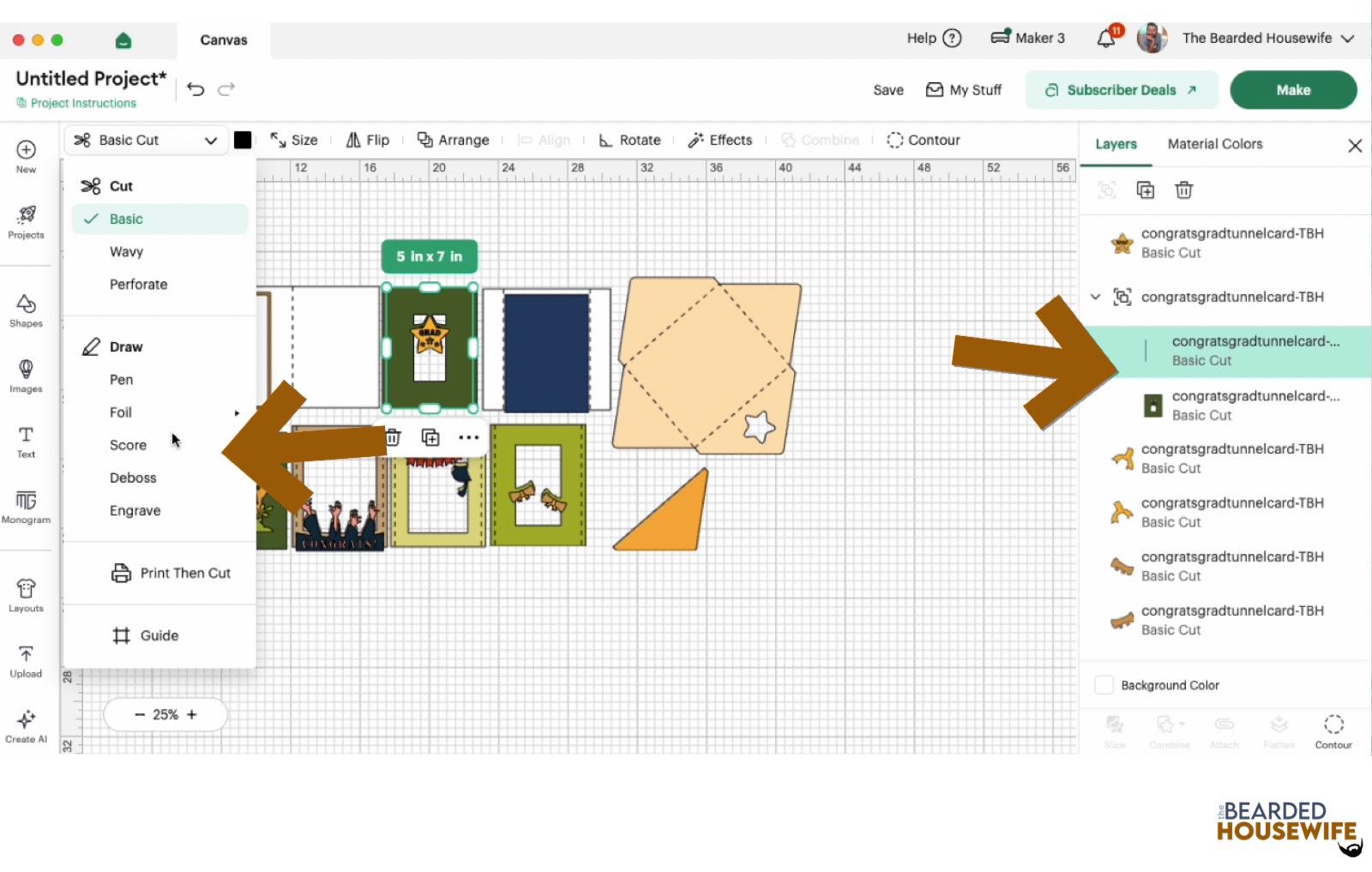
Scroll down the list in the LAYERS panel and find the envelope. Click the fold line and change the fold lines to score lines by changing the OPERATION from BASIC CUT to SCORE.
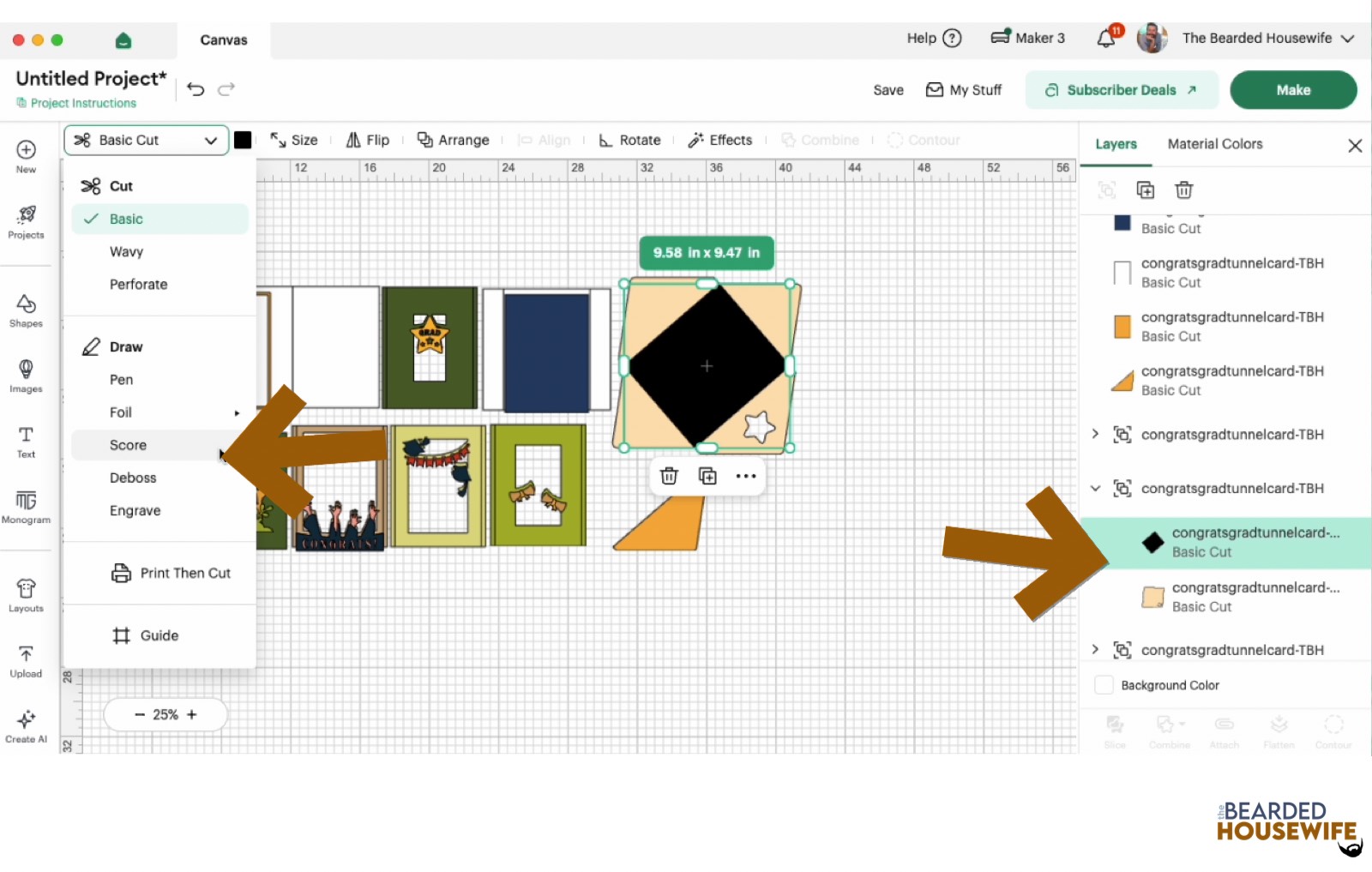
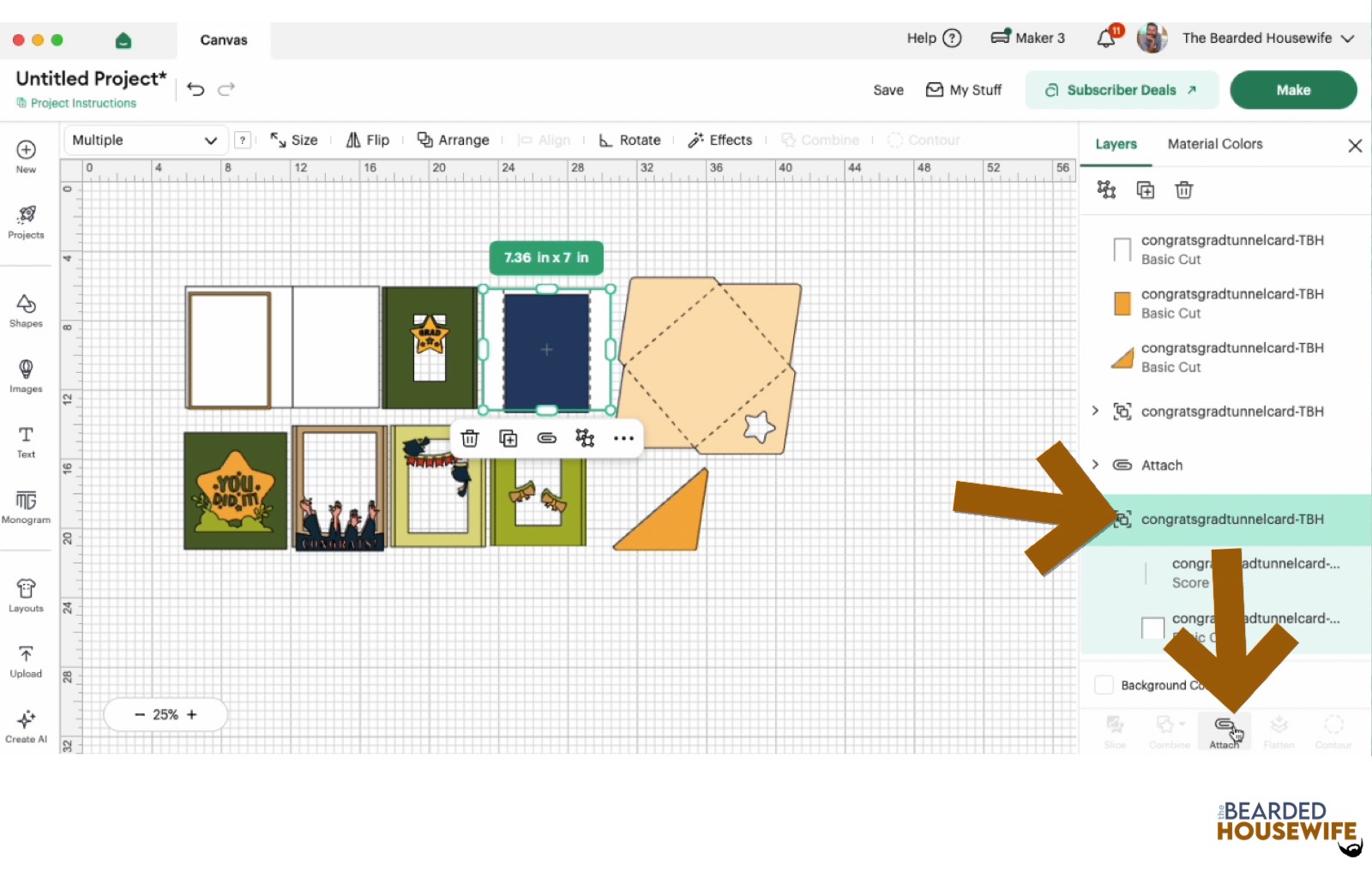
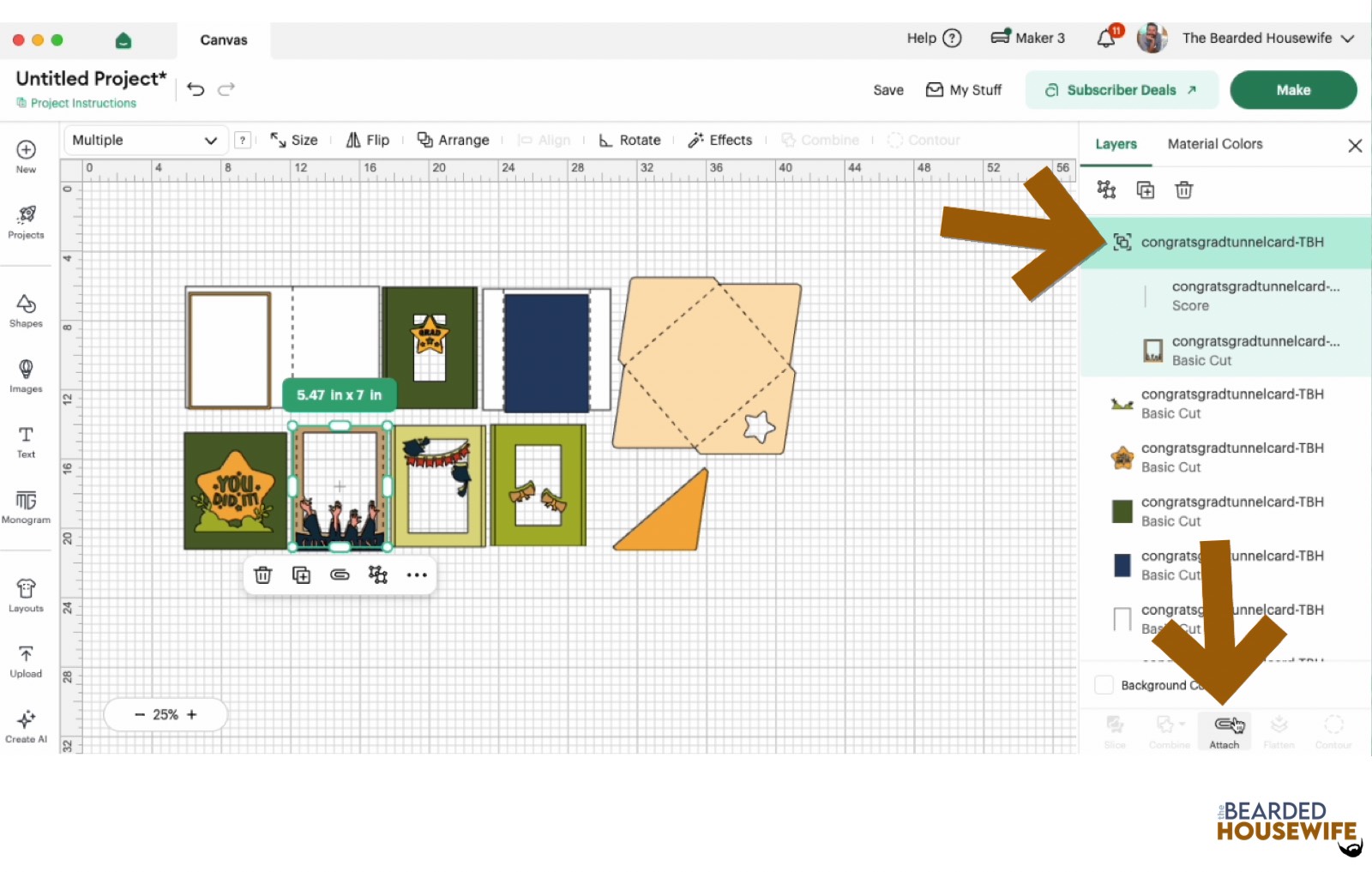
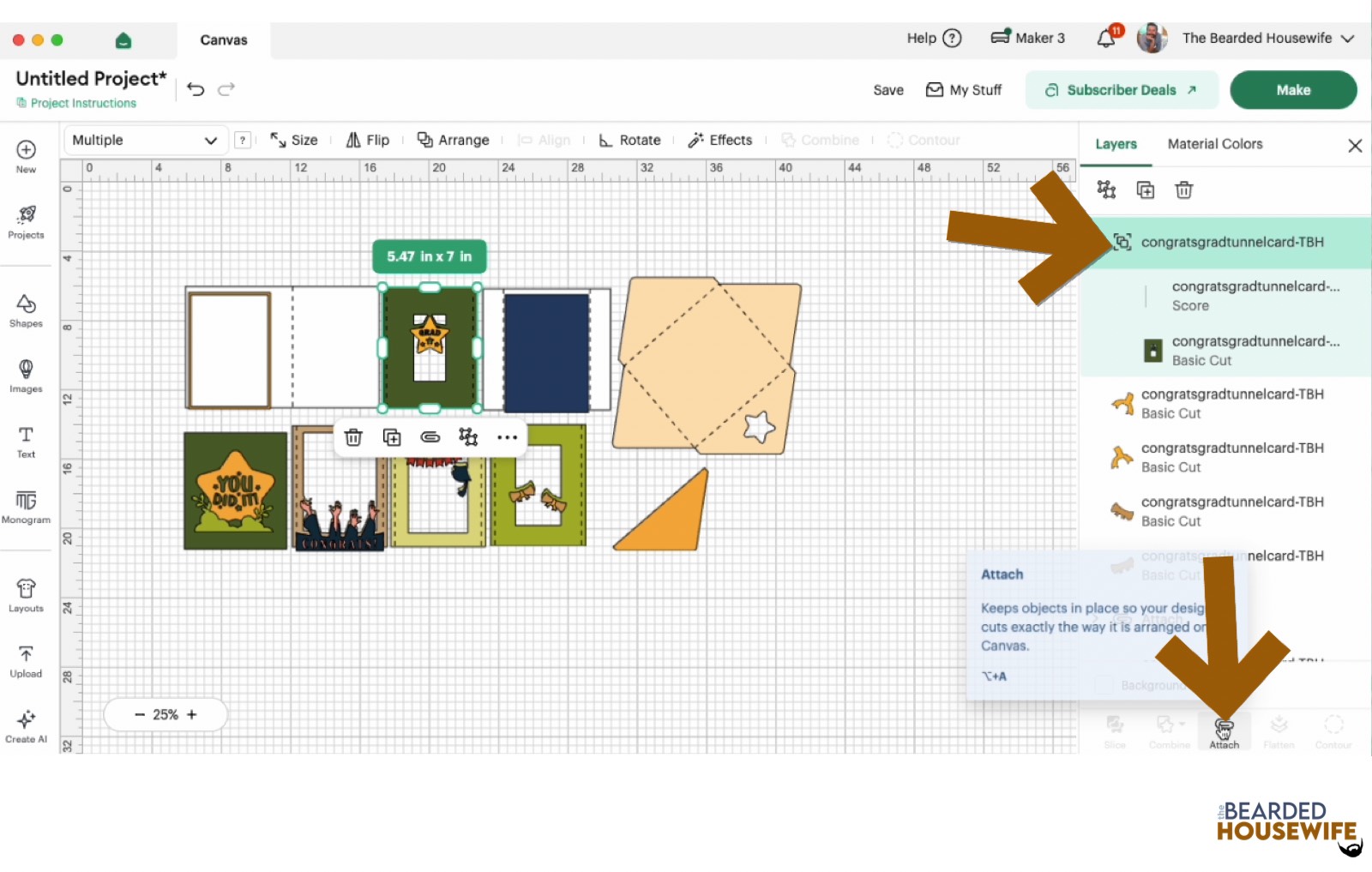
Attach the score line and the envelope by highlighting the GROUP and selecting the ATTACH option in lower right hand corner.
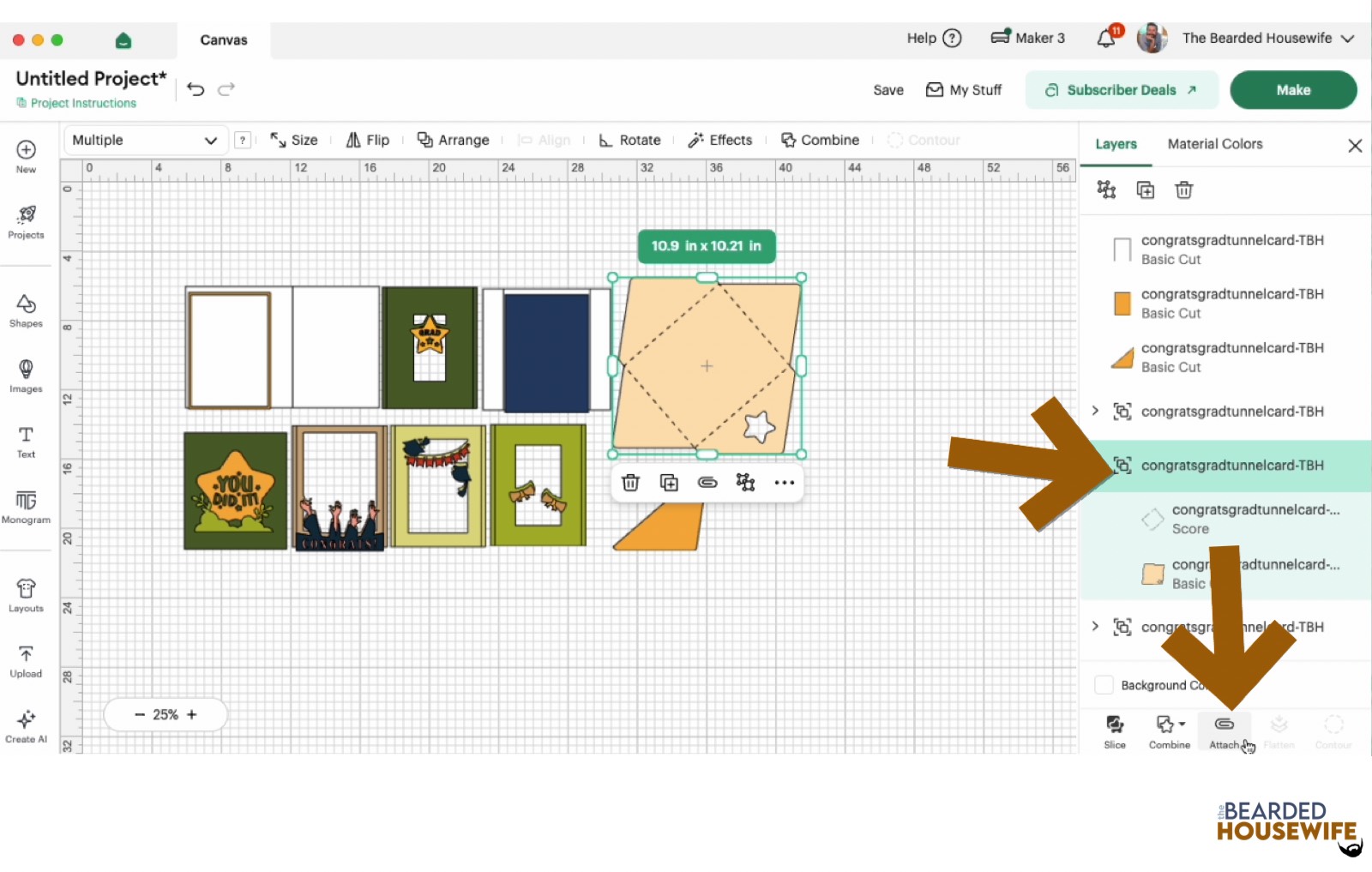
Repeat this step for the card base, tab piece and inside tab pieces.
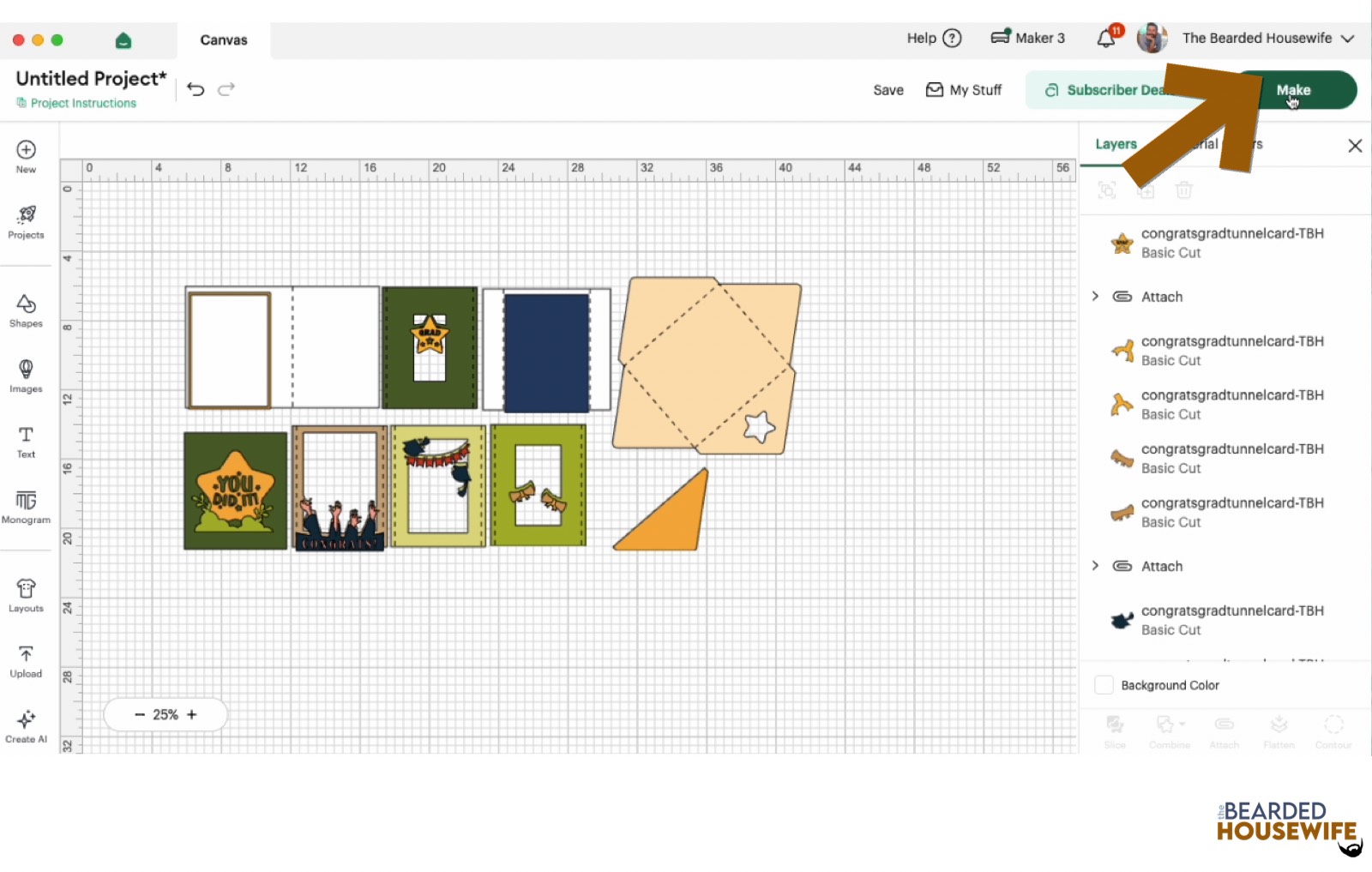
Click the GREEN Make Button.
STEP 5 - MAKE YOUR MATERIAL SELECTIONS AND PREPARE YOUR MATS
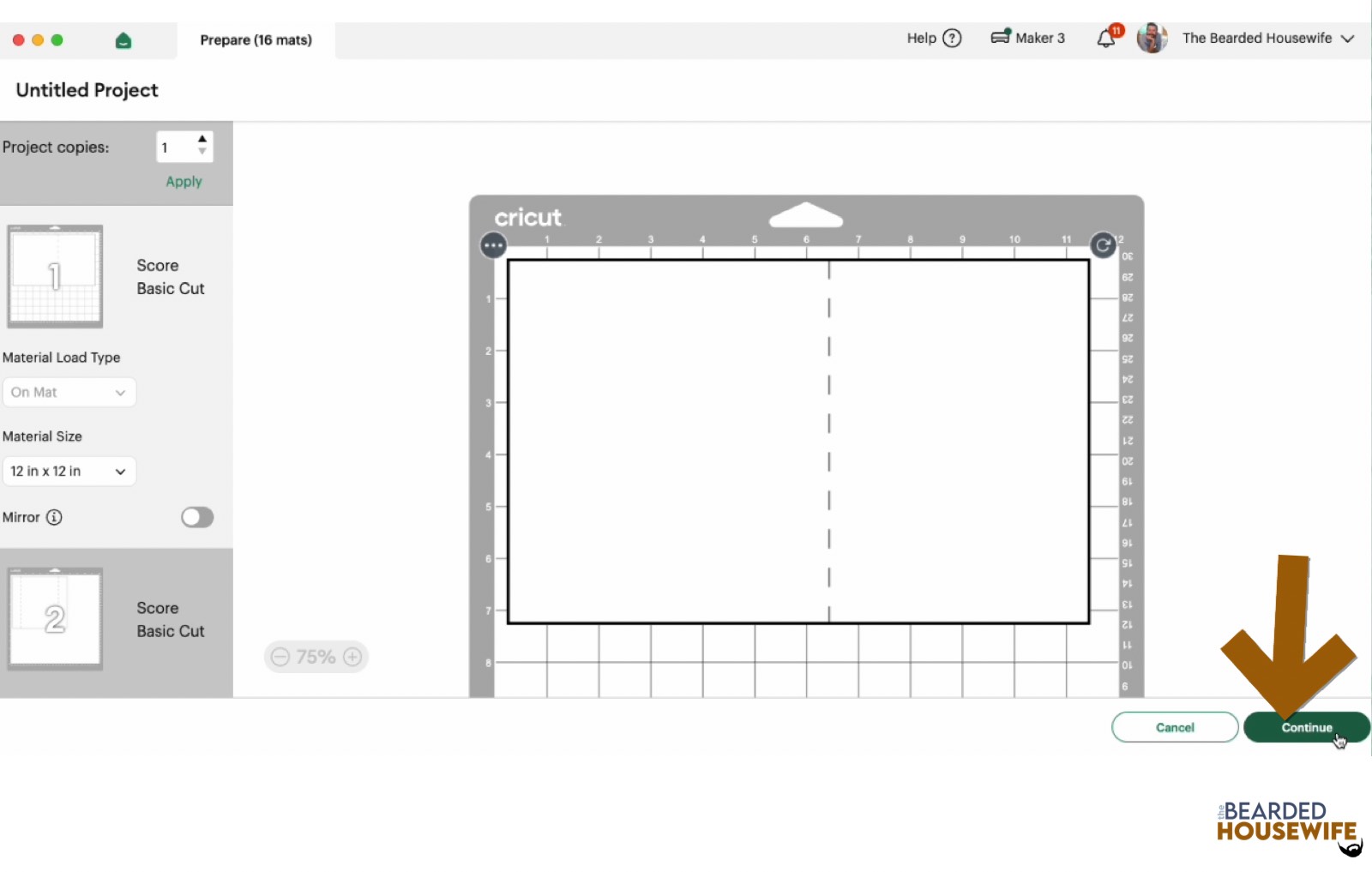
Click ON THE MAT and then CONTINUE.
Click the CONTINUE button.
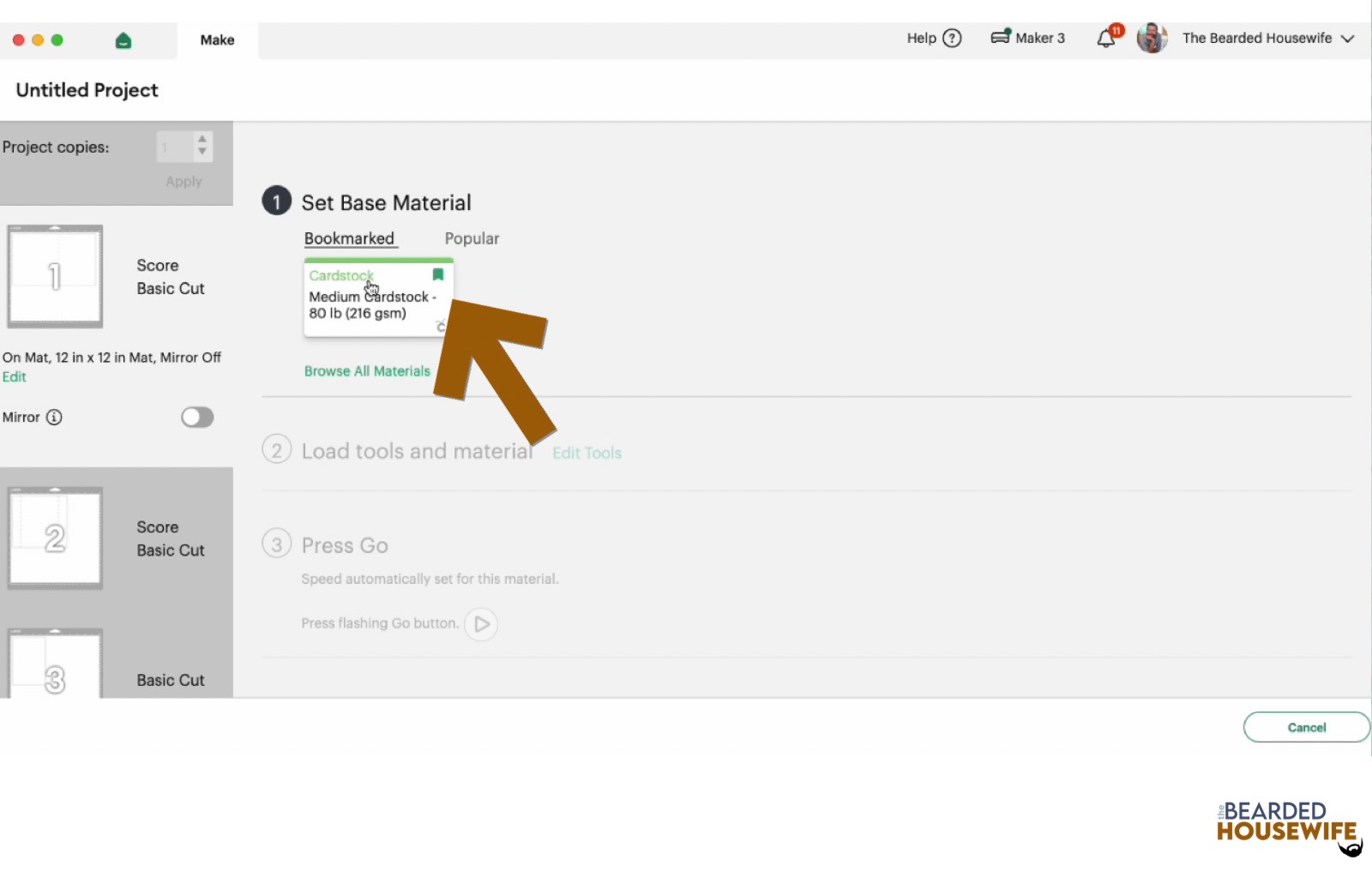
For this tutorial, I am using Medium Cardstock. Select your materials accordingly.
Attach your cardstock to the Cricut StandardGrip Mat using the Cricut Brayer.
STEP 6 - LOADING YOUR MATS AND CUTTING YOUR MATERIALS
To load the mat into the machine, press the double arrows button. Do make sure that the mat is positioned under the mat guides.
You will know the machine is ready to cut your material when you see the flashing "C" button. Press that to start the cut.
Follow Design Space prompts to change out the scoring wheel and fine point cutting blade.
Once the cut is complete, make sure to peel the mat away from the cardstock rather than the cardstock from the mat. This will prevent any curling of your design.
Repeat Step 6 for until all layers have been cut.
STEP 7 - ASSEMBLE YOUR CARD
Now that everything is cut, we can start to assemble the card.
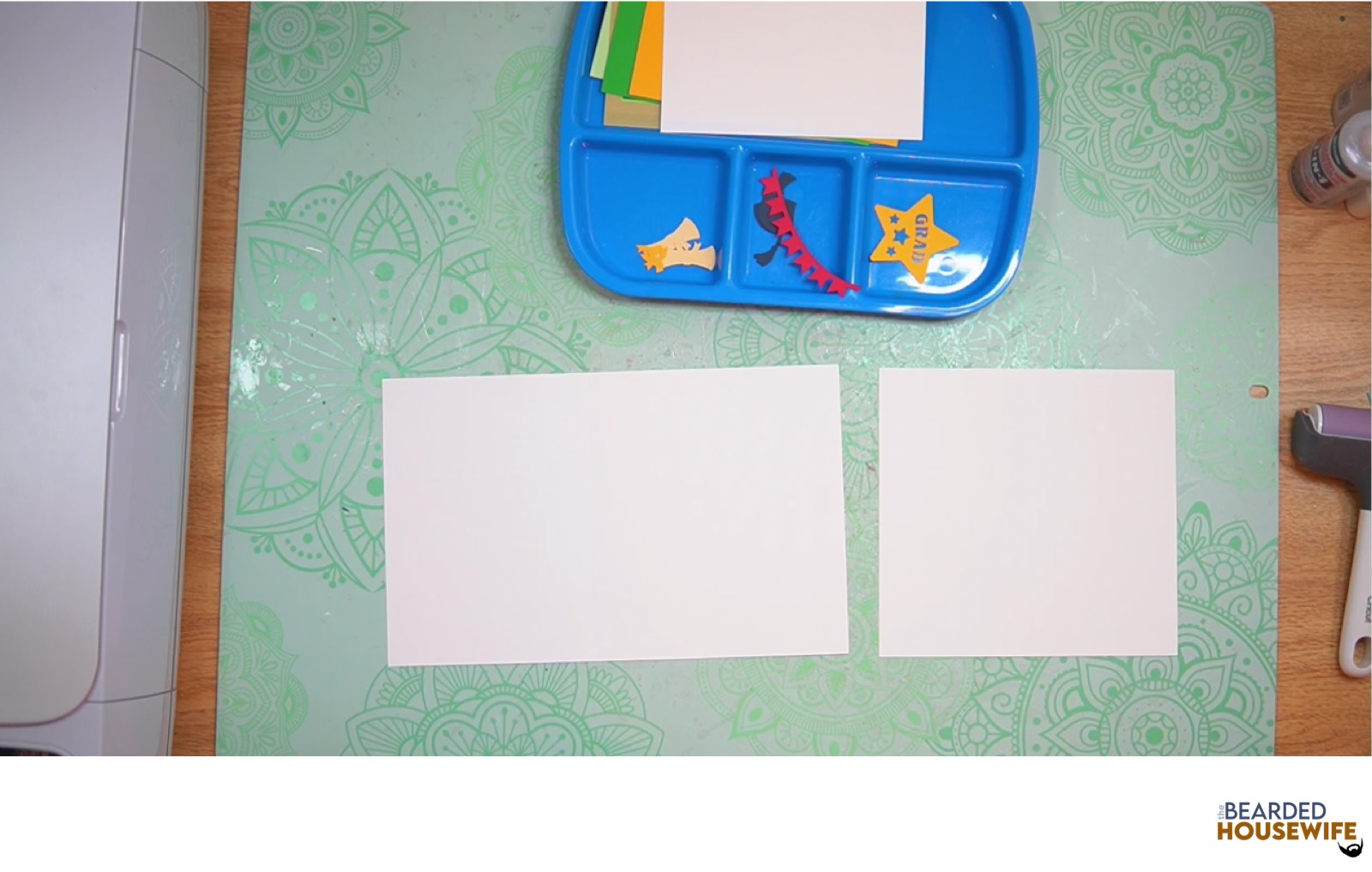
First, fold and burnish the folds on the card base.
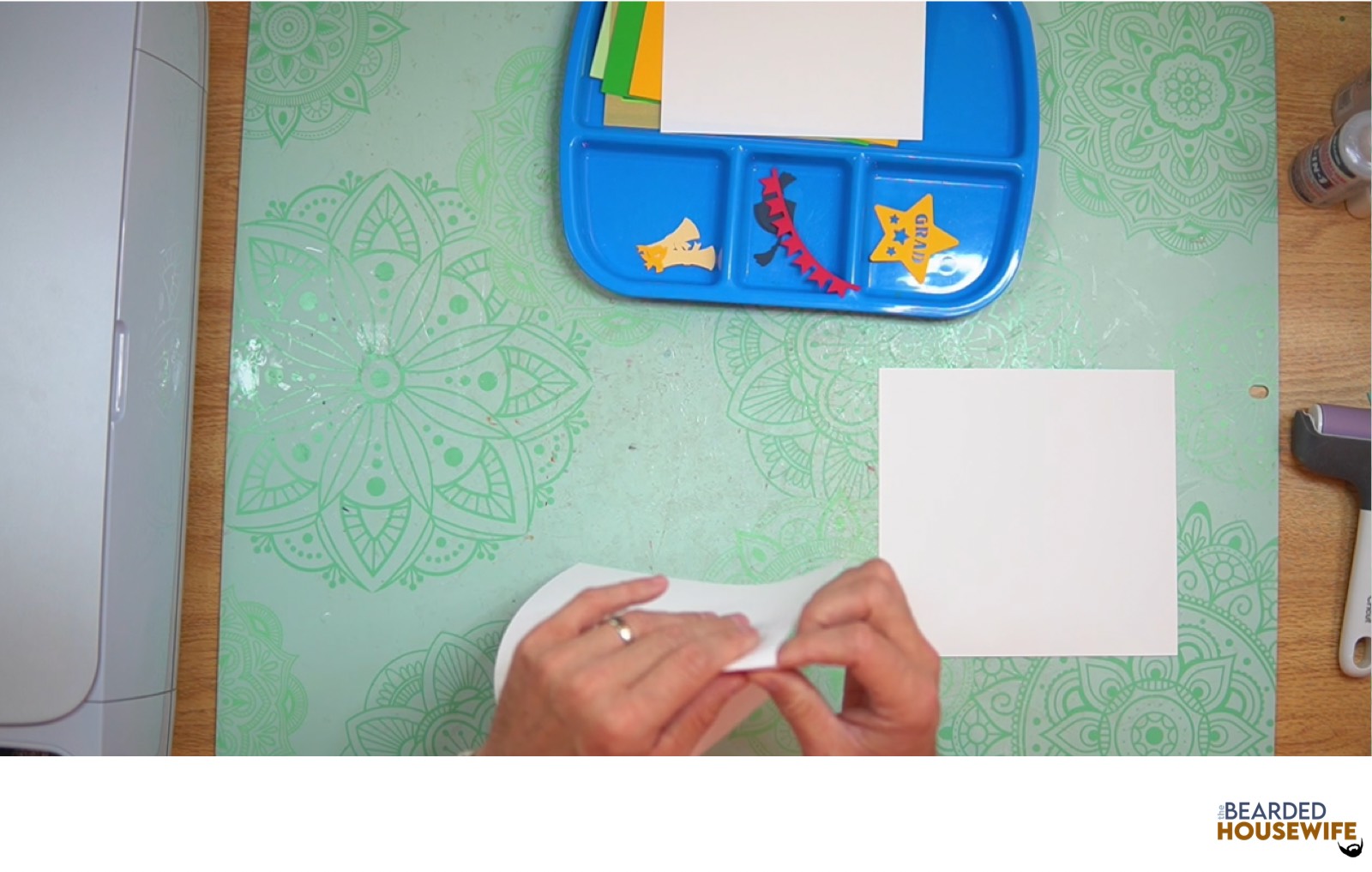
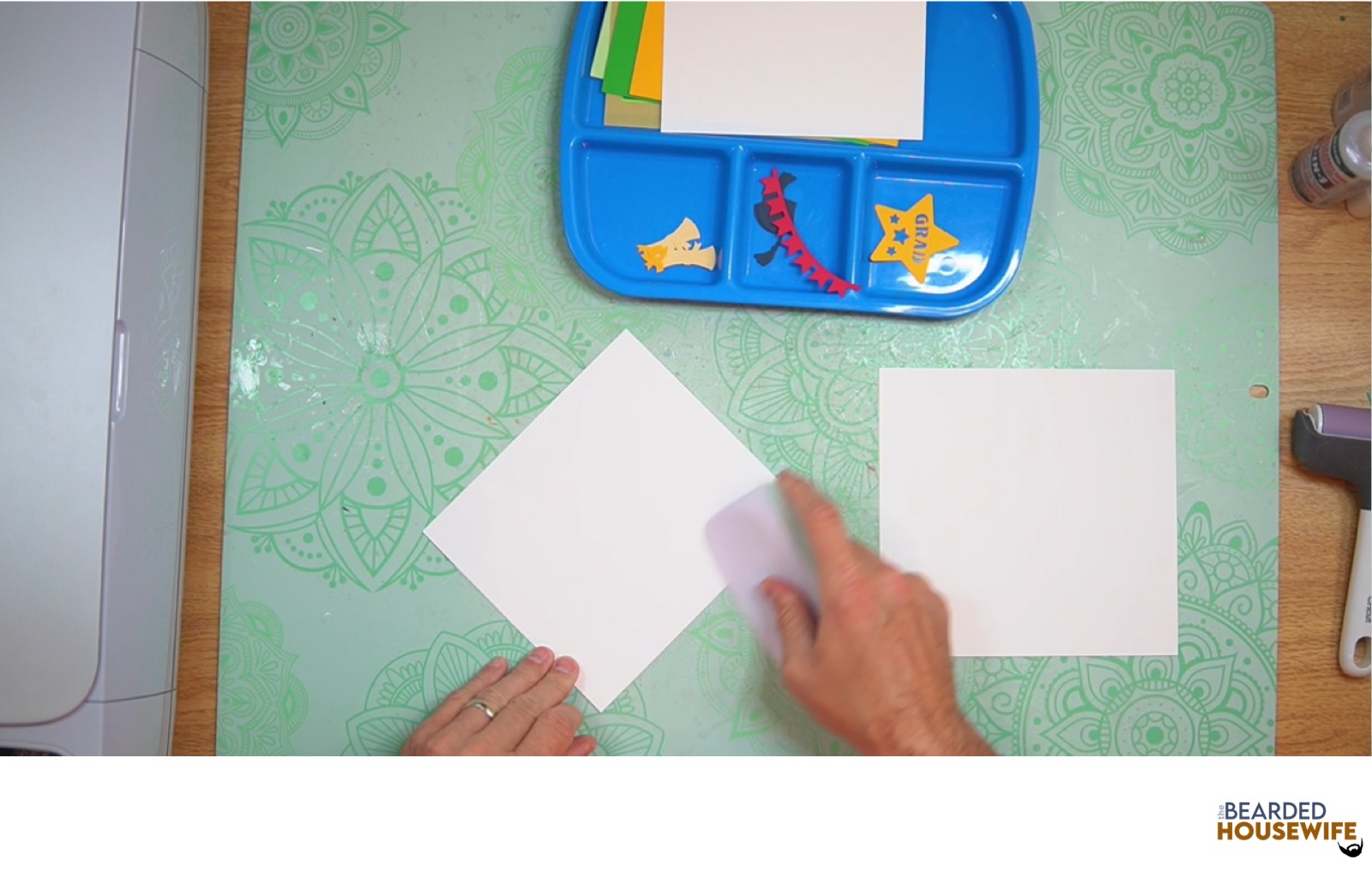
Next, fold and burnish the folds on the tab piece.
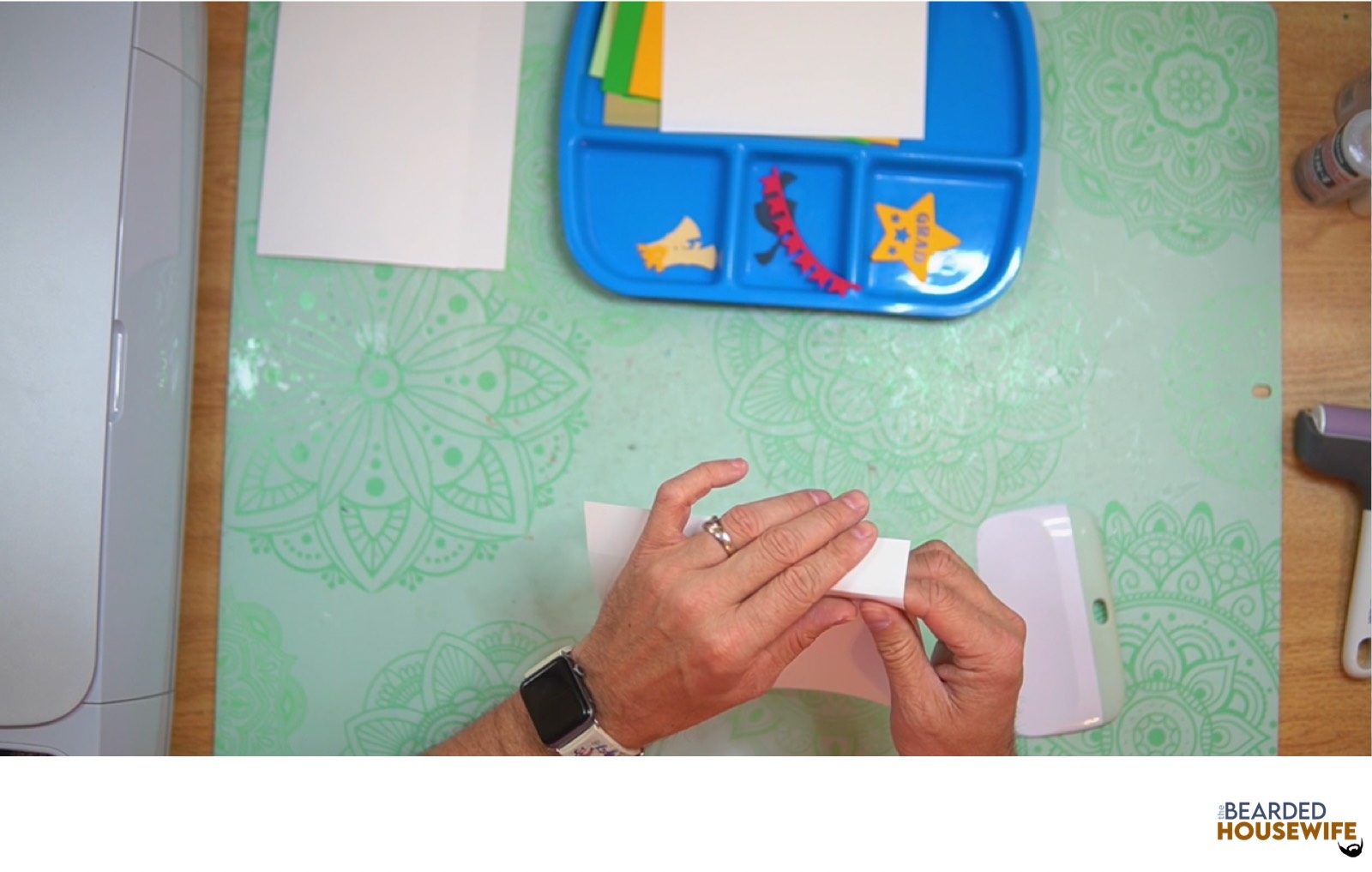
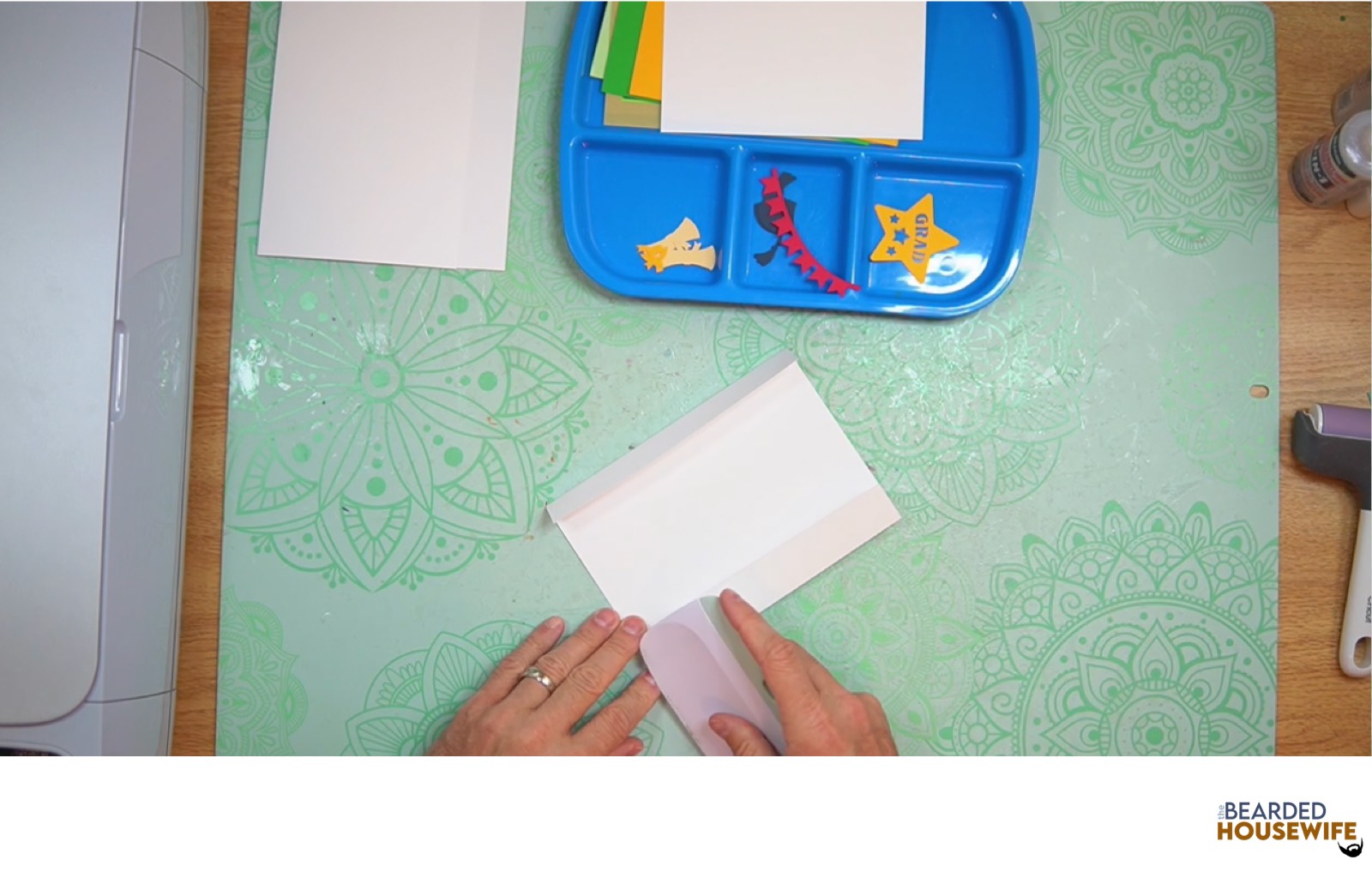
Now, mat and layer the messaging panel.
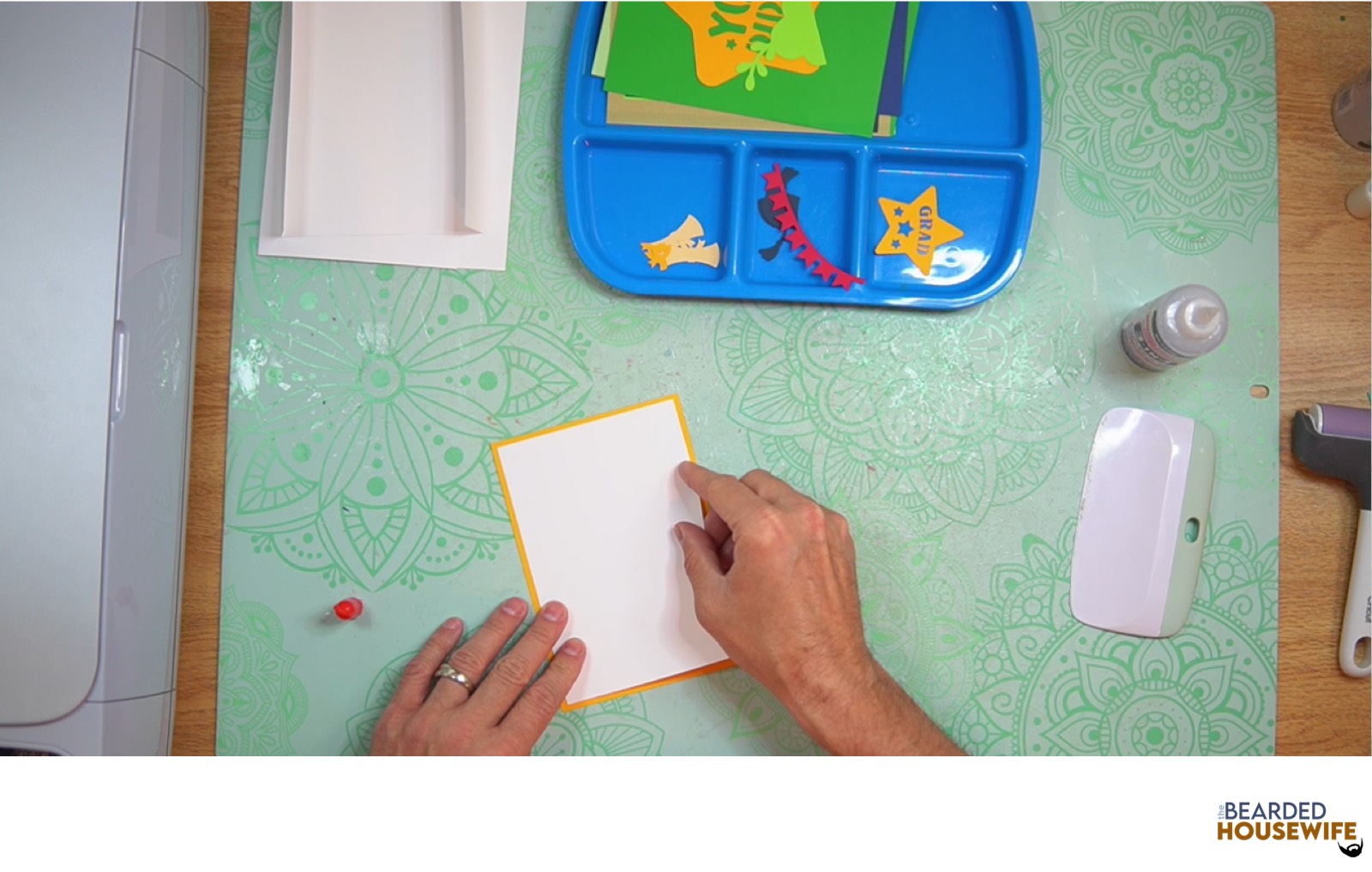
Attach the messaging panel to the inside left side of the card base.
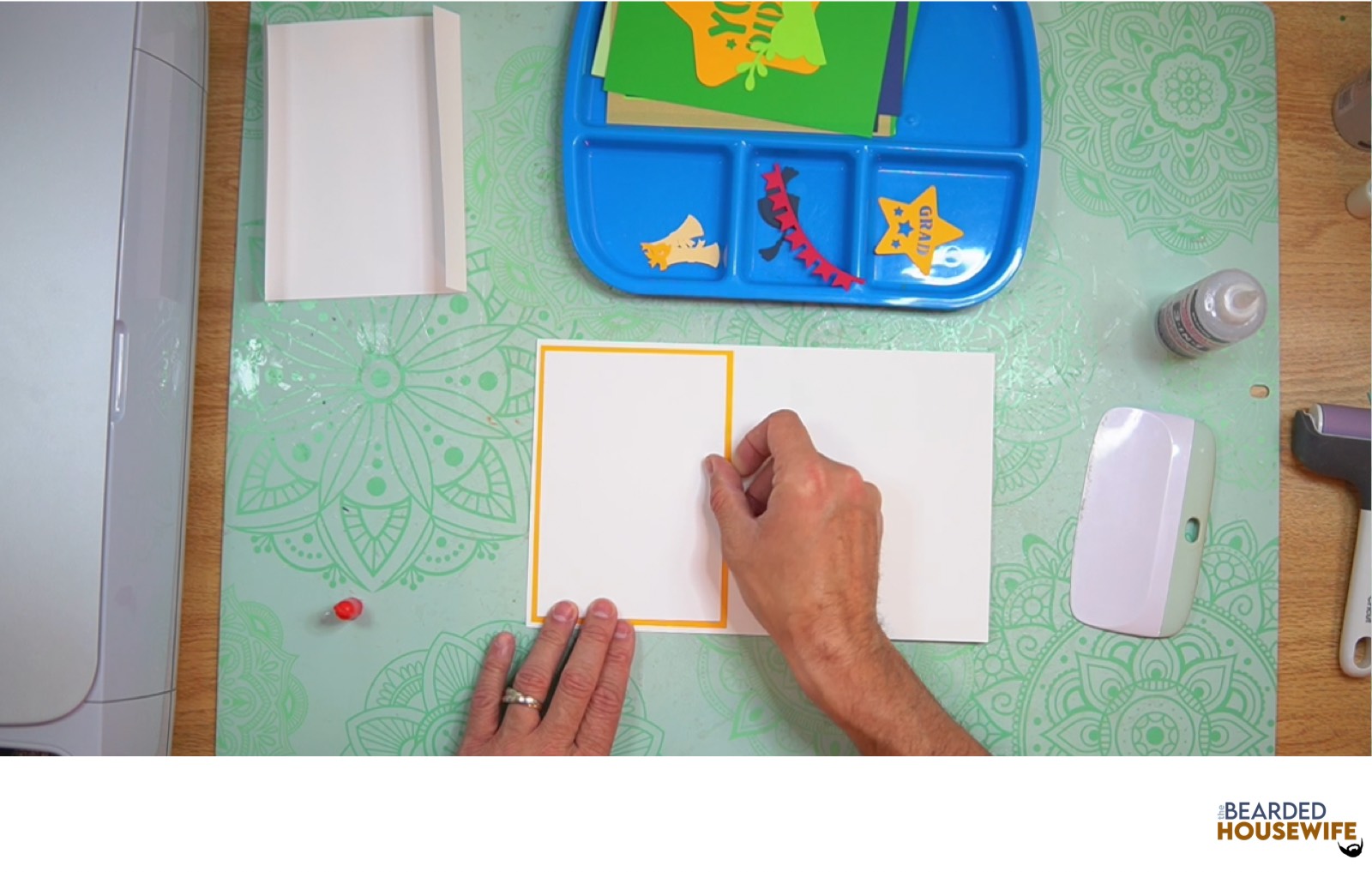
Layer the front cover panel.
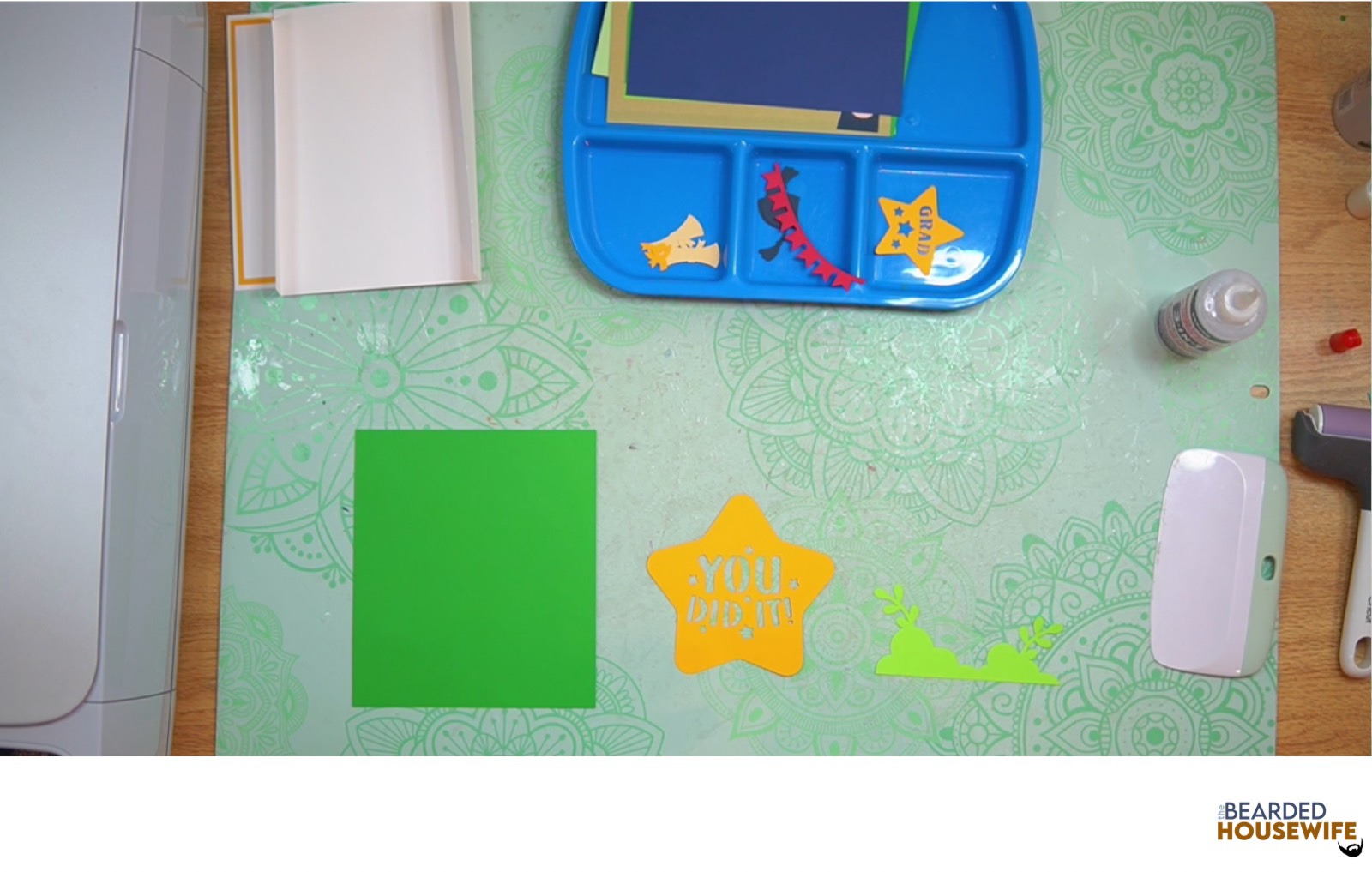
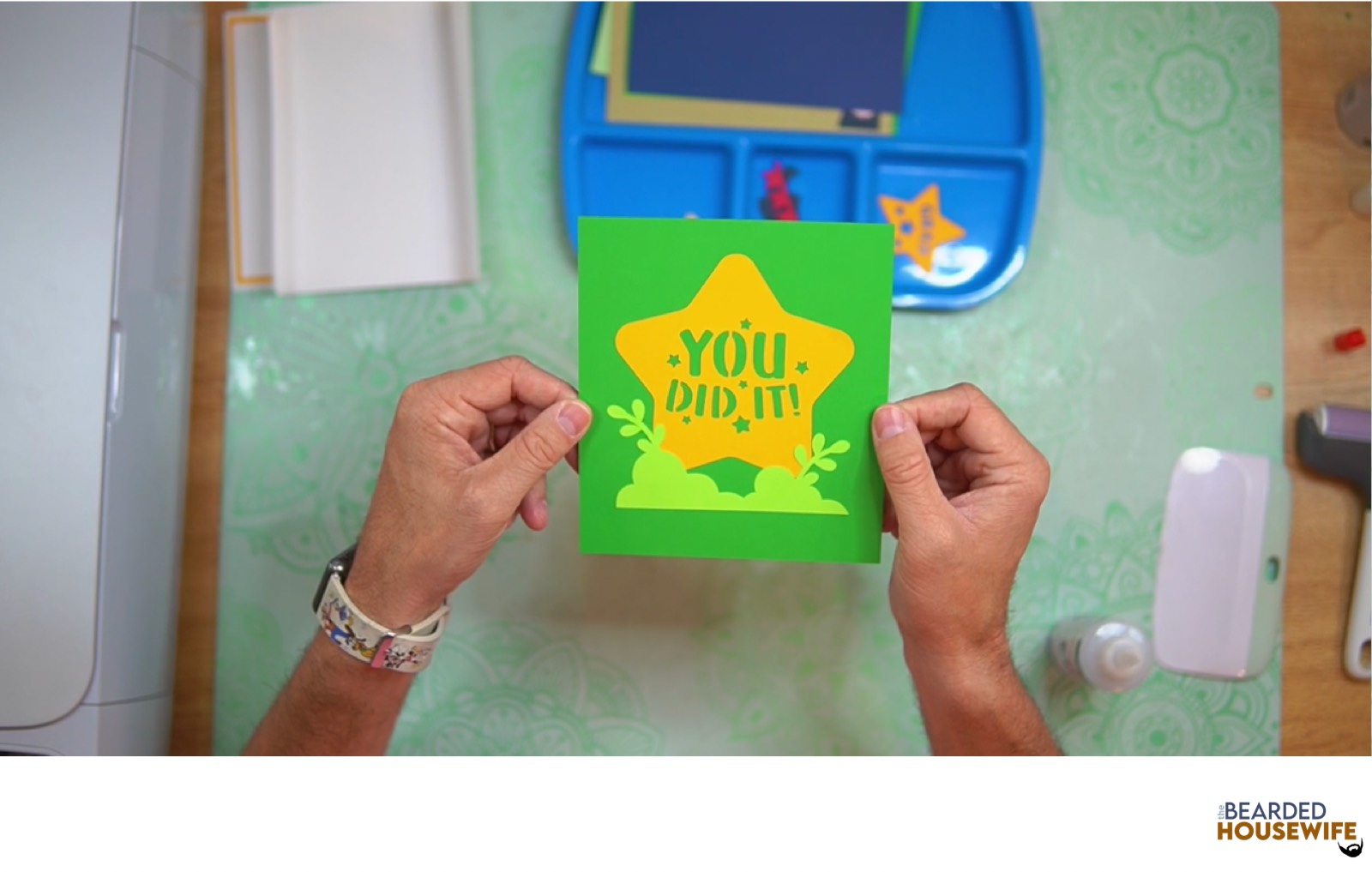
Prep the inside tab pieces.
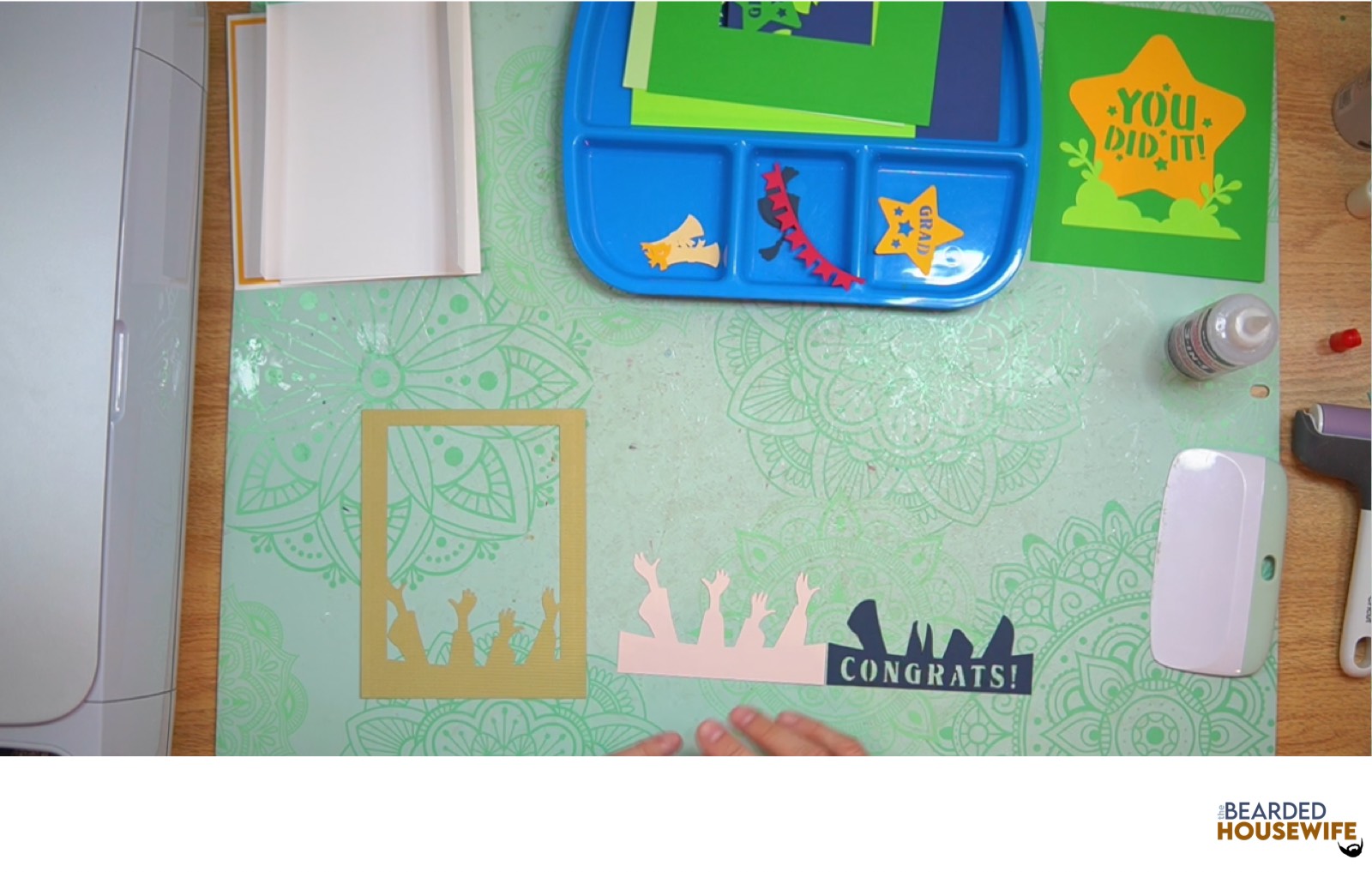
Fold and burnish the inside tab piece then layer the design.
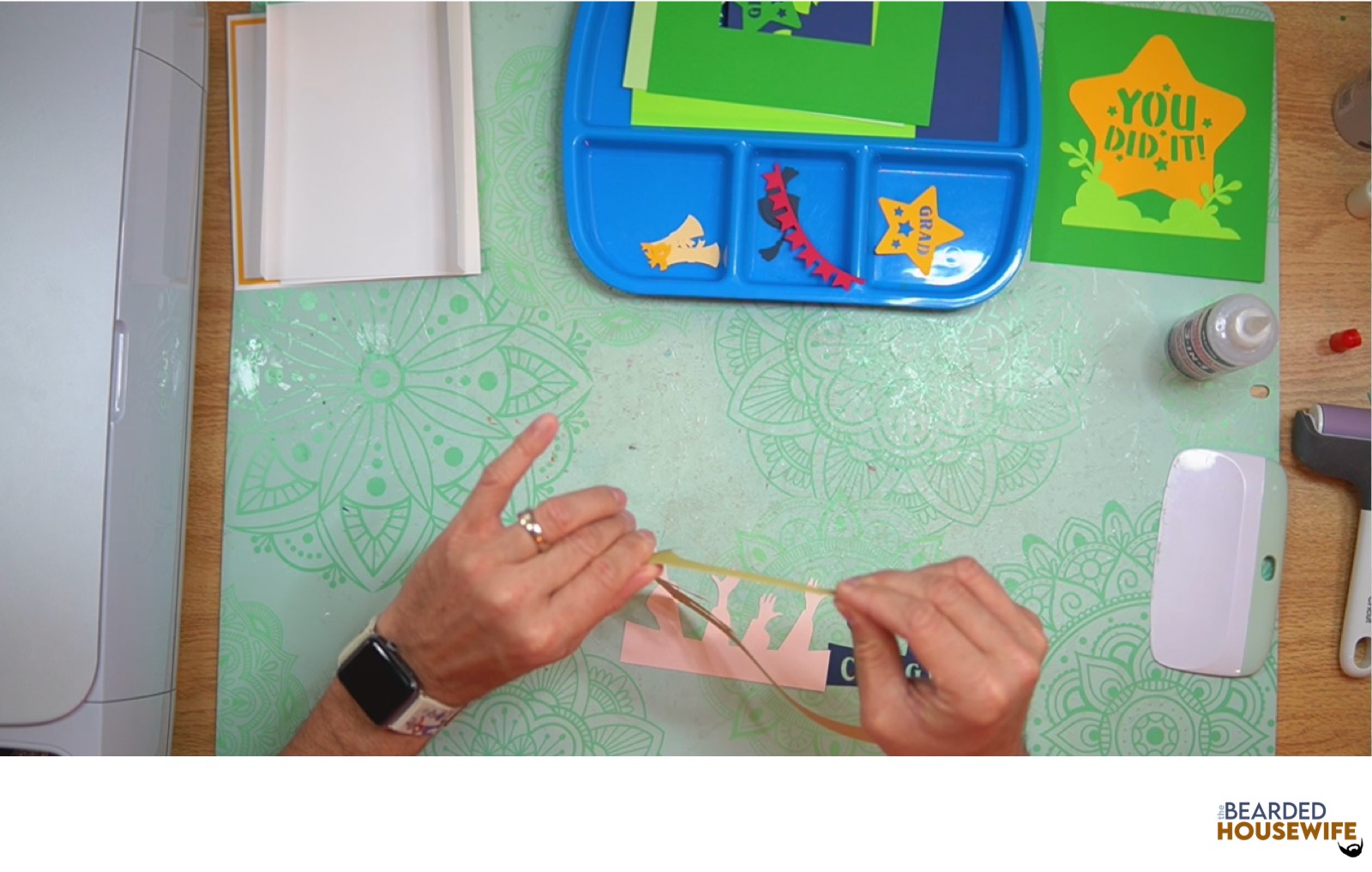
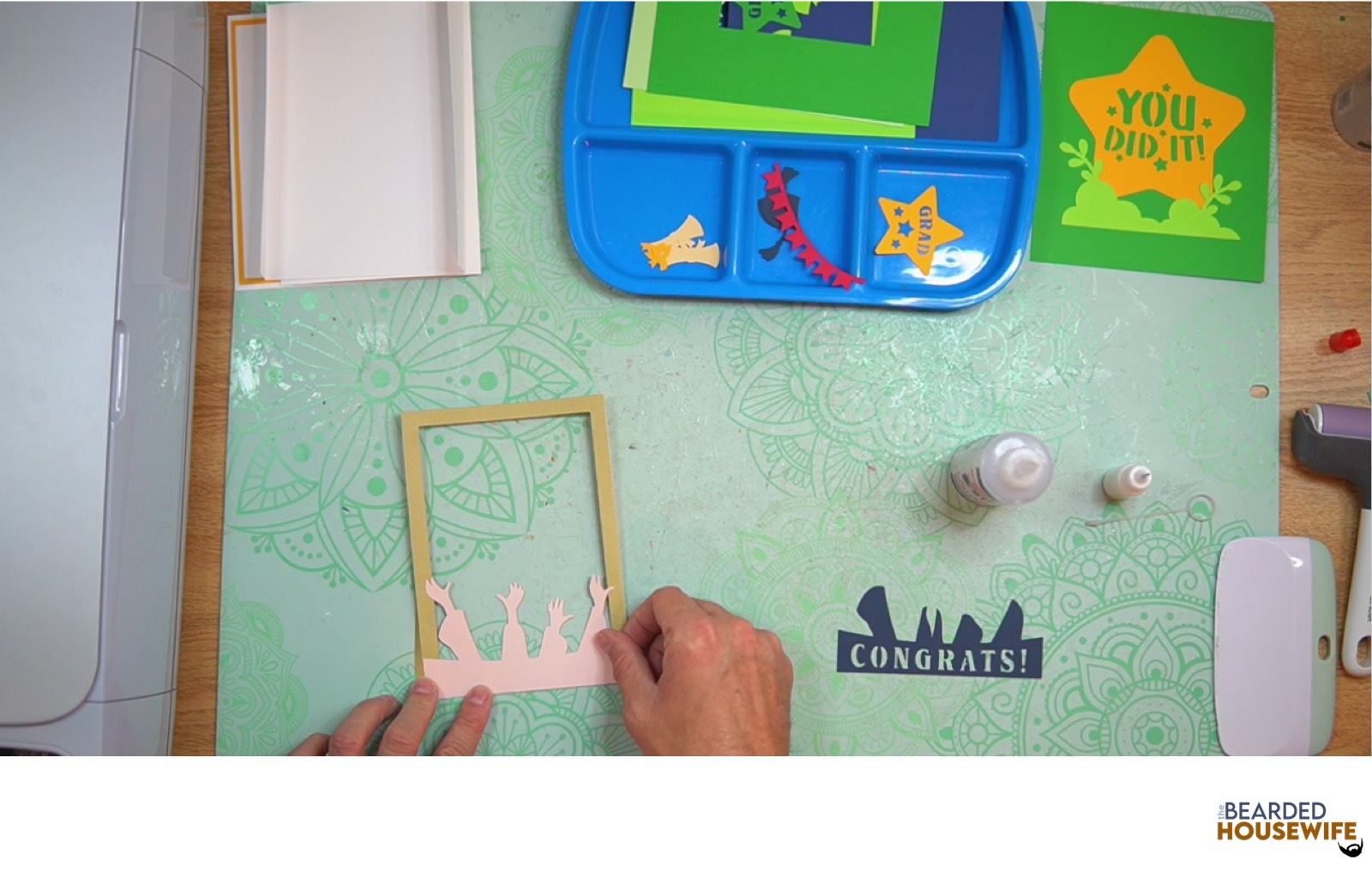
Repeat this for the remaining inside tab pieces.
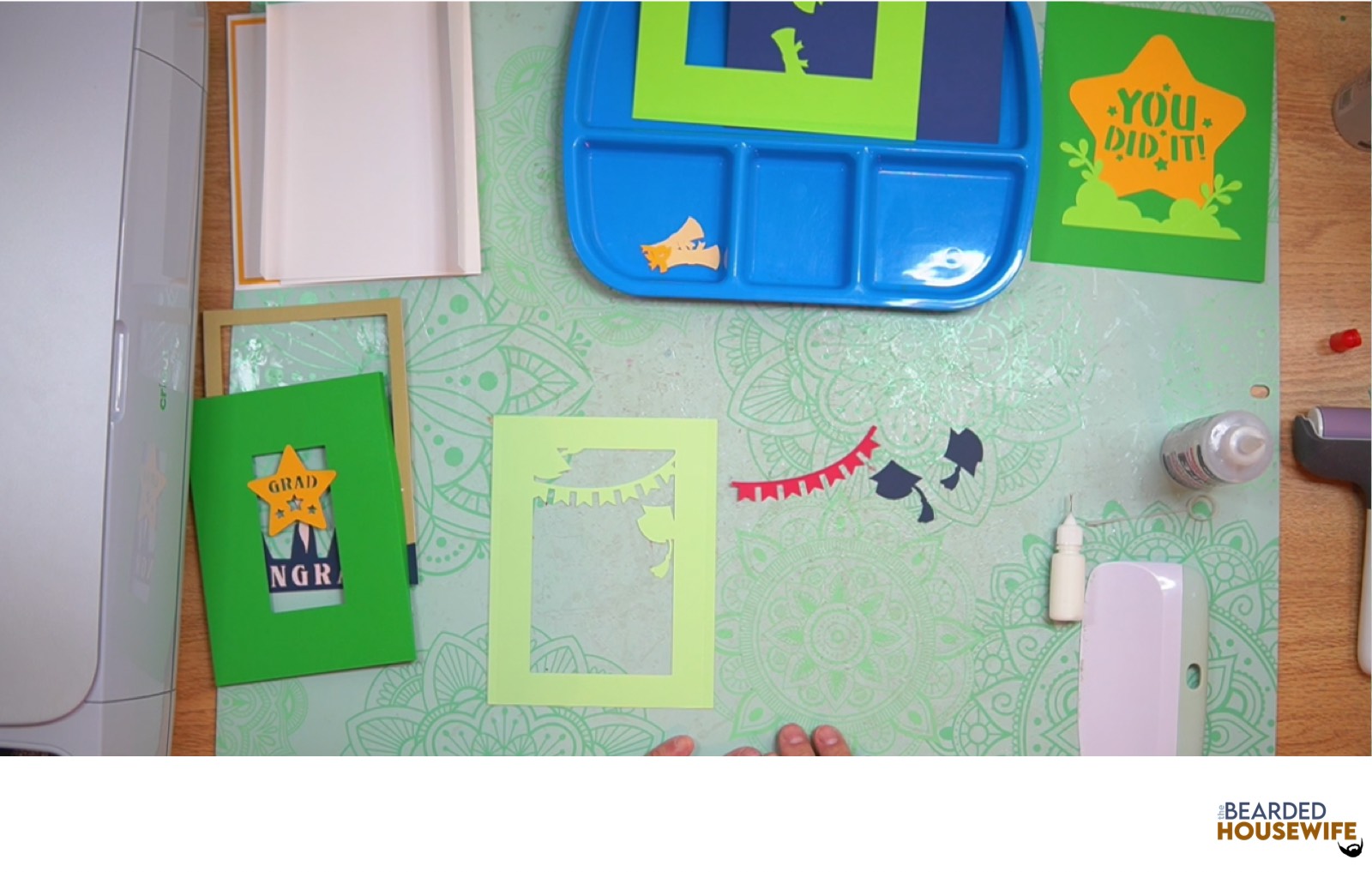
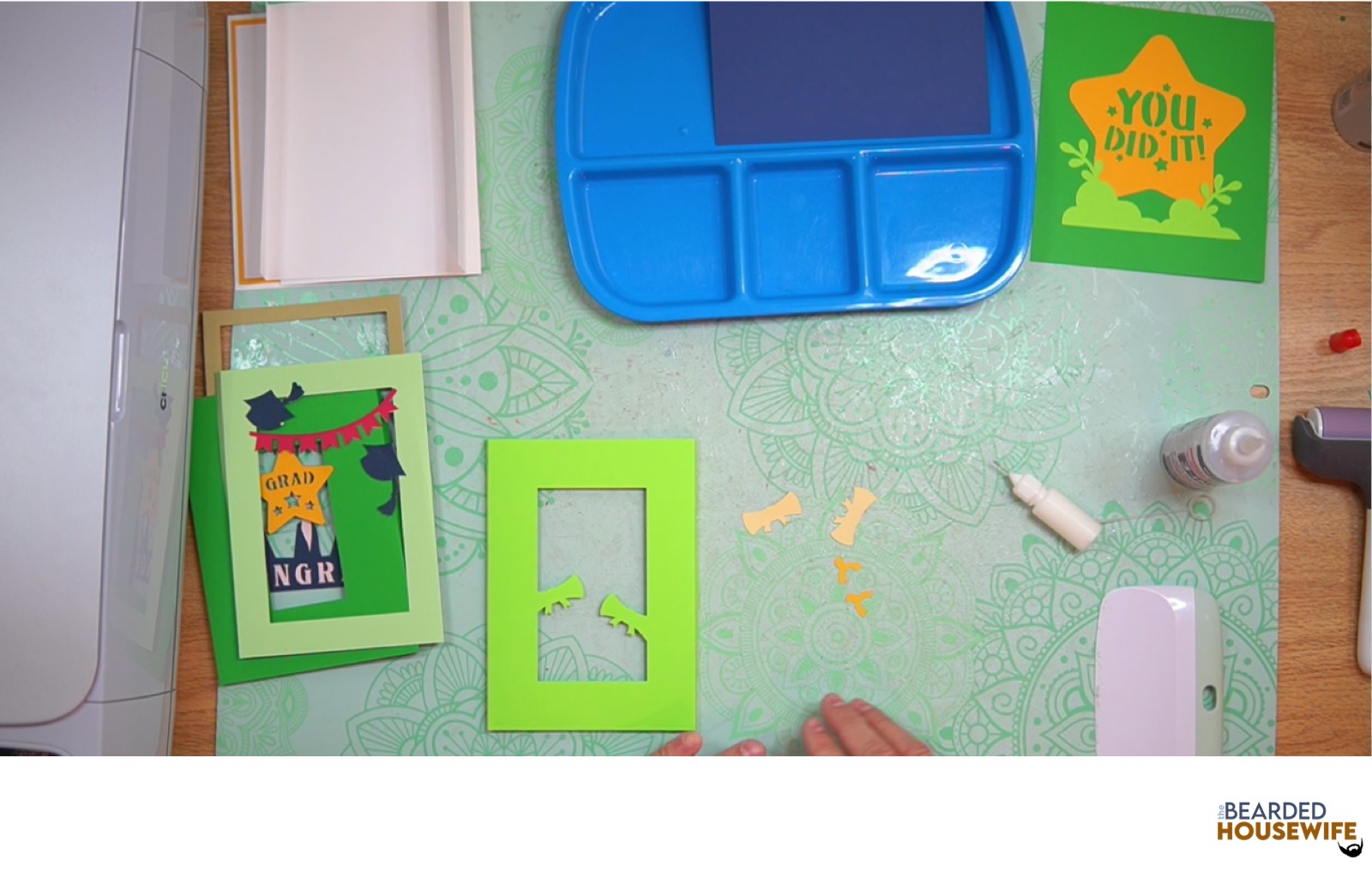
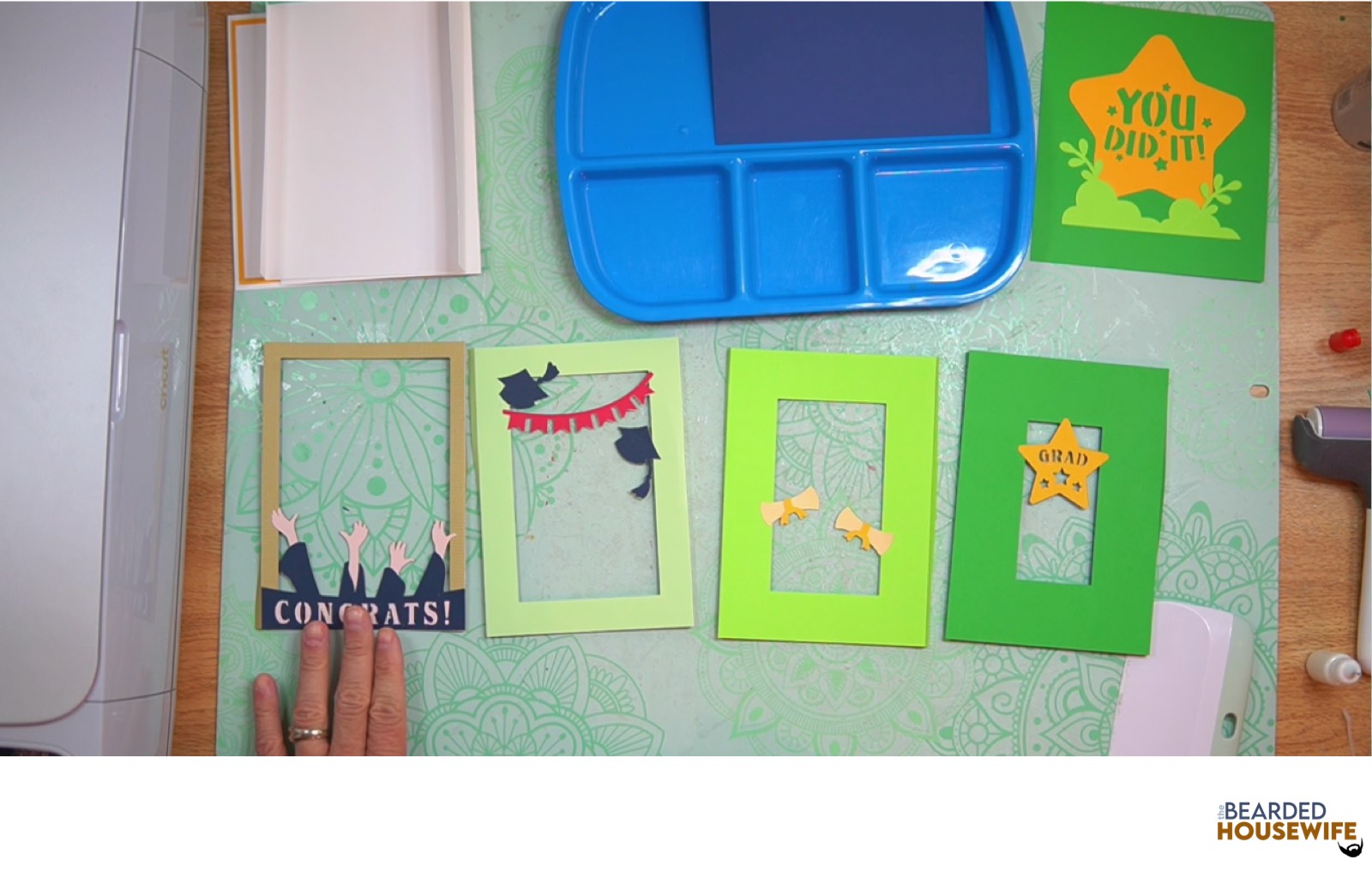
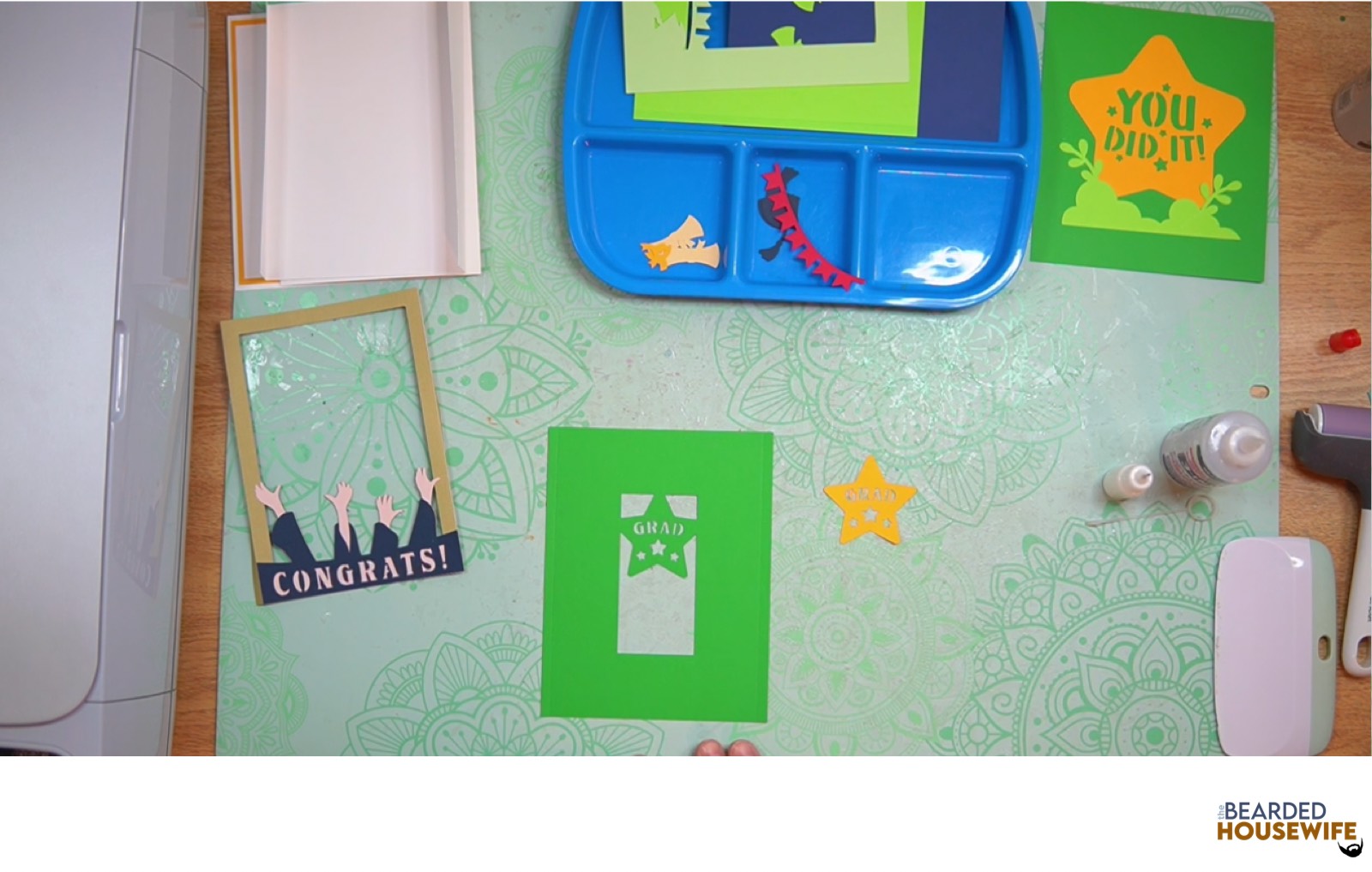
Attach the inside cover panel of the tab piece.
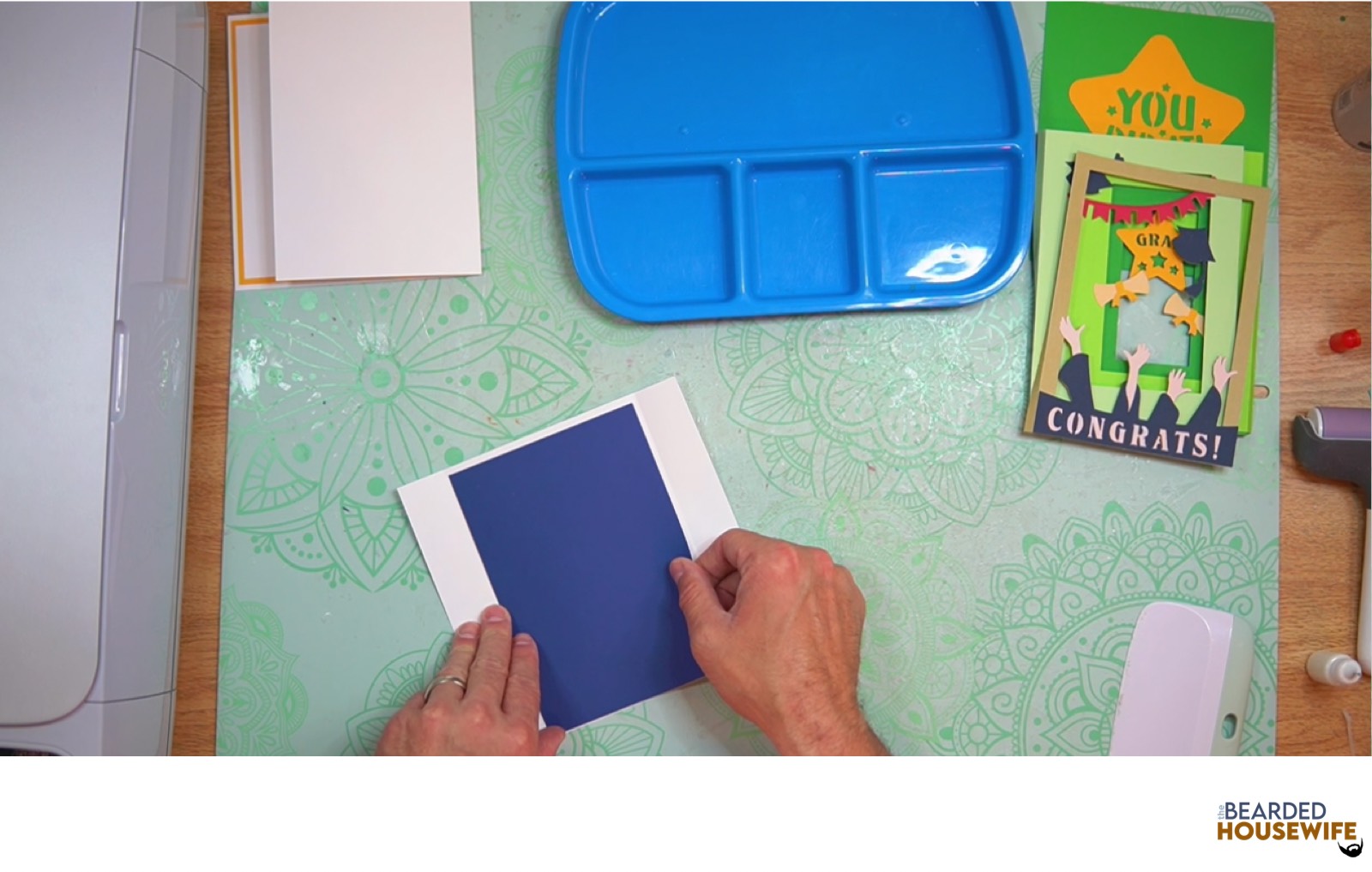
Add glue to the left tab on the inside tab piece and attach to the left side of the tab piece. Make sure to line up the edges.
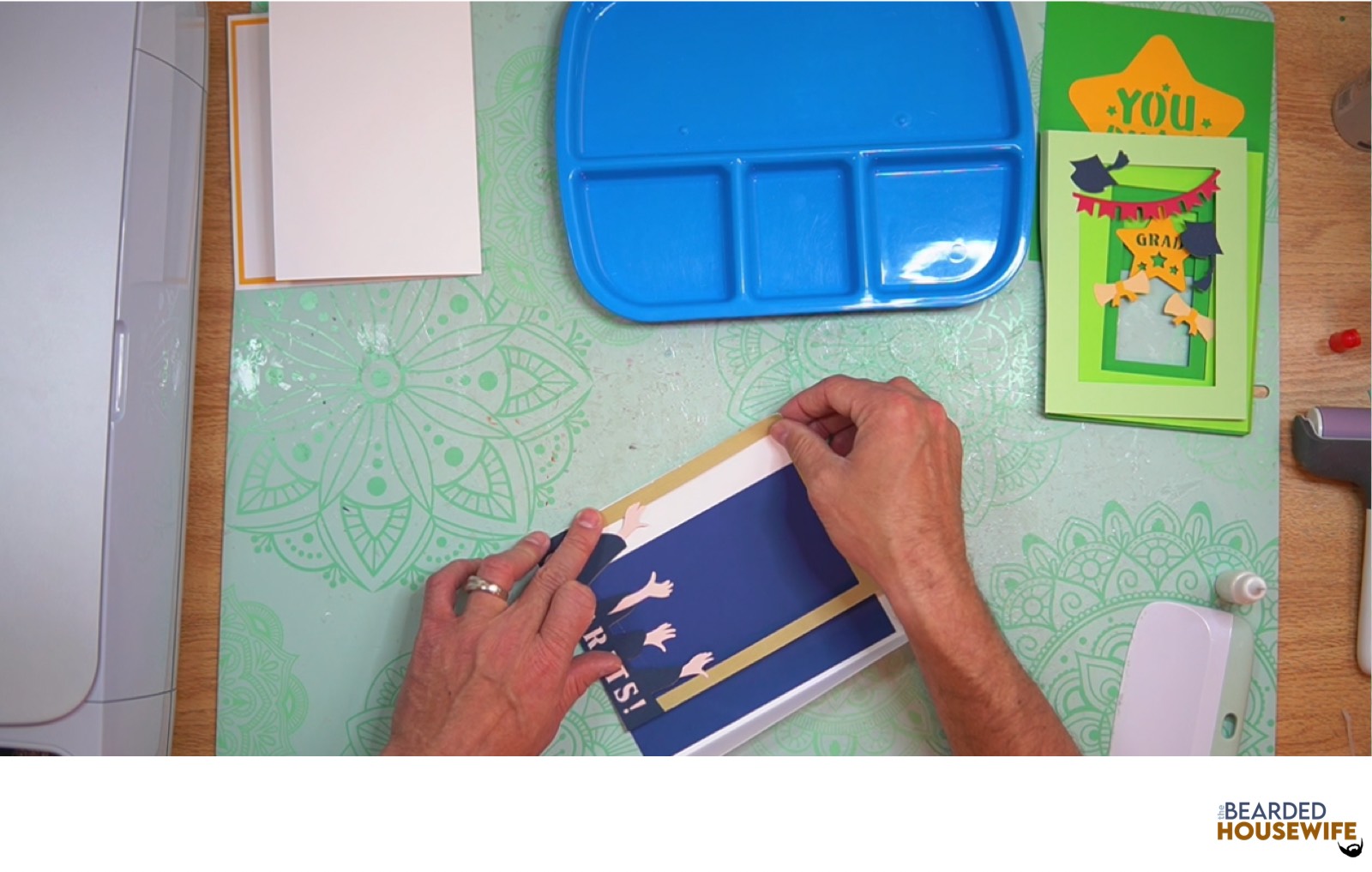
Repeat for the other inside tab pieces.
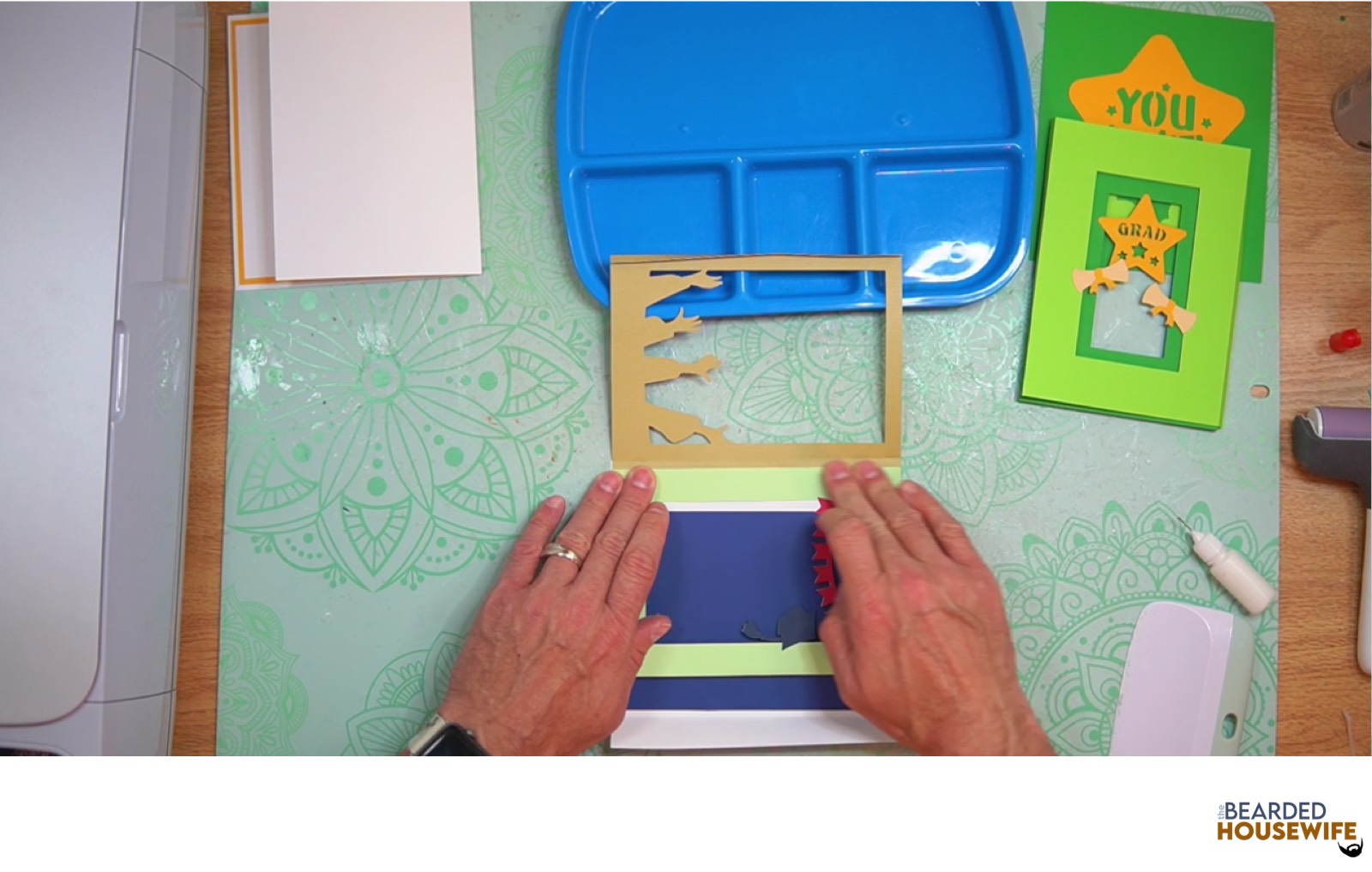
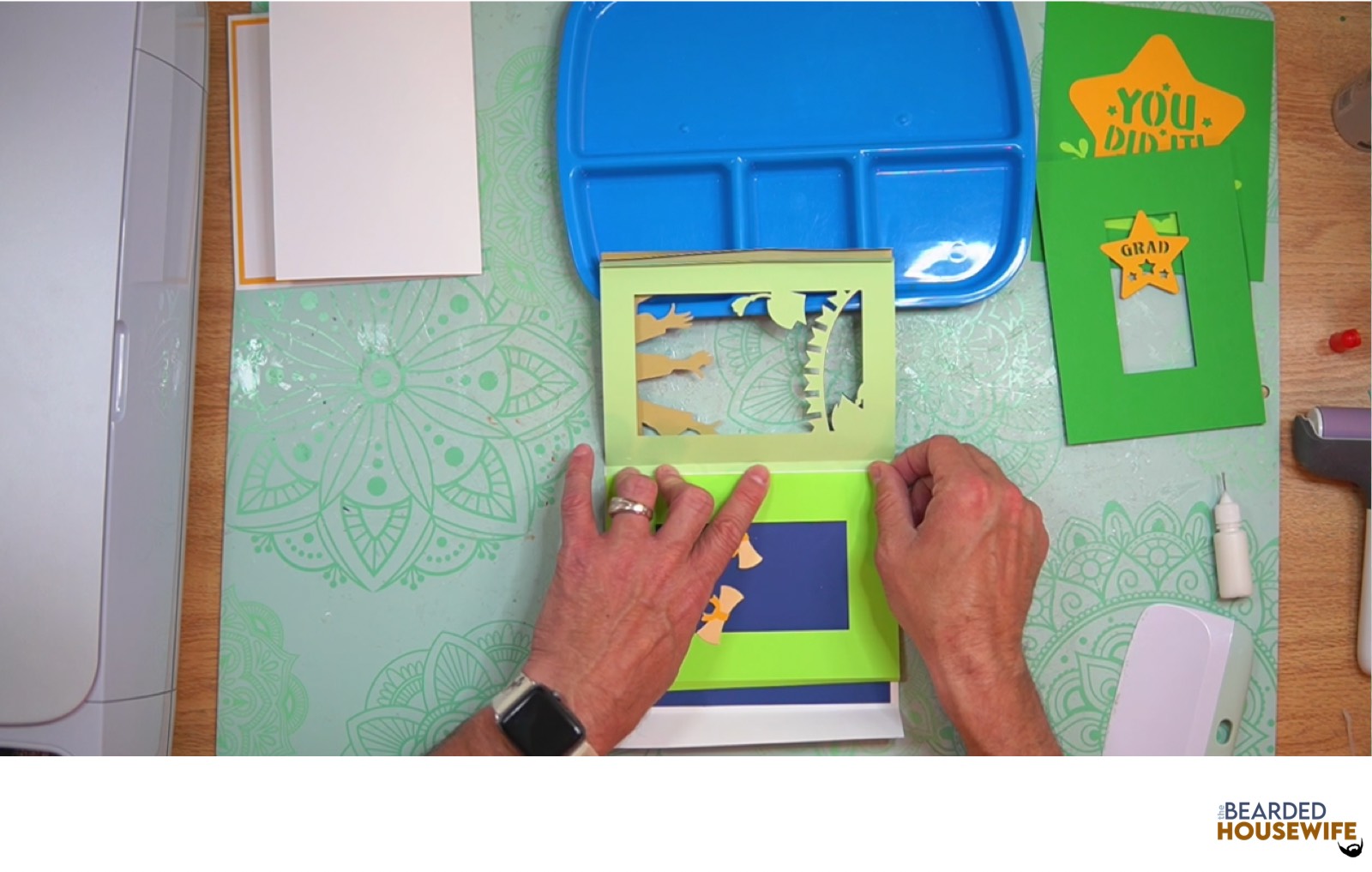
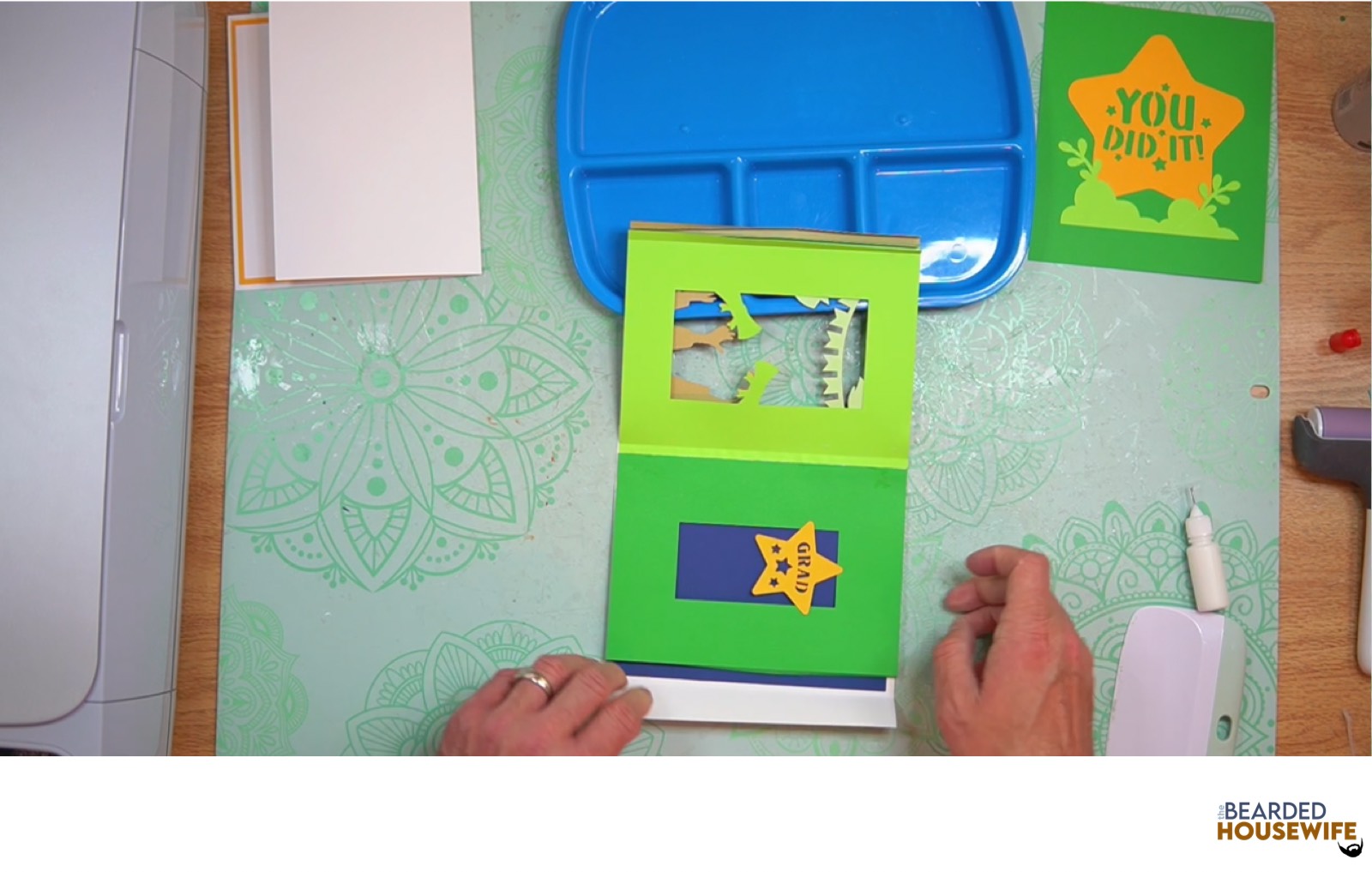
Fold the pieces flat and fan out the right tabs. Then, add glue to the right tabs.
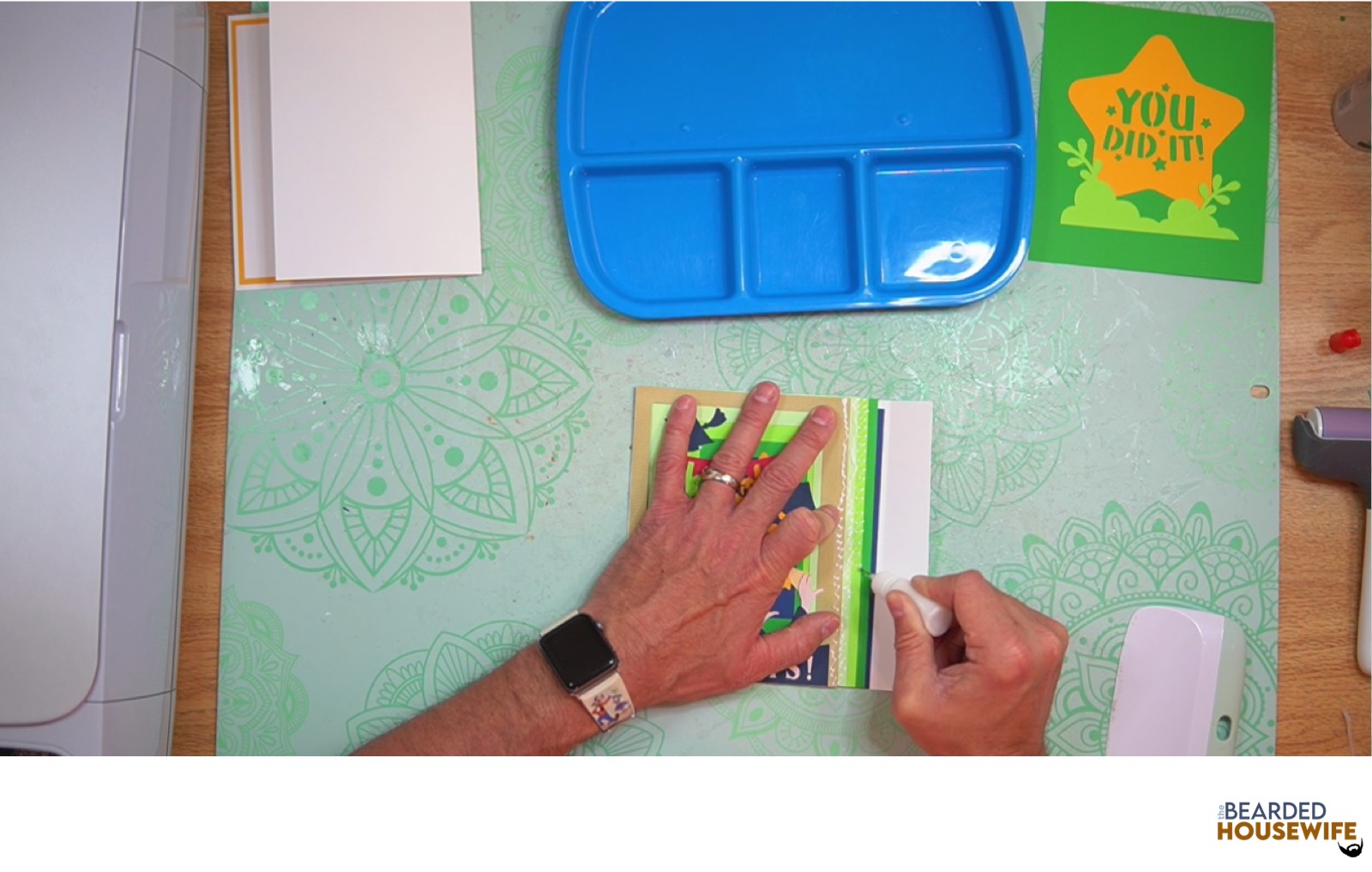
Fold over the right side of the tab piece.
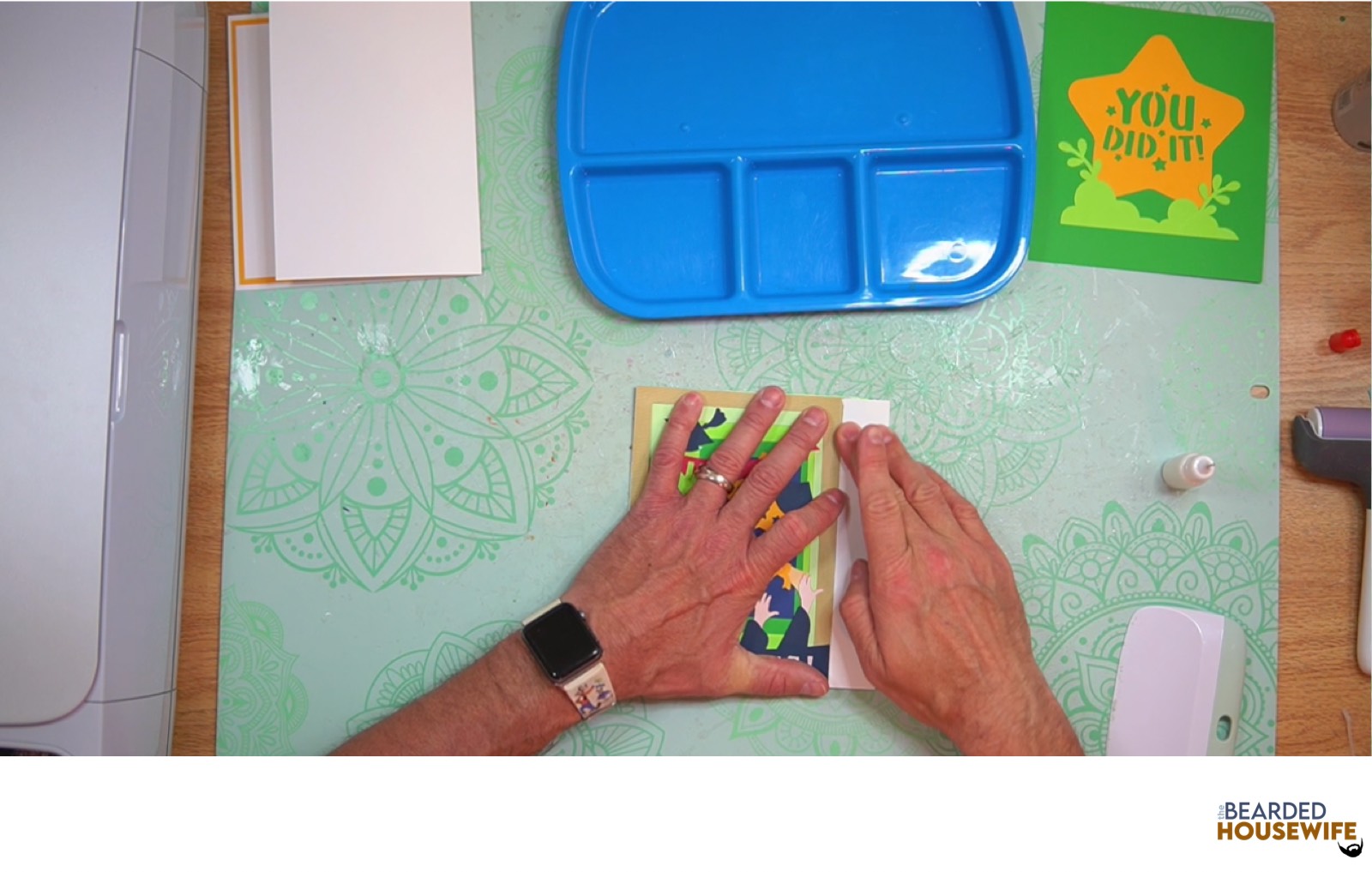
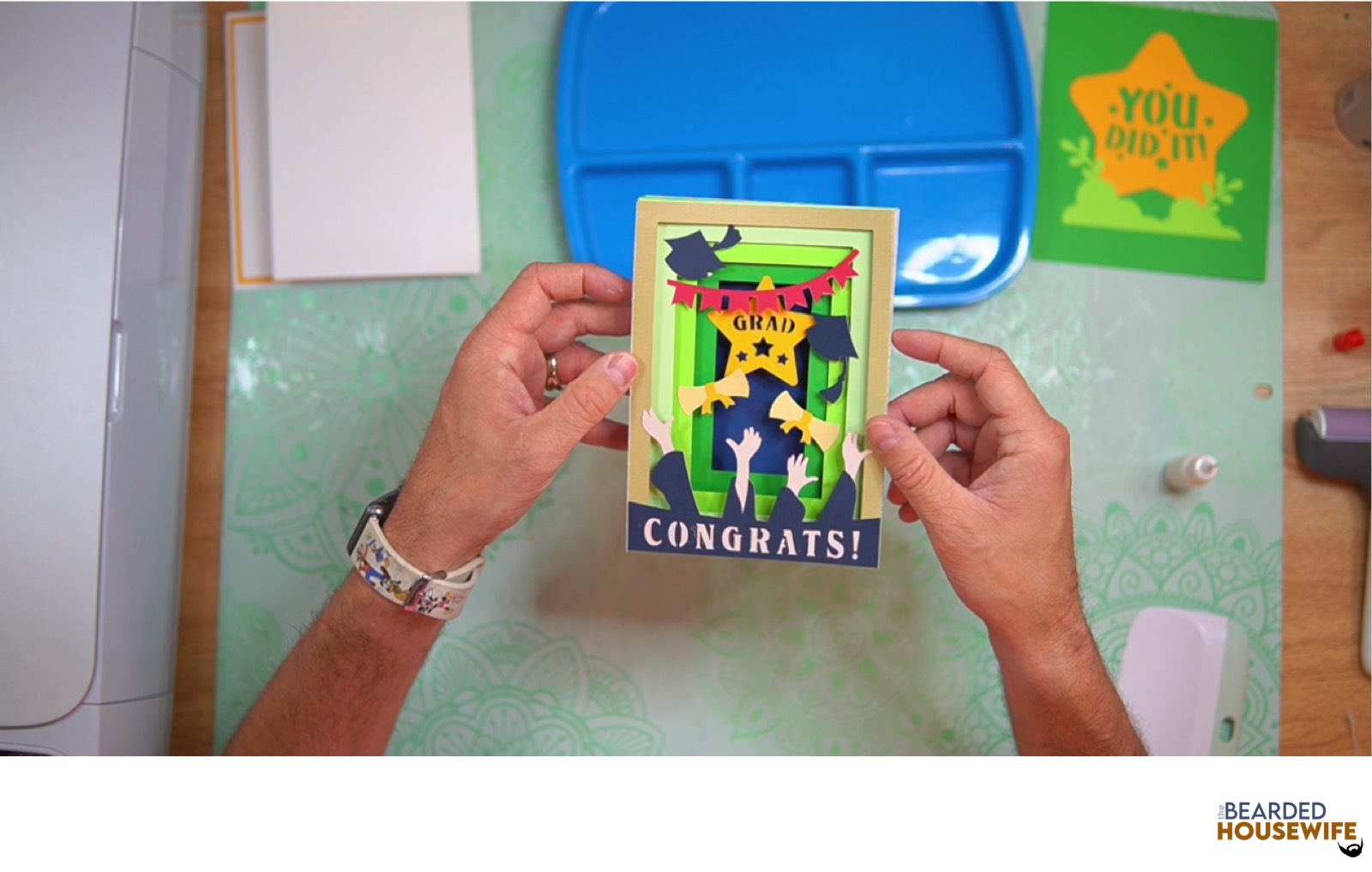
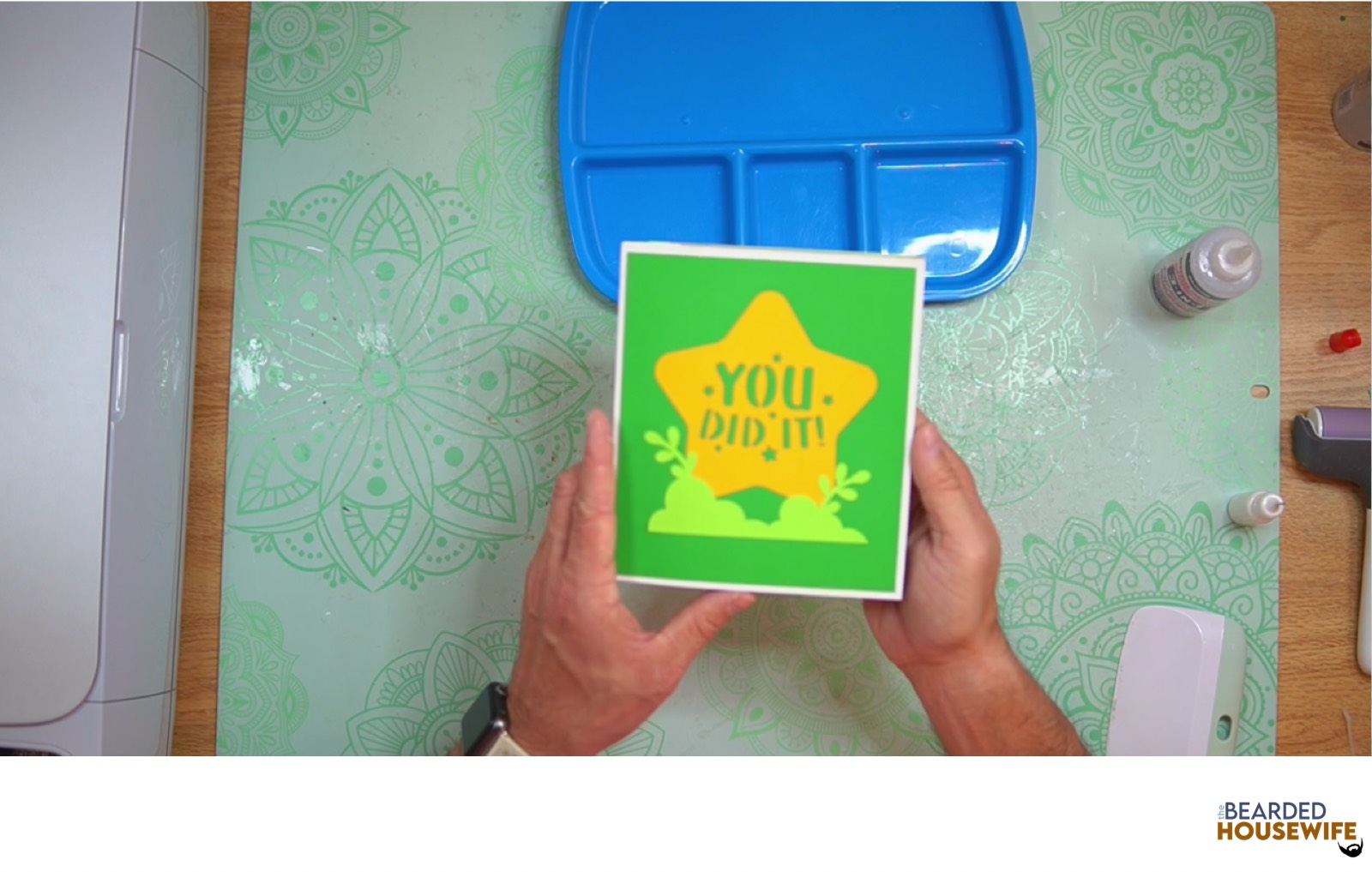
Attach the front cover panel to the front of the card.
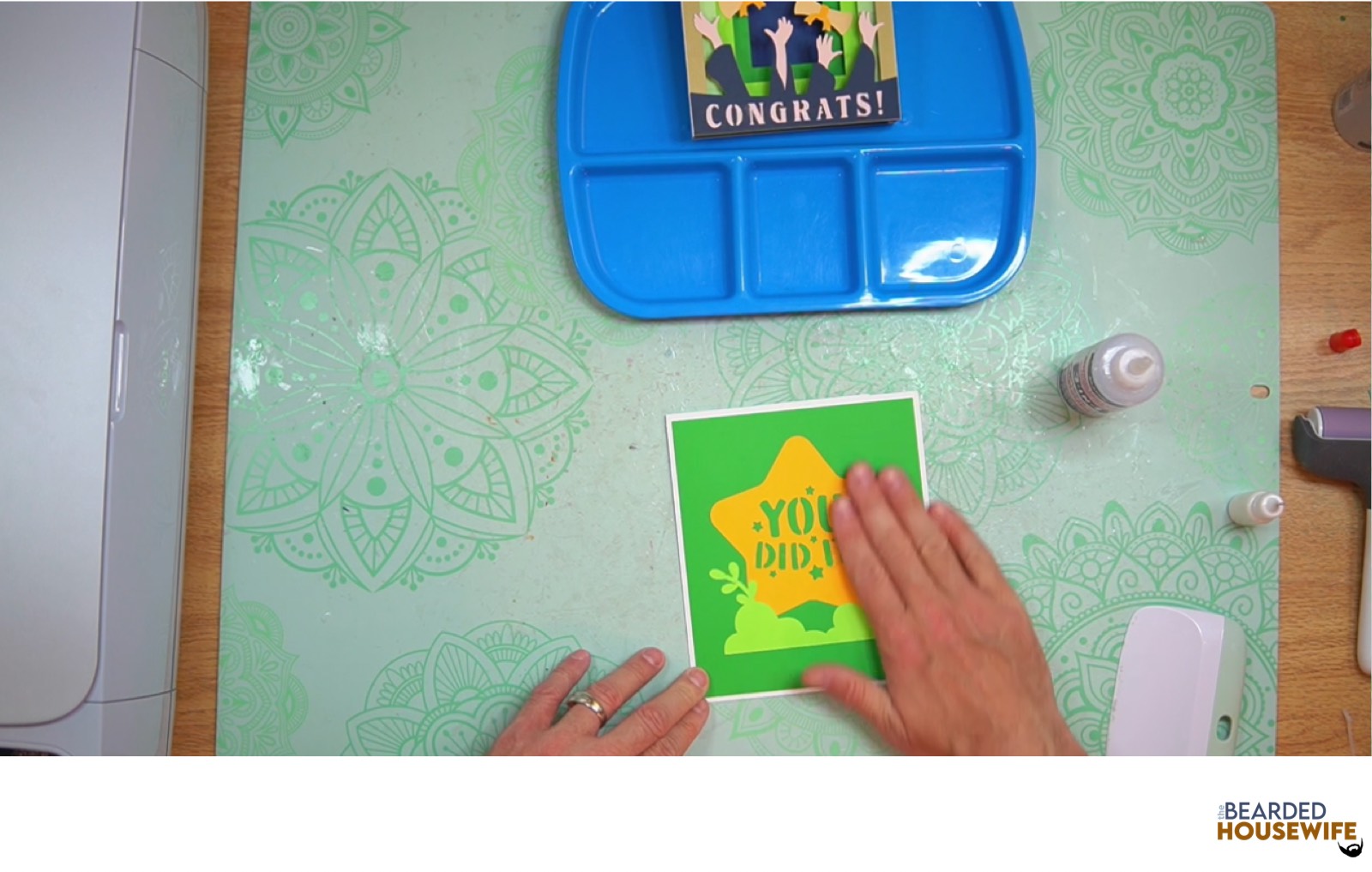
Fold the tab piece to the right and flip it over. Add glue to the back of the tab piece.
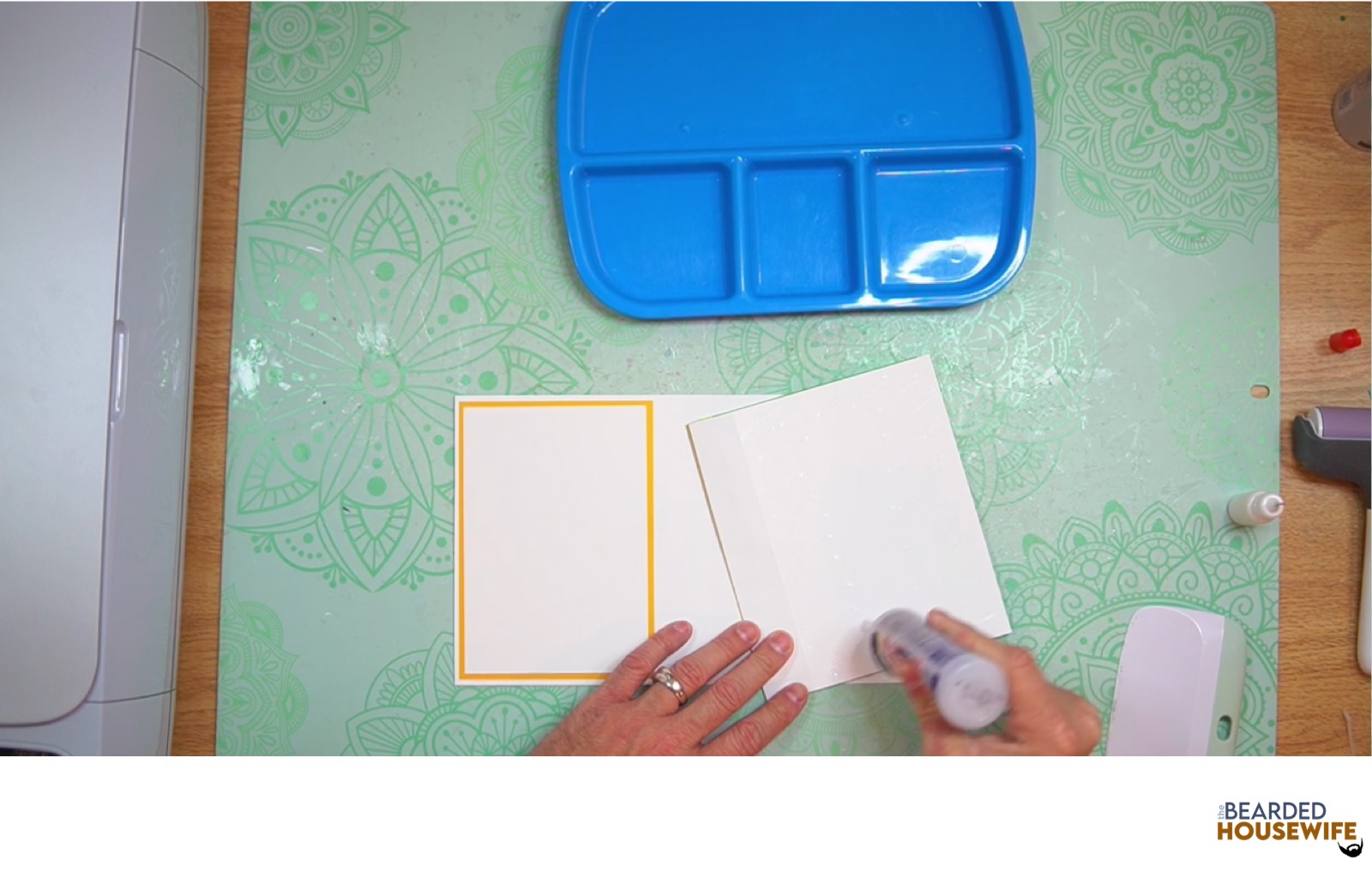
Attach to the right side of the card base.
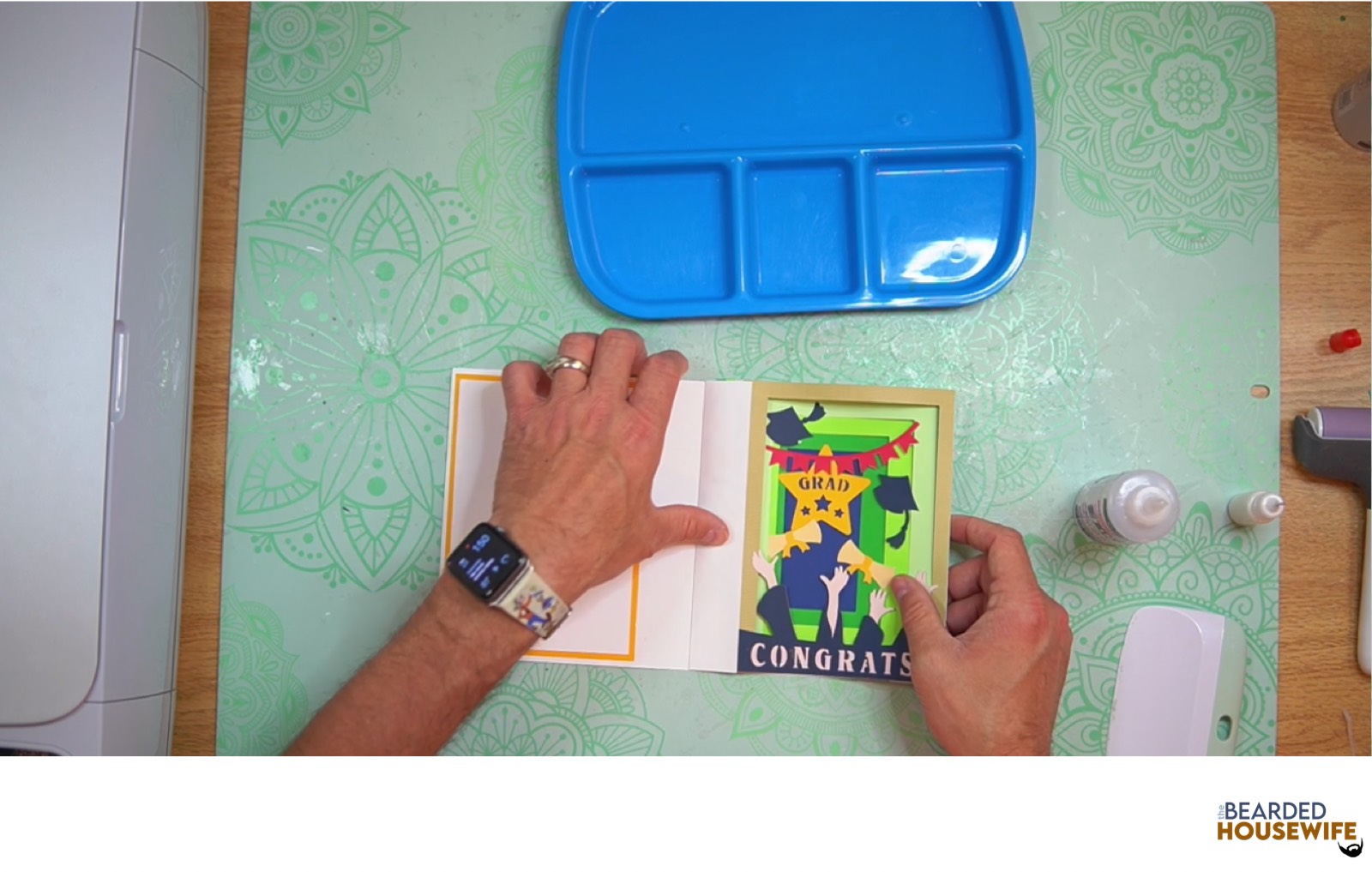
Add glue to the tab on the left.
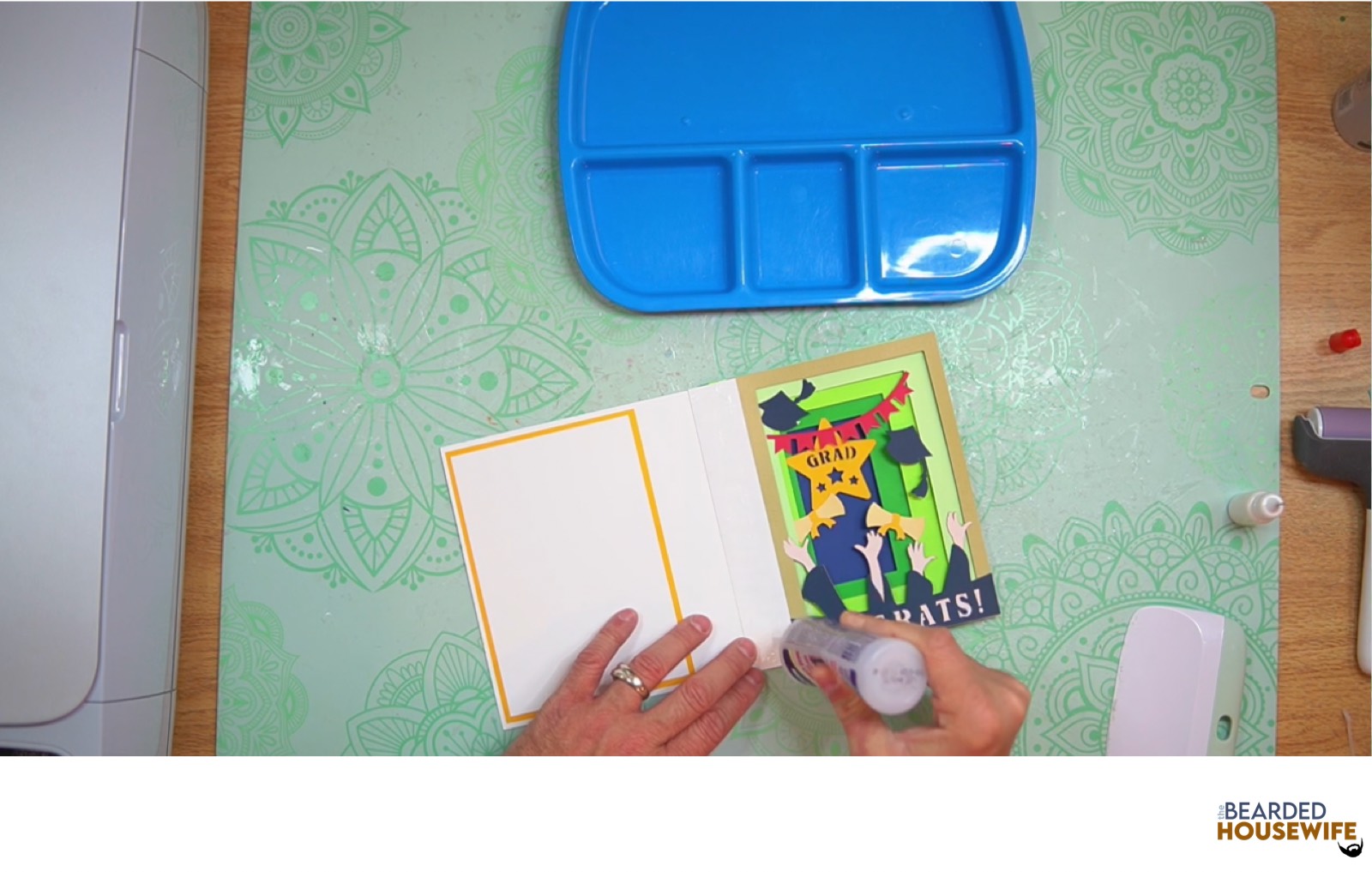
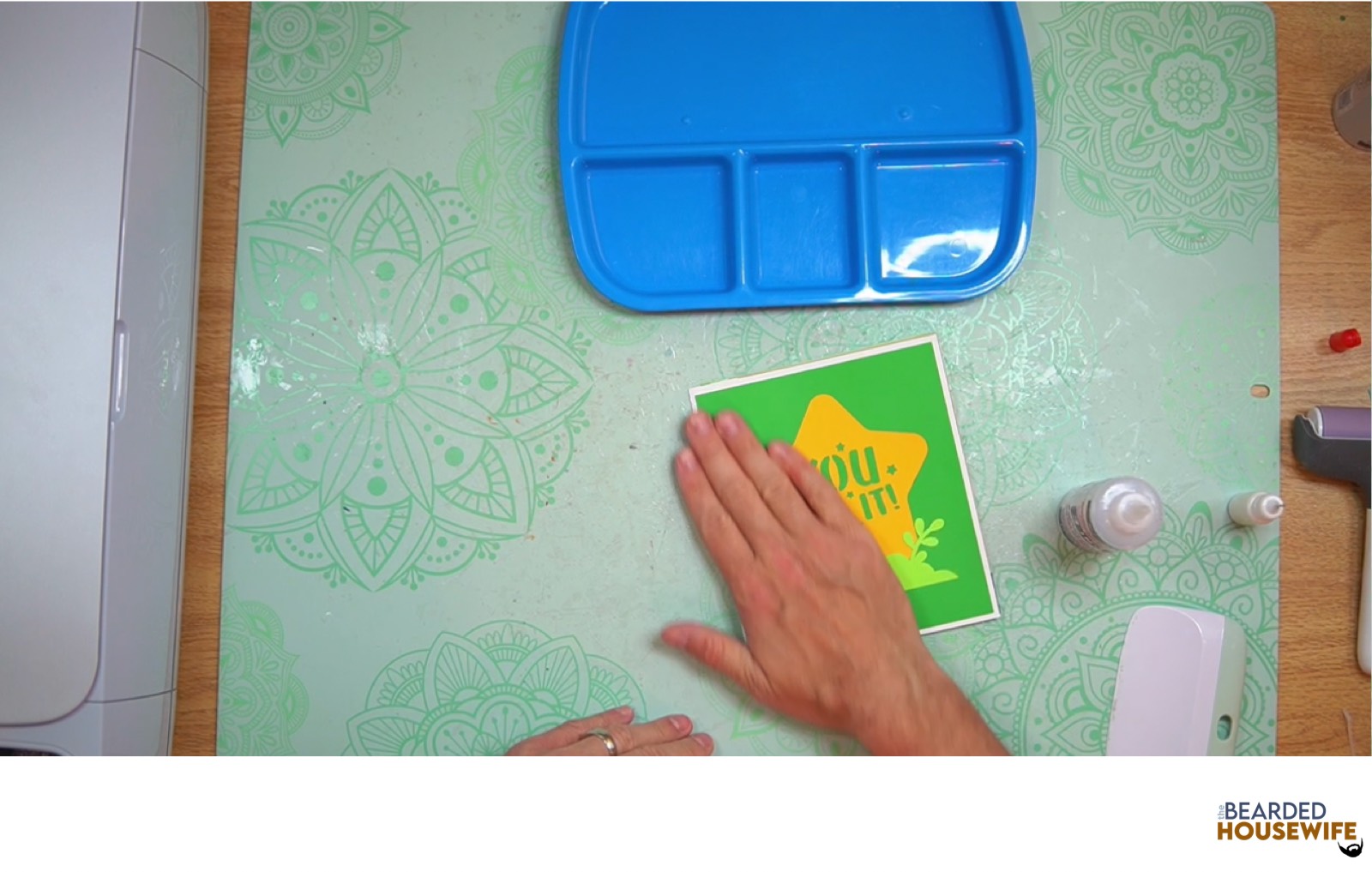
Fold the card base down adhering the two pieces together.
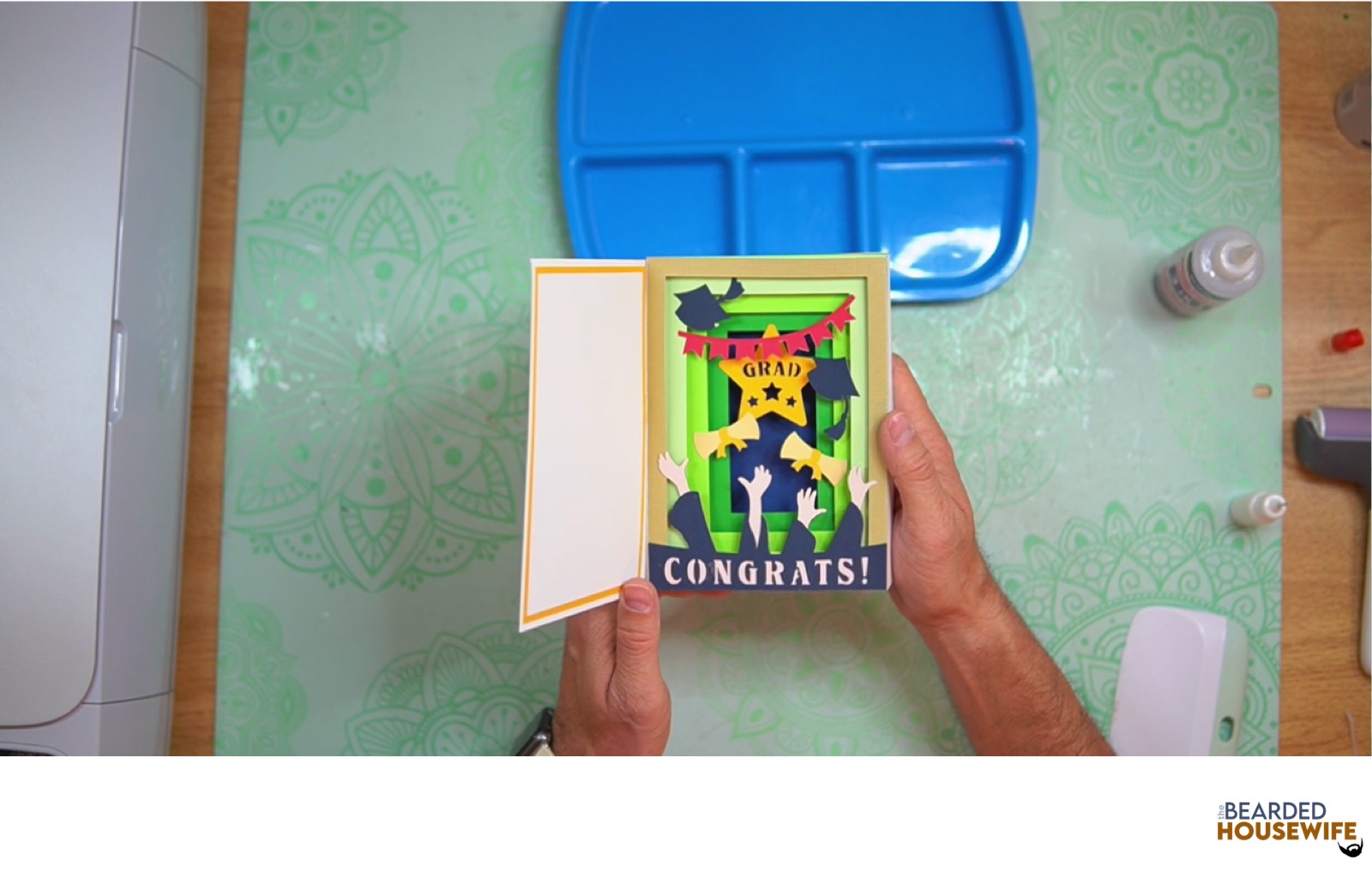
STEP 8 - FORM THE ENVELOPE
To make the envelope, begin by folding along the score lines and press the folds with your scraper.
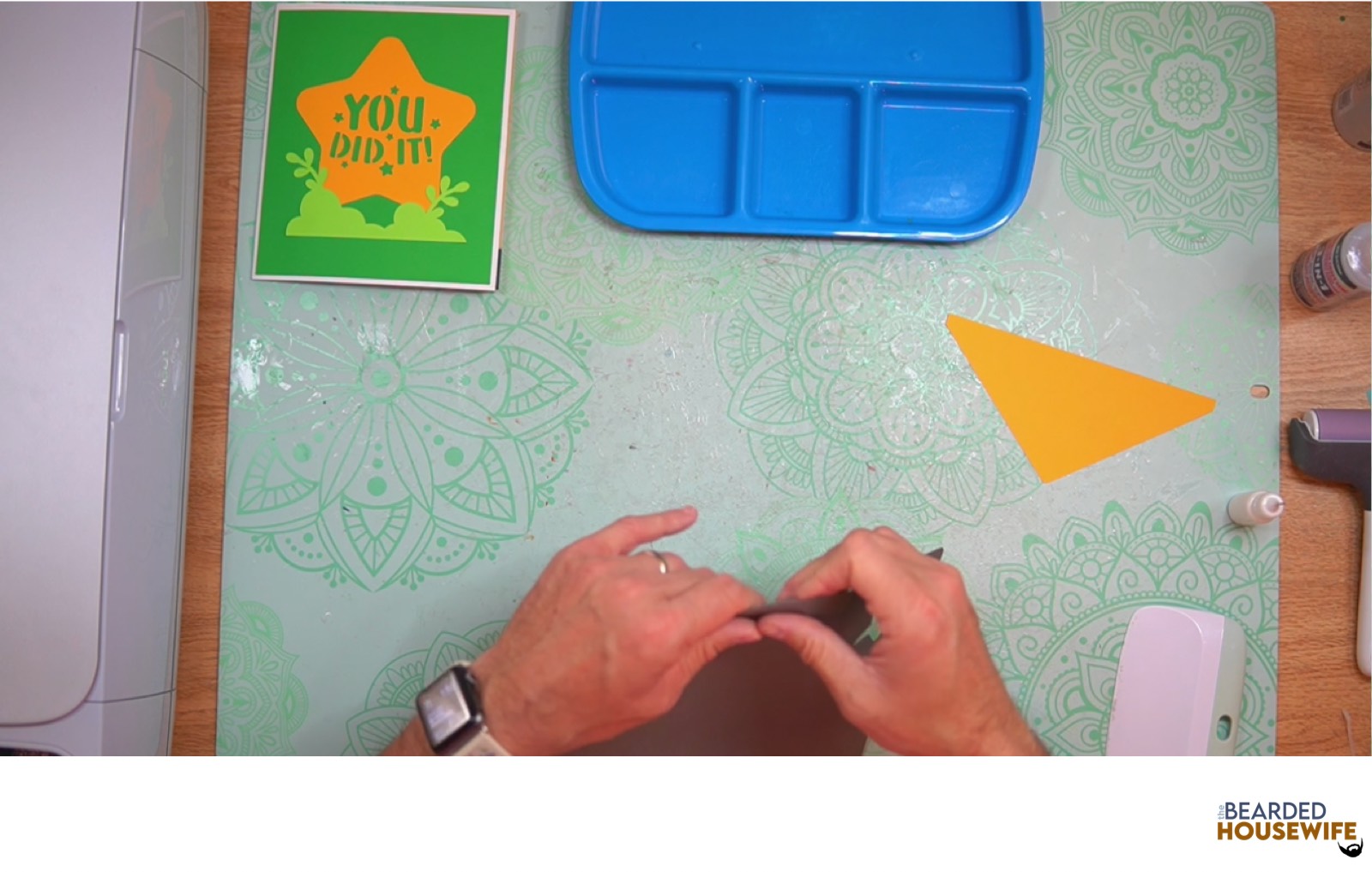
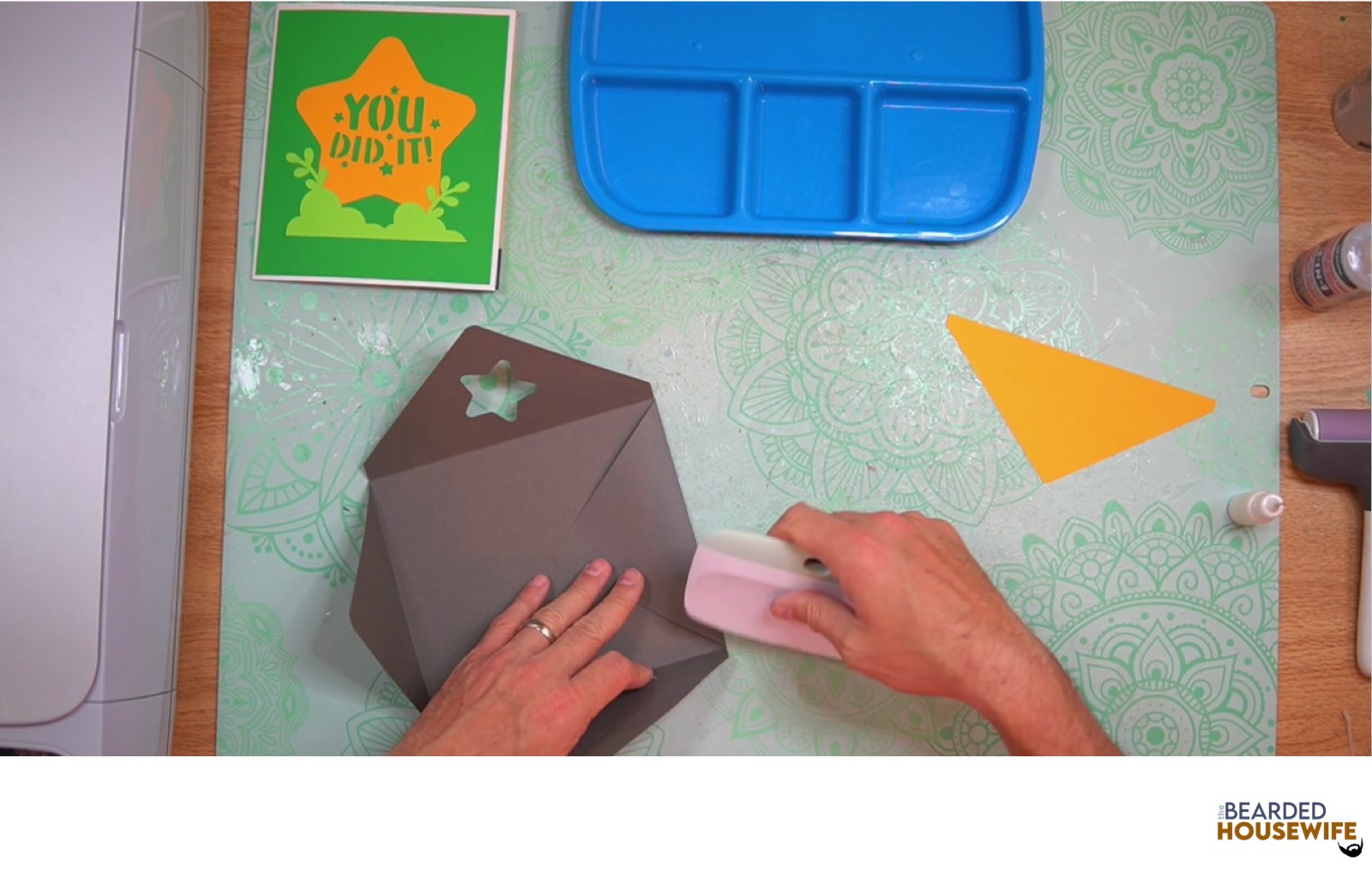
Add glue to the back of the inlay panel as well as around the cutout.
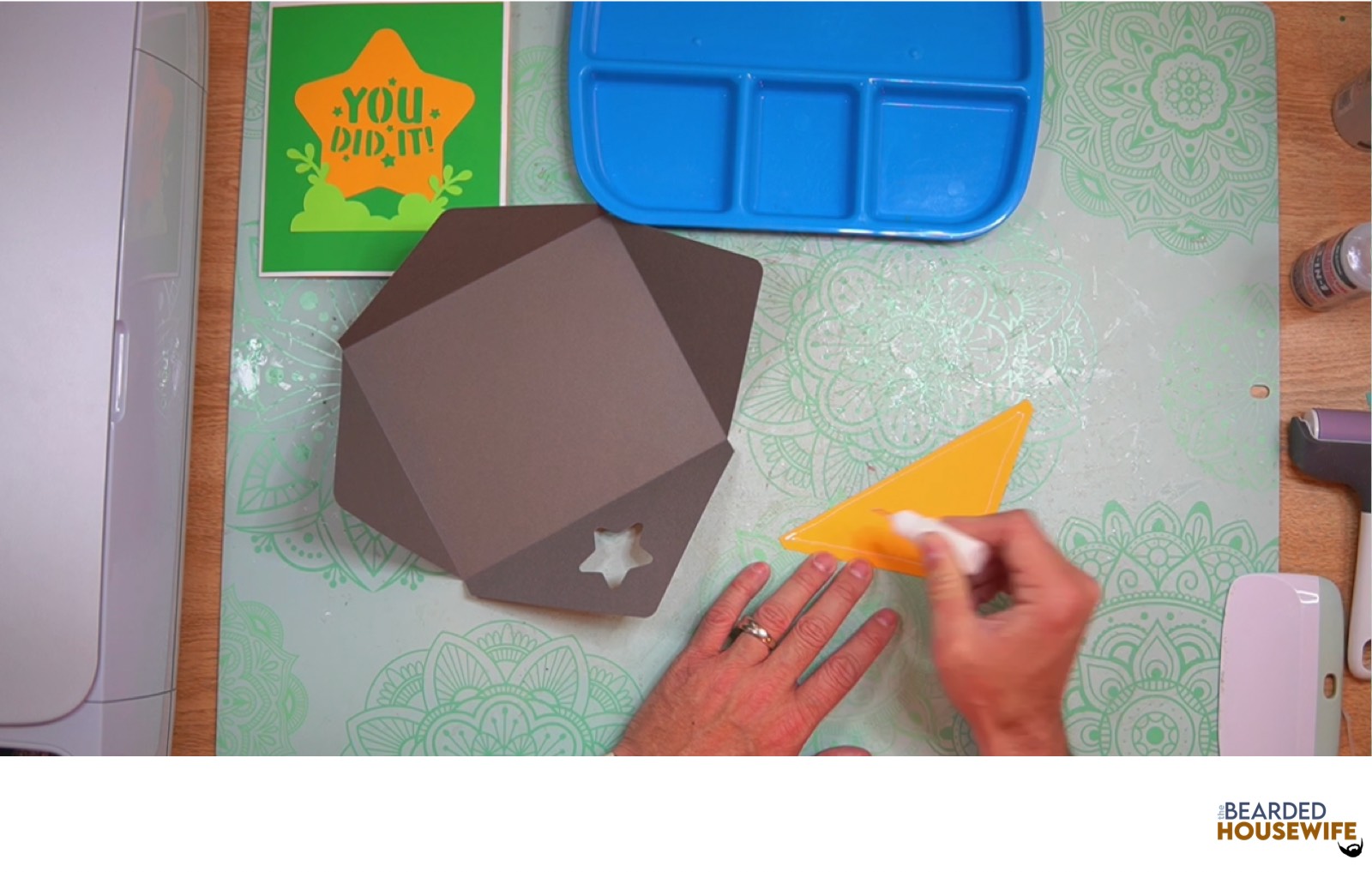
Place the inlay panel over the cutout on the envelope making sure to center it well.
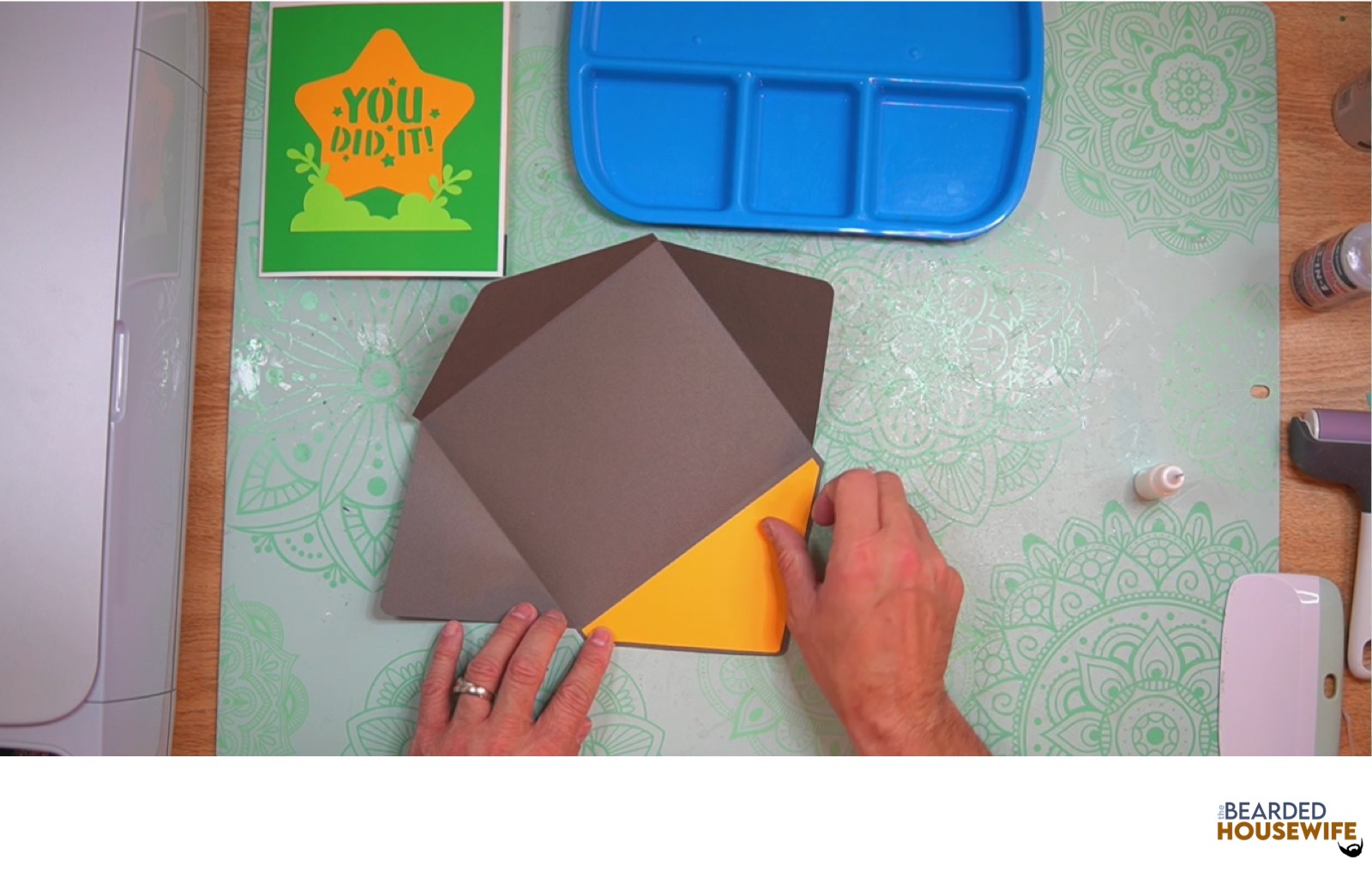
Add glue to the bottom of the side flaps.
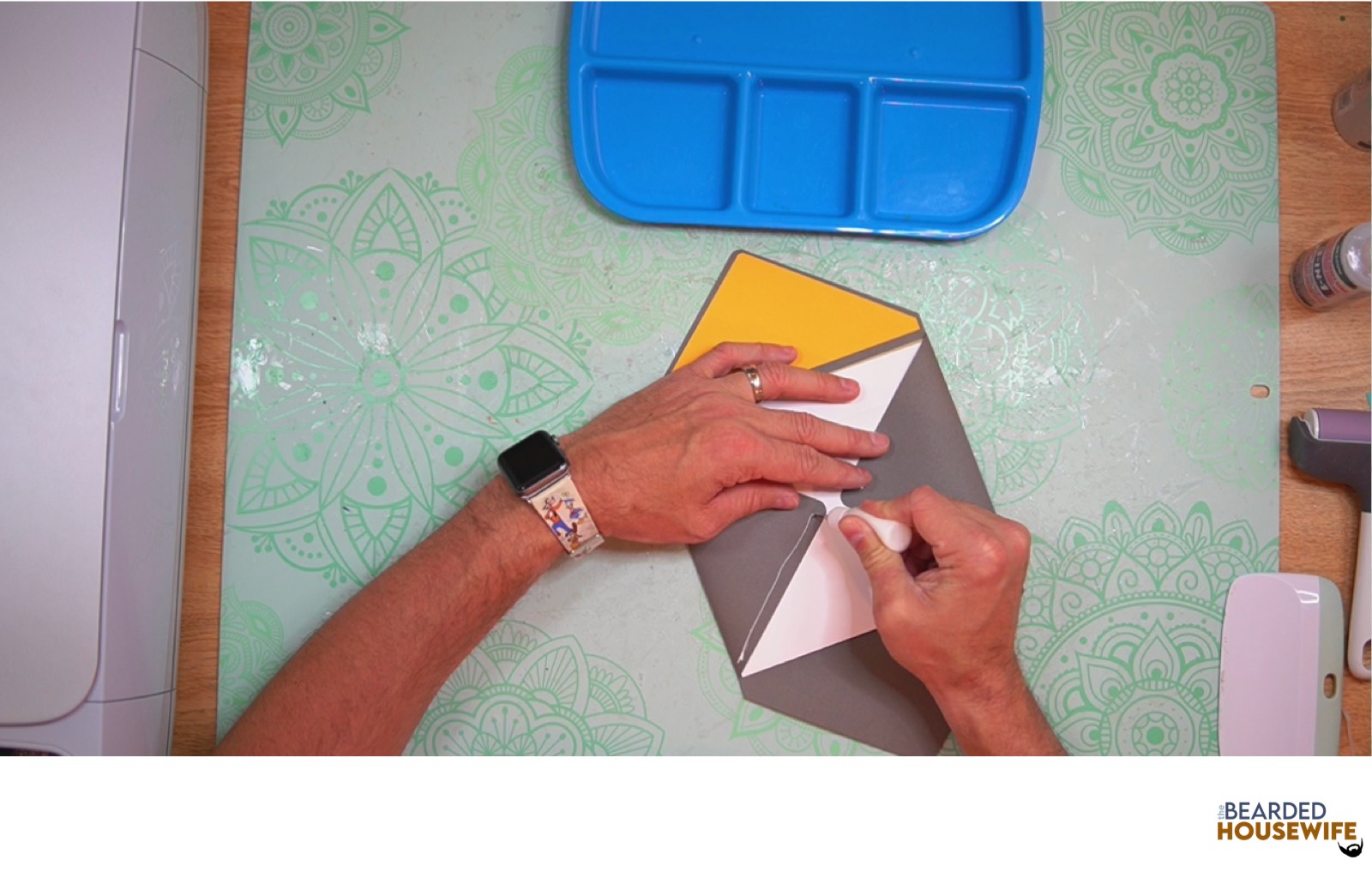
With the side flaps folded in, bring the bottom flap up and carefully press to form the envelope.
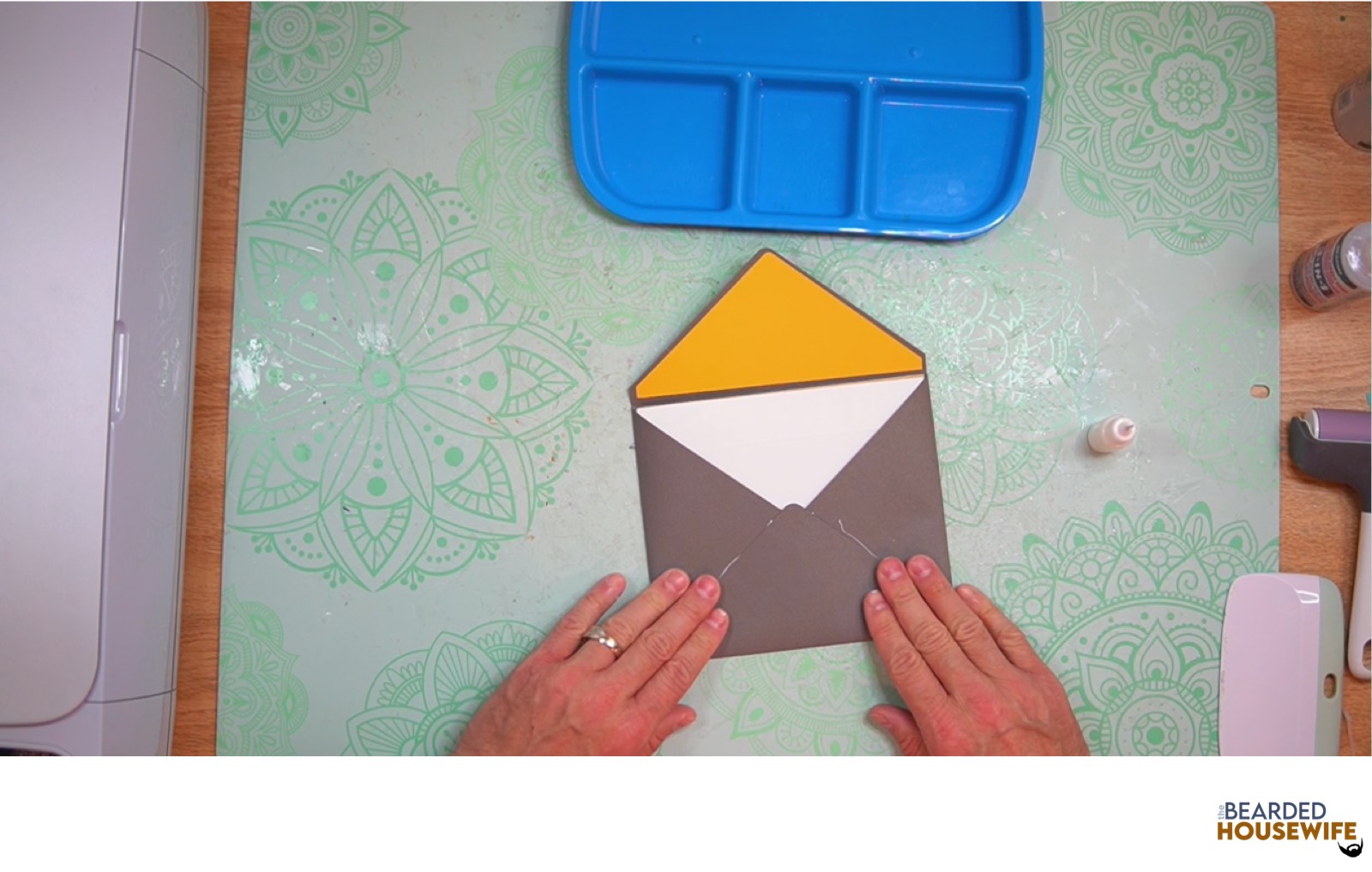
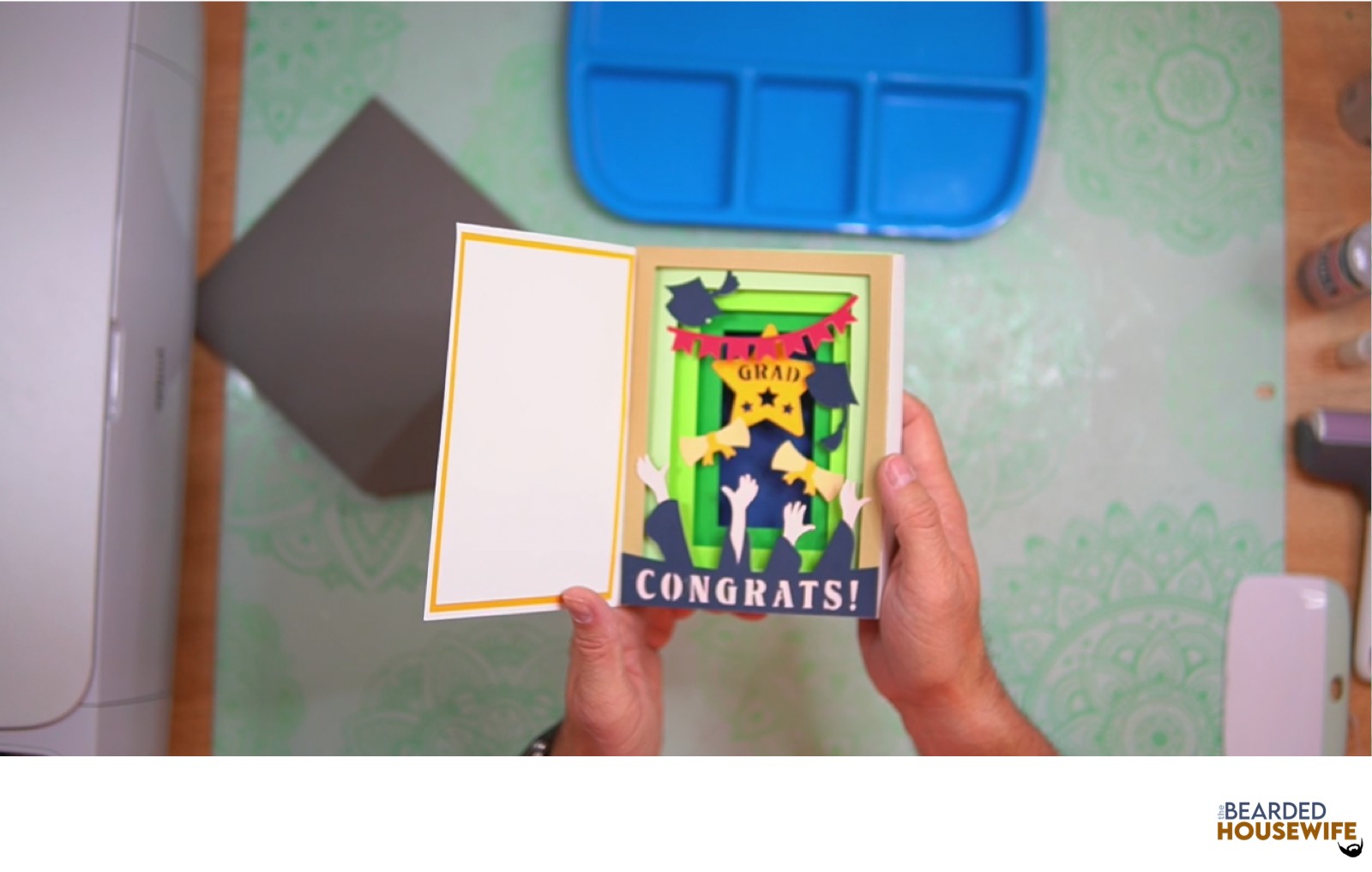
Your card and envelope are complete.
Post a photo in the comment section or tag your projects on social media @thebeardedhousewife using the hashtag #beardedhousewife! I’d love to see how yours turn out!!
Happy Crafting!

WANT TO MAKE GREETING CARDS AND PAPERCRAFTS ON YOUR CRICUT?
JOIN THE BEARDED HOUSEWIFE CRAFTERS CLUB TO GAIN ACCESS TO HUNDREDS OF SVG CUT FILES, PROJECTS, AND OUR EXCLUSIVE COMMUNITY!
WANT TO REMEMBER THIS POST FOR LATER? PIN THIS POST TO YOUR FAVORITE PINTEREST BOARD!